 PH
PH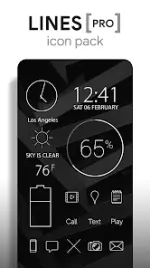
Lines Pro - Icon Pack v3.8.4
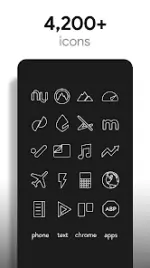
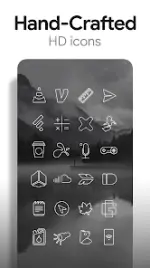
Lines Pro is a high-definition icon pack featuring outlined, transparent shapes designed for modern Android devices. Each icon is handcrafted at XXXHDPI resolution to ensure clarity on high-density screens. The pack includes integrated system and KWGT widgets, alongside a curated collection of cloud and landscape wallpapers optimized for white iconography.Technical Specifications
| Category | Details |
|---|---|
| Version | v3.8.4 [Patched / Premium] |
| Android Requirement | 6.0 and up |
| Icon Resolution | XXXHDPI (192x192) |
| Icon Style | White, flat, outlined, transparent centers |
| Total Icons | 3,700+ |
| Total Wallpapers | 200+ (Cloud-based) |
Included Features
- Icon Library: Over 3,700 clean, flat outlined icons including multiple variations for system apps (Phone, Contacts, Camera).
- Wallpaper Suite: 200+ hand-picked landscapes, skies, and clouds; Includes wallpaper chooser and Muzei support.
- Widget Selection: Editable KWGT and system widgets for Battery, Digital Clock, Analog Clock, and Weather.
- Functionality: Built-in icon request tool and regular updates for new assets.
- Transparency: Transparent icon centers designed to showcase background imagery.
Compatibility & Installation
Recommended Launcher: Nova LauncherSupported Launchers: ADW, Action, Apex, Atom, Aviate, Evie, Go, Holo, Inspire, KK, LG Home, Lucid, Next, Nine, Solo, Smart, Themer, TSF, and Yandex.
Application Methods:Note: A 3rd party launcher is generally required. If the stock launcher lacks native support, utilities like Awesome Icons or Unicon may be used for application.
- Via App: Open Lines Pro > Navigate to "Apply" tab > Select Launcher.
- Via Launcher: Launcher Settings > Personalization > Icon Pack > Select Lines Pro.
What's New
- Bug fixes.