 PH
PH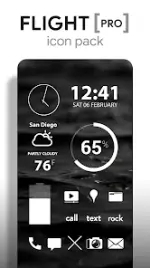
Flight Pro Icon Pack v3.8.4
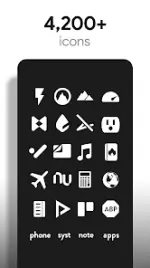
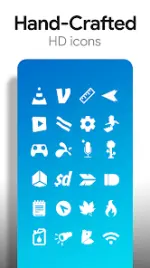
Flight Pro is a minimalist icon pack featuring flat white icons with transparency effects designed to blend with various backgrounds. The package includes a comprehensive suite of customized widgets and a cloud-based wallpaper library.Application Specifications
| Category | Details |
|---|---|
| Version | v3.8.4 [Patched/Premium] |
| Compatibility | Android 6.0 and up |
| Icon Resolution | XXXHDPI (192x192 px) |
| Total Icons | 3,700+ hand-crafted flat icons |
| Wallpapers | 200+ cloud-based (skies, clouds, landscapes) |
| Widget Types | System widgets & editable KWGT (Battery, Digital/Analog Clock, Weather) |
Technical Features
- Icon Design: Clean, flat white aesthetic with transparent sections to showcase underlying wallpapers.
- Wallpaper Integration: Includes a dedicated wallpaper chooser with Muzei support for automated rotation.
- Icon Requests: Built-in "Request" tab for missing icons.
- Customization: Widgets support adjustments for color, size, and font.
- Updates: Regular addition of new icons and performance bug fixes.
Launcher Compatibility
| Recommended | Supported Third-Party Launchers |
|---|---|
| Nova Launcher | Action, ADW, Apex, Atom, Aviate, Evie, Go, Holo, Inspire, KK, Lucid, Next, Nine, Smart, Solo, TSF, Themer |
| OEM Support | LG Home, Yandex Launcher |
Installation Procedures
Method 1: Via Icon Pack Interface- Launch the Flight Pro application.
- Navigate to the Apply tab.
- Select the desired launcher from the list.
- Long-press an empty area on the home screen to access Launcher Settings.
- Navigate to Personalization or Appearance options.
- Select Flight Pro from the icon pack list.
▸ DOWNLOAD OPTIONS
1. MIRROR
- Primary 1: You do not have permission to view the full content of this post. Log in or register now.
- Mirror 1: Download