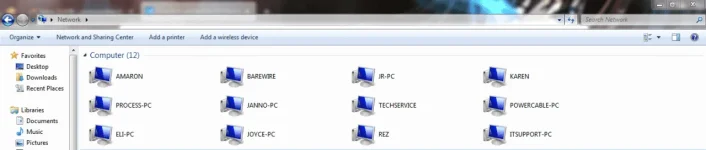
Hello! It's possible that the issue is caused by a network configuration change or a Windows update. Here are some troubleshooting steps you can try:
1. Check if the affected PCs are on the same network. You can do this by pinging their IP addresses from the command prompt.
2. Make sure Network Discovery is turned on for all PCs. You can do this by going to Control Panel > Network and Sharing Center > Advanced Sharing Settings > Turn on network discovery.
3. Check if the affected PCs are in the same workgroup. You can do this by going to Control Panel > System and Security > System > Advanced system settings > Computer Name > Change.
4. Verify that the shared folders are still shared. You can do this by right-clicking on the folder and selecting Properties > Sharing > Advanced Sharing.
5. Try disabling the Firewall and antivirus on the affected PCs. Sometimes these can block network discovery.
6. Restart your network devices, such as your router and switch, and try again.
If the above steps don't work, you can try resetting your network settings:
1. Open the command prompt as an administrator.
2. Type "netsh winsock reset" and press Enter.
3. Type "netsh int ip reset" and press Enter.
4. Restart your PC.
Hopefully, one of these solutions will work for you!
 PH
PH