PH
PHGentleman007
Elite
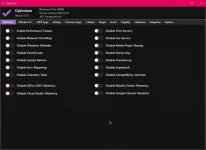
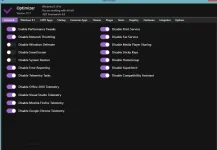
Summary
 ortable utility that helps you restore your privacy and increase your security.
Optimizer is recommended after a fresh, clean installation of Windows to achieve maximum privacy and security.
Depending on your version of Windows, Optimizer will also allow you to perform some specific tweaks.
- Full multilingual support (11 languages available)
- Speed up your system and network performance
- Disable unnecessary Windows services
- Disable Windows telemetry
- Disable Office telemetry (works only with Office 2016)
- Disable Cortana
- Disable Windows 10 automatic updates
- Download useful apps quickly at once
- Uninstall UWP apps
- Clean your system drive and major browsers' profile data
- Fix common registry issues
- Ping IPs and assess your latency
- Search IPs on SHODAN.io
- Flush DNS cache
- Remove unwanted programs running at startup
- Edit your HOSTS file
- Network speed monitoring
- Hardware inspection tool
- Add items in desktop on right-click menu
- Define custom commands for run dialog
- Silent run support using a configuration file
Spoiler contents are visible only to Established Members.