 PH
PHReview:
Windows 7 is doing much better out of the gate than Windows Vista did. As good as the OS roll out is going, there are still legacy devices out there that don't have drivers and software updates to work with Windows 7. The vast masses of users who have held on to Windows XP are particularly vulnerable to this issue which is why Microsoft created XP Mode virtualization to ease the pain of transition.
XP Mode is a complete, licensed copy of Windows XP with Service Pack 3 contained in a virtual hard disk (VHD) that runs under Windows Virtual PC. XP-mode enables you to run Windows XP from within Windows 7. You can add USB devices and seamlessly access the drives on the host Windows 7 system. Most importantly, Windows XP-mode lets you use Windows 7, while still providing a platform for you to use legacy hardware that is not compatible with Windows 7.
There is a catch though. Windows XP Mode is only available for the Professional, Ultimate, and Enterprise editions of Windows 7. The millions of consumers who are still using Windows XP and are considering whether or not to switch to Windows 7 Home Premium do not have the benefit of leveraging XP Mode to connect older hardware or incompatible software. This build has been designed regarding final look and responsible OS everyone needs.
About Build:
Format: ISO Image
ISO Size: 699MB
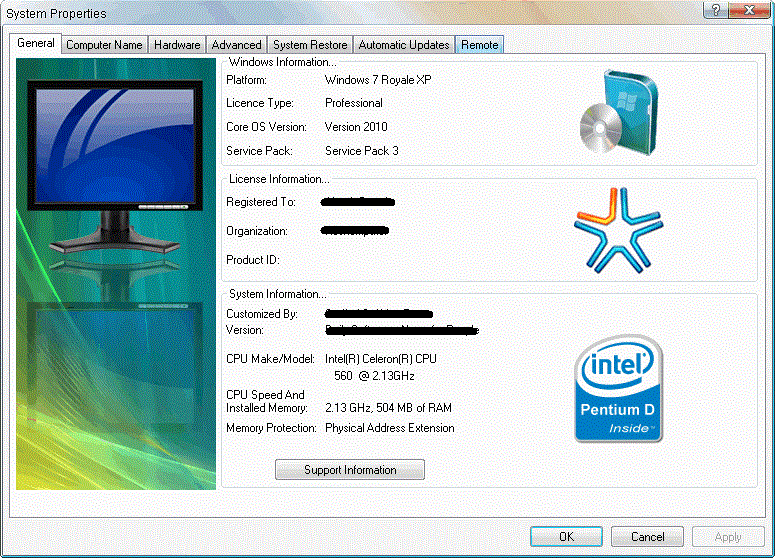
Operating system: Windows Xp Service Pack 3 x86 (32bit)
Support Sata: YES
Support Raid: YES
SCSI Support: YES
Auto Drivers Get: YES - Skydriver v9.9. Included
Internet Explorer 8: YES
Windows Media Player 11: YES
Hotfixes: YES
Update Online: YES
CD Keys: Already Available Added. No Keys Needed.
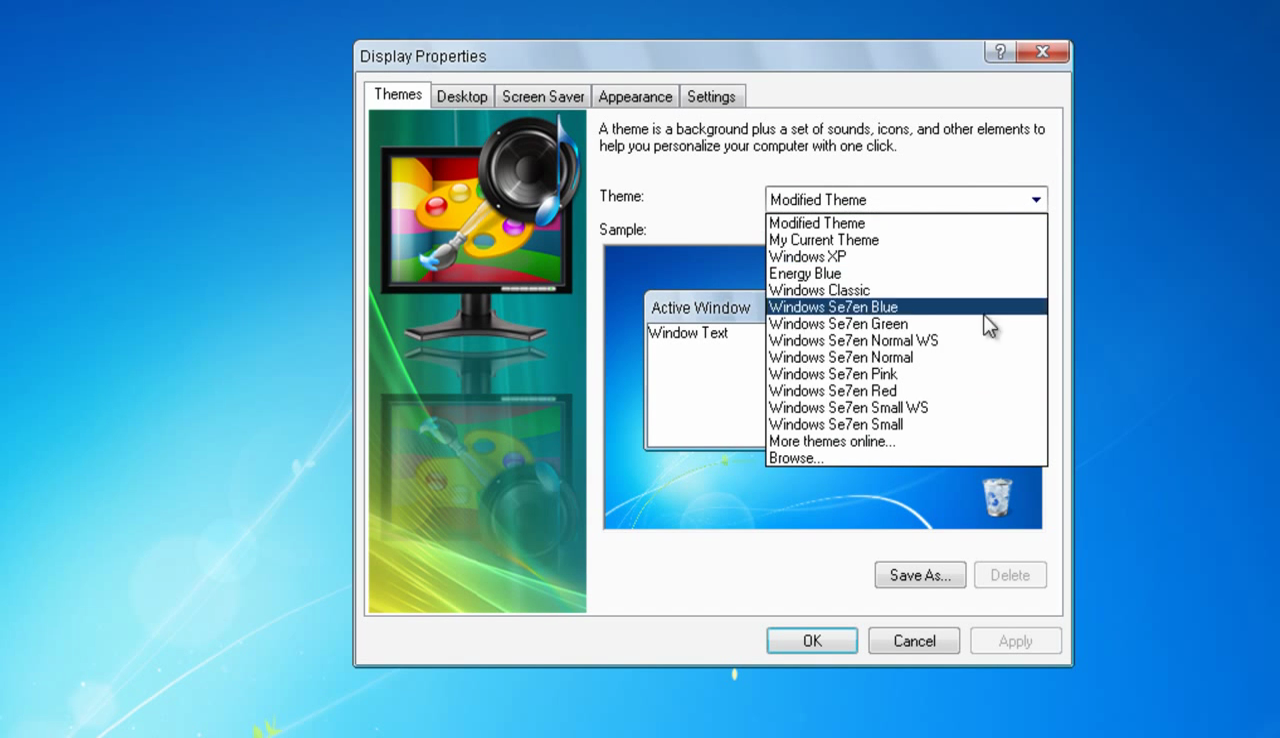
Windows 7 Other Themes: YES
Toolbar: YES
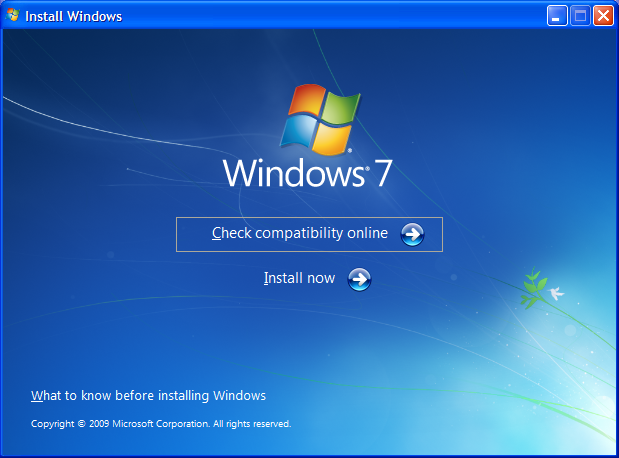
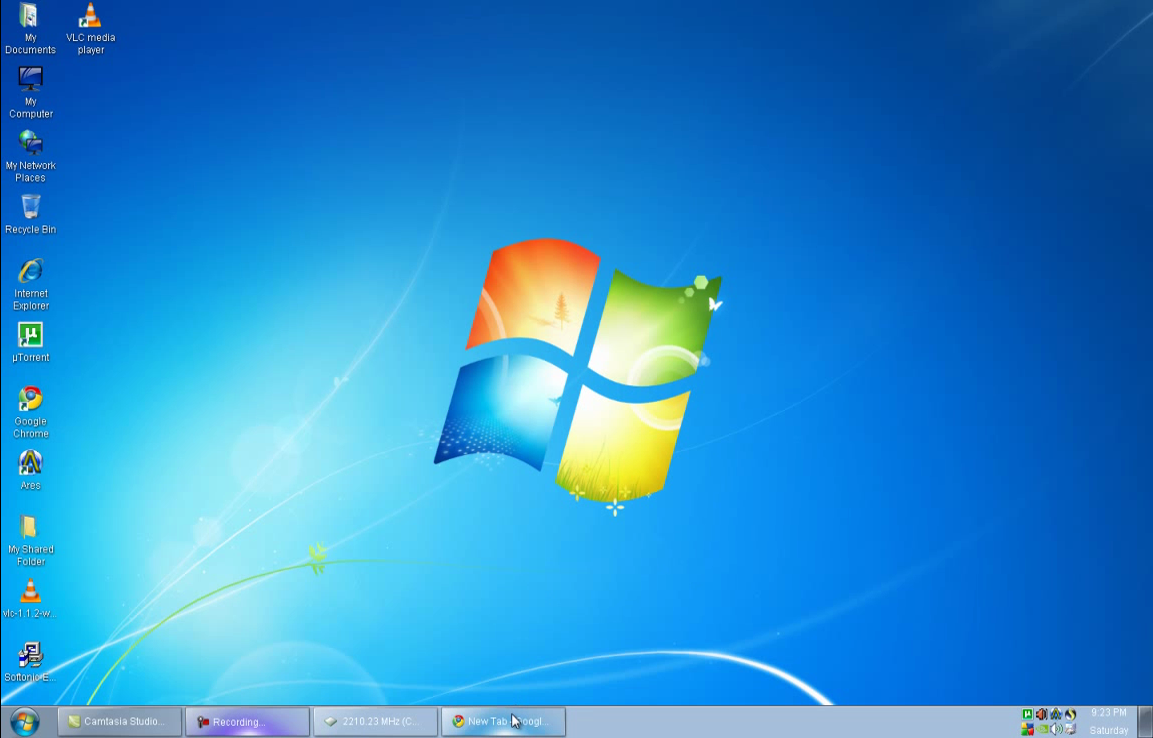
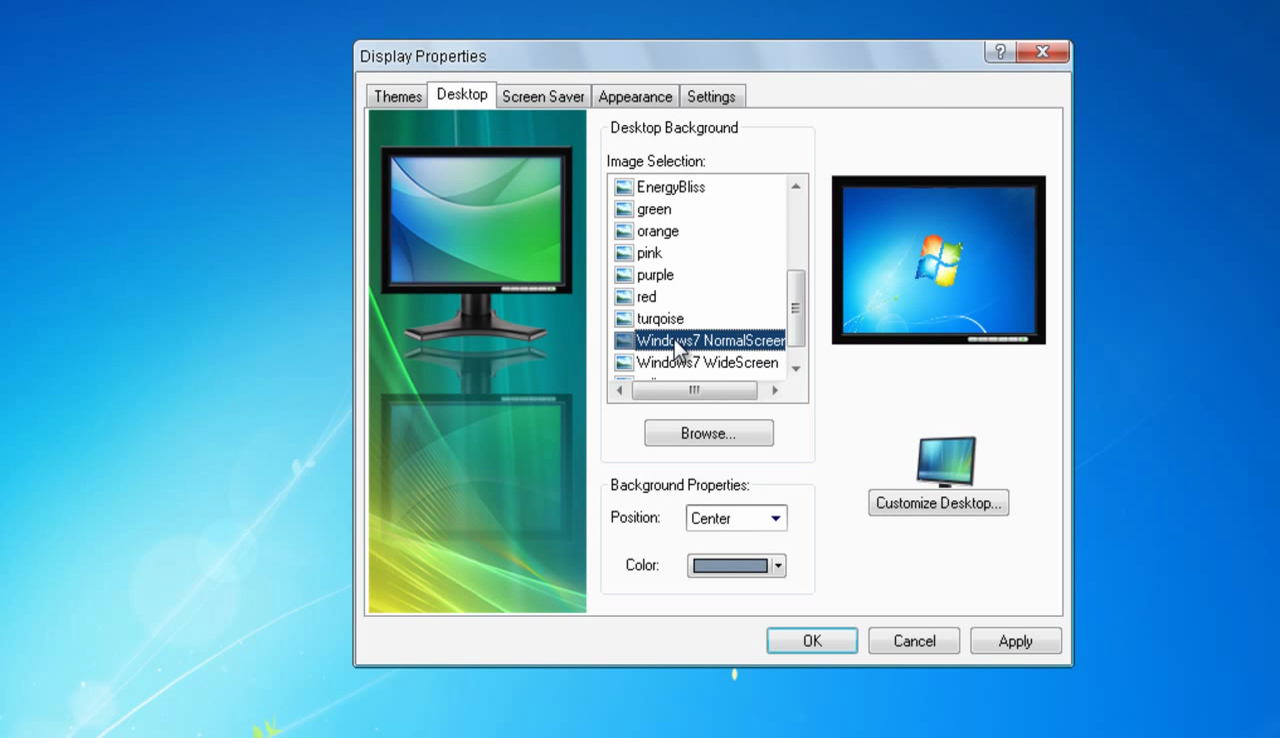
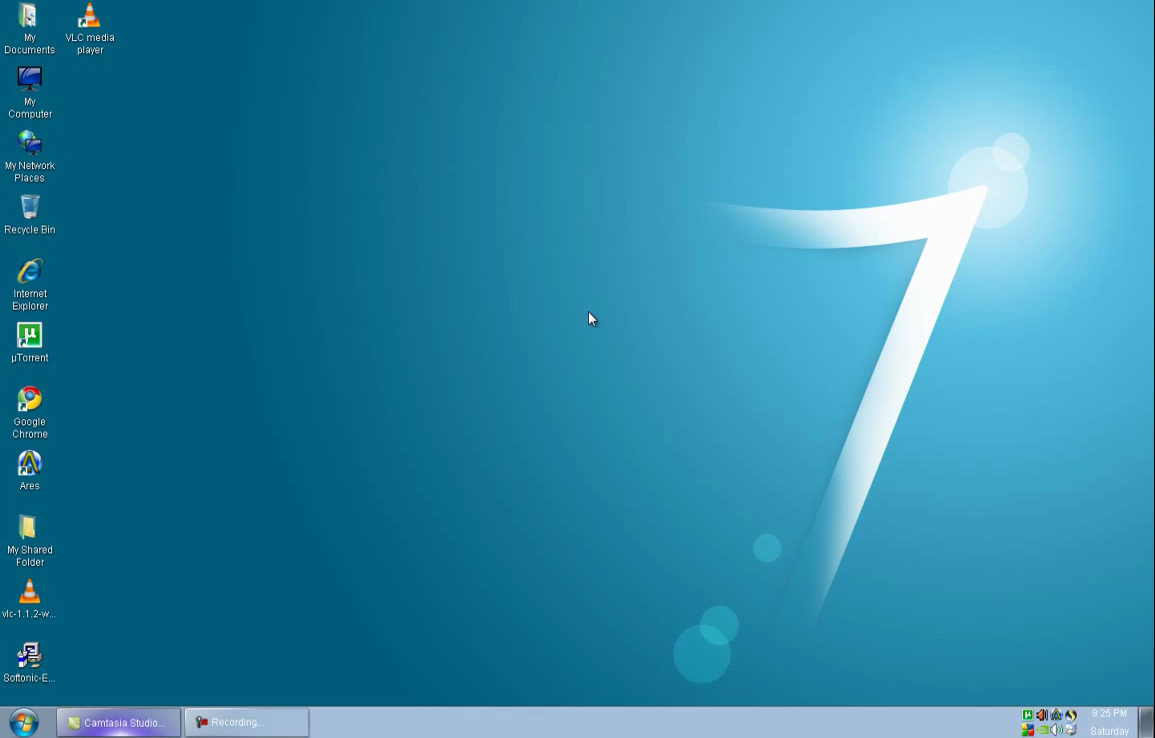
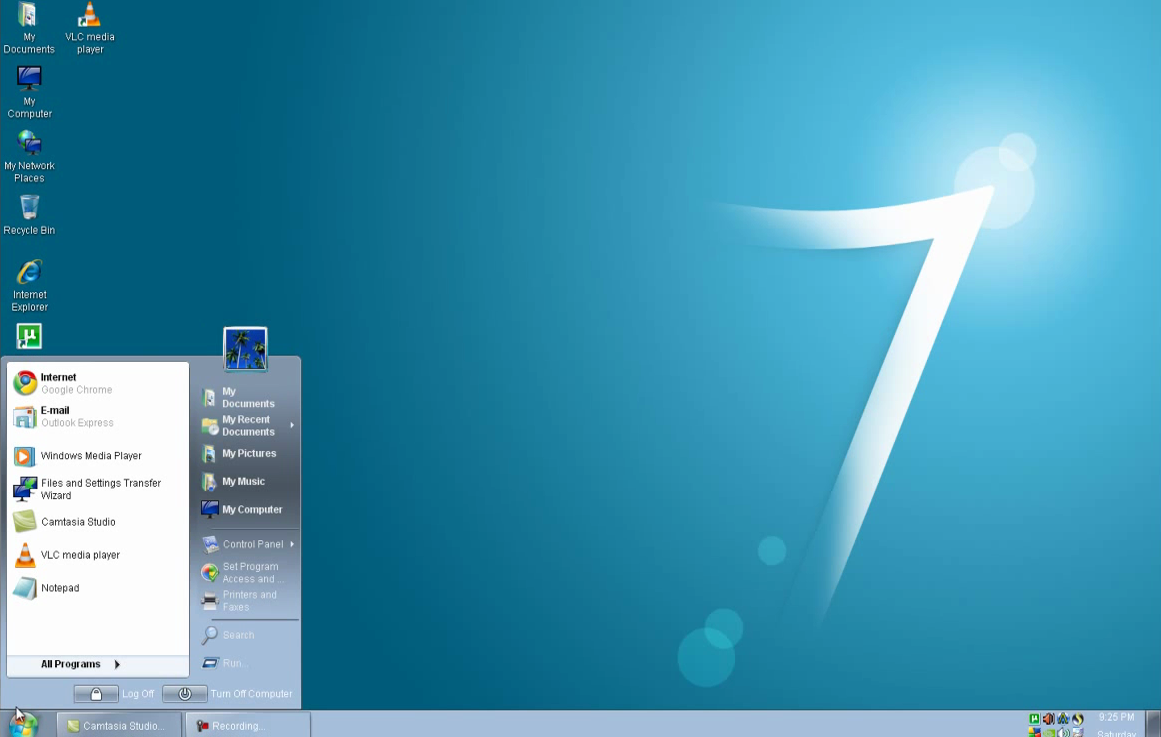
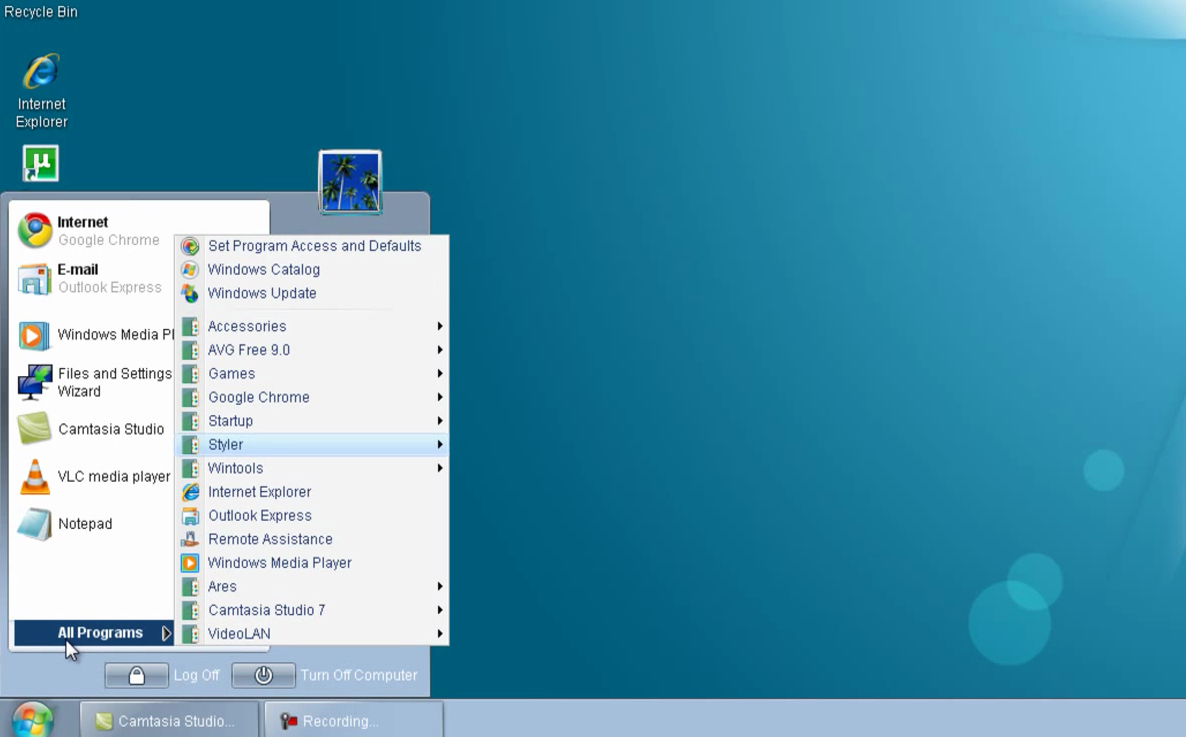
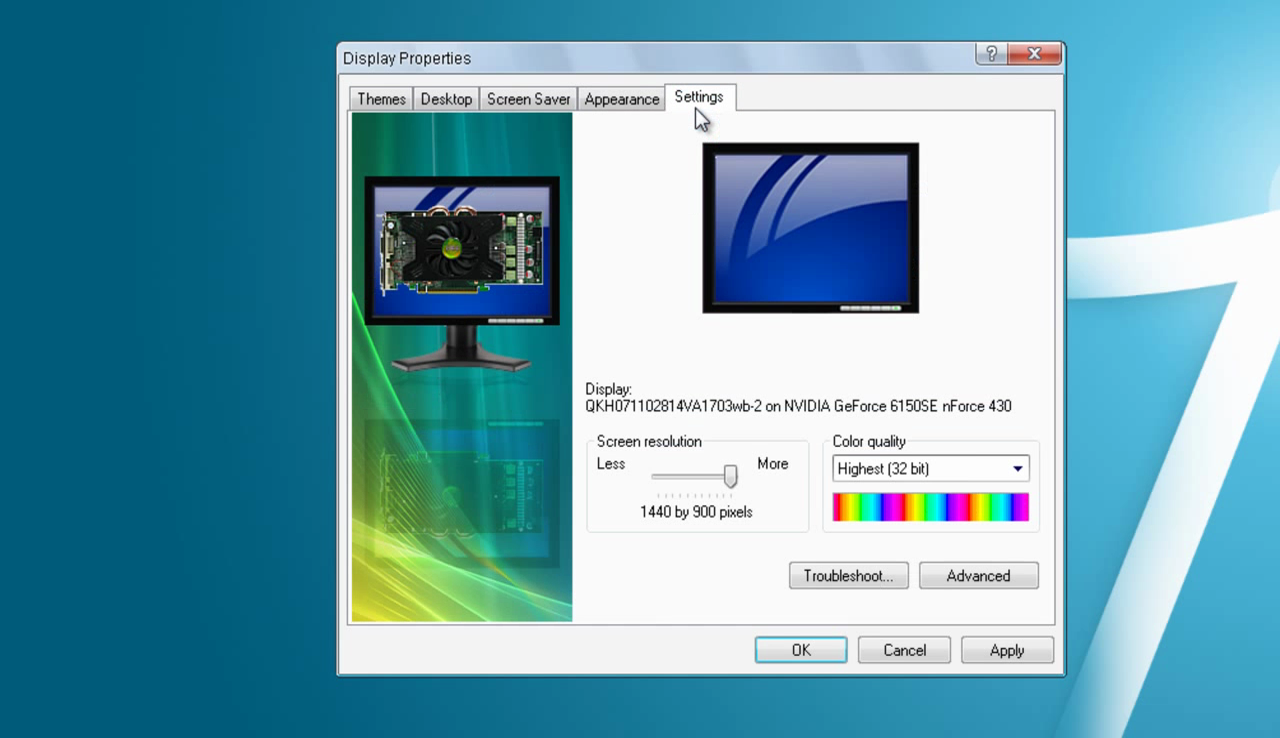
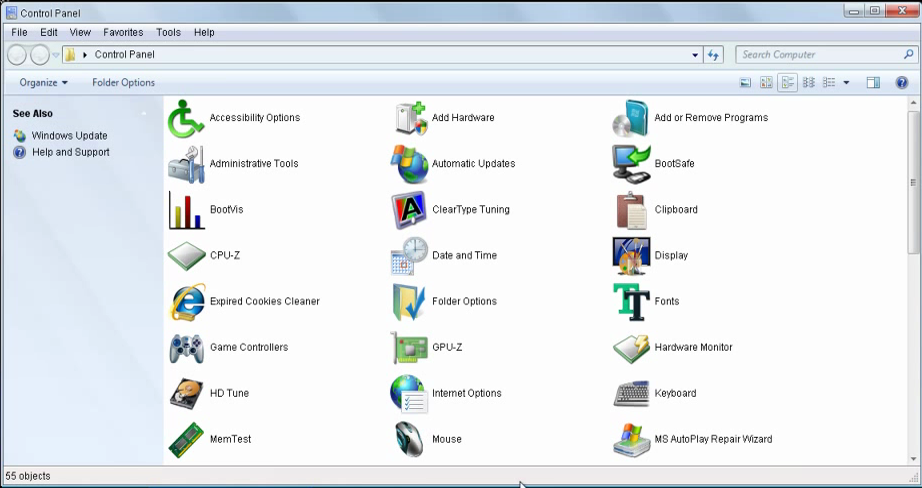
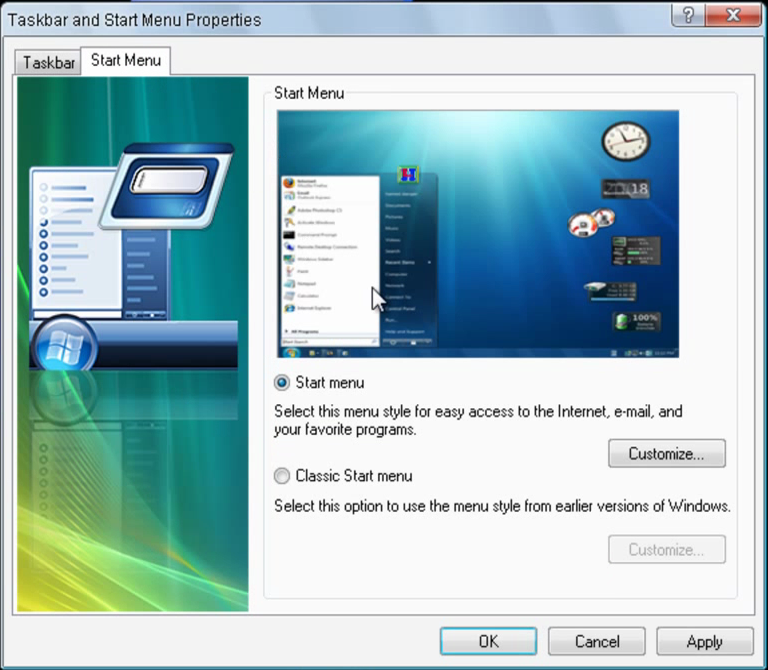
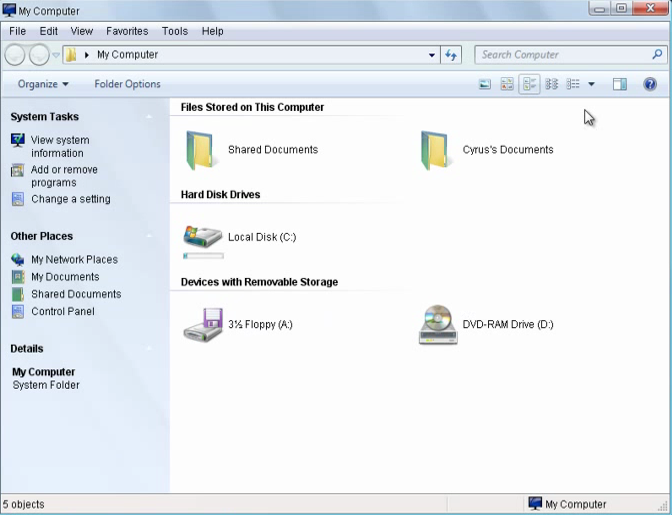
Complete Windows 7 Look & Menu: YES
Softwares Compatibility: YES

Minimum System Requirements:
Intel Pentium4 2.4GHz
512MB Ram
128MB Graphic Memory
2.5GB Hard Disk Space Needed
CD/DVD ROM
How To Install:
-Download Torrent
-Create Bootable CD/USB With Rufus
-Restart PC/Laptop
-Press Boot Key
-Boot From Bootable CD Or USB
-Select Option > Press Enter
-Follow Installation Instruction Onscreen & Enjoy.
You do not have permission to view the full content of this post. Log in or register now.
You do not have permission to view the full content of this post. Log in or register now.
Windows 7 is doing much better out of the gate than Windows Vista did. As good as the OS roll out is going, there are still legacy devices out there that don't have drivers and software updates to work with Windows 7. The vast masses of users who have held on to Windows XP are particularly vulnerable to this issue which is why Microsoft created XP Mode virtualization to ease the pain of transition.
XP Mode is a complete, licensed copy of Windows XP with Service Pack 3 contained in a virtual hard disk (VHD) that runs under Windows Virtual PC. XP-mode enables you to run Windows XP from within Windows 7. You can add USB devices and seamlessly access the drives on the host Windows 7 system. Most importantly, Windows XP-mode lets you use Windows 7, while still providing a platform for you to use legacy hardware that is not compatible with Windows 7.
There is a catch though. Windows XP Mode is only available for the Professional, Ultimate, and Enterprise editions of Windows 7. The millions of consumers who are still using Windows XP and are considering whether or not to switch to Windows 7 Home Premium do not have the benefit of leveraging XP Mode to connect older hardware or incompatible software. This build has been designed regarding final look and responsible OS everyone needs.
About Build:
Format: ISO Image
ISO Size: 699MB
Operating system: Windows Xp Service Pack 3 x86 (32bit)
Support Sata: YES
Support Raid: YES
SCSI Support: YES
Auto Drivers Get: YES - Skydriver v9.9. Included
Internet Explorer 8: YES
Windows Media Player 11: YES
Hotfixes: YES
Update Online: YES
CD Keys: Already Available Added. No Keys Needed.
Windows 7 Other Themes: YES
Toolbar: YES
Complete Windows 7 Look & Menu: YES
Softwares Compatibility: YES
Minimum System Requirements:
Intel Pentium4 2.4GHz
512MB Ram
128MB Graphic Memory
2.5GB Hard Disk Space Needed
CD/DVD ROM
How To Install:
-Download Torrent
-Create Bootable CD/USB With Rufus
-Restart PC/Laptop
-Press Boot Key
-Boot From Bootable CD Or USB
-Select Option > Press Enter
-Follow Installation Instruction Onscreen & Enjoy.
You do not have permission to view the full content of this post. Log in or register now.
You do not have permission to view the full content of this post. Log in or register now.