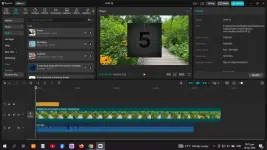
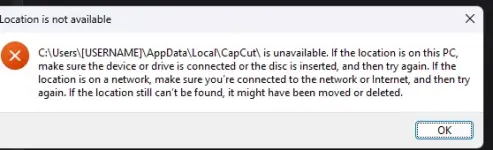
PH
PHWayback yung CapCut "FREE" pa, ngayon halos lahat ng Free Assets nilagay na sa PRO at need mo na mag subscribe.
Here's the easiest way para magamit mo yung CapCut ng libre sa PC/Laptop mo.
Version 1.5 ang pinaka-dabest at stable gamitin para sa version ng CapCut.
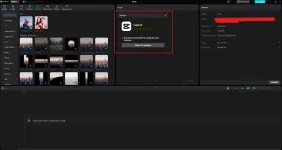
1. Download CapCut 1.5 here:
https )//capcut(.)en(.)uptodown(.)com/windows/download/91204437
NOTE: Remove "()" parenthesis.
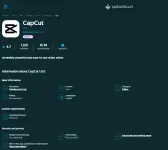
2. Install mo yung CapCut then open mo lang saglit mga 10 seconds.

3. Pindutin mo yung Windows + R sa keyboard or RUN. Then punta ka dito.
C:\Users\[USERNAME]\AppData\Local\CapCut\User Data\Download
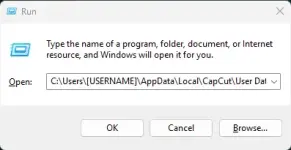
4. Right click mo lang then, create new text, then rename mo to update.exe
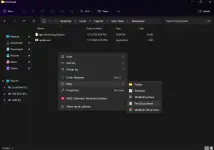
5. Last step, right click mo yung update.exe, then properties, the check mo yung "READ ONLY", then hit APPLY & OK.
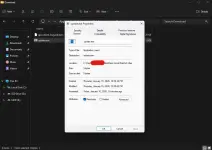
And ayun, FREE VERSION na ulit CapCut mo.
NOTE: Kahit may newer version ka at gusto mo mag switch to 1.5 version, pwede naman kahit di mo na i-uninstall. Delete mo lang yung existing update.exe if may newer version ka. Ang magiging problema lang dun, yung files mo di ma-o-open ng version 1.5.
Sana nakatulong ito sa inyo. hahahaha