PH
PHWhat Makes MRST UniSoc Tool Special?
- No Dongle Required – You don’t need any hardware to activate the tool.
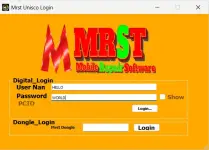
- No Login or Keygen – Just enter any username and password, and it works instantly.
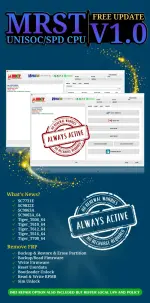
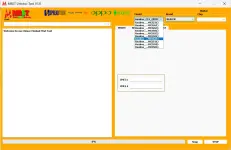
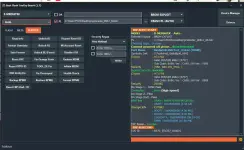
- Supports Popular CPUs – Including SC7731E, SC9832E, SC9863A, Tiger T606, T612, T616, T700, and more.
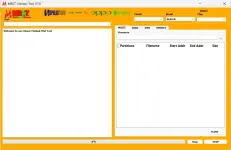
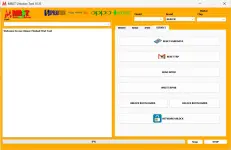
- User-Friendly Interface – Clean layout, easy buttons, and fast performance.
- Powerful Functions:
- Remove FRP (Factory Reset Protection)
- Reset User Data
- Unlock Bootloader / Relock Bootloader
- Read & Write RPMB
- SIM Unlock for all carriers
- Backup, Restore, and Erase Partitions
- Flash firmware with custom address range
How to Install MRST UniSoc Tool v1.0
- Download the .rar file and extract it to your desktop
- Use the password: softwarecrackguru
- Open the extracted folder and run MRST_Loader_UniSoc.exe as Administrator
- Click OK on the splash screen
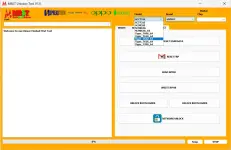
- Enter any username and password in the login window
- Click Login and then OK on the popup
- Done! The tool opens successfully—no dongle, no login, no activation needed
Link:
You do not have permission to view the full content of this post. Log in or register now.