 PH
PHSoftOrbits Icon Maker
SoftOrbits Icon Maker helps to make an icon for Windows easily, it has a simple user interface and numerous tools for creating graphic icons. You can create icon file, edit or extract – convert – manage the existing ones. SoftOrbits Icon Maker also allows you to create multi-format icons, ensure compatibility with all configurations.
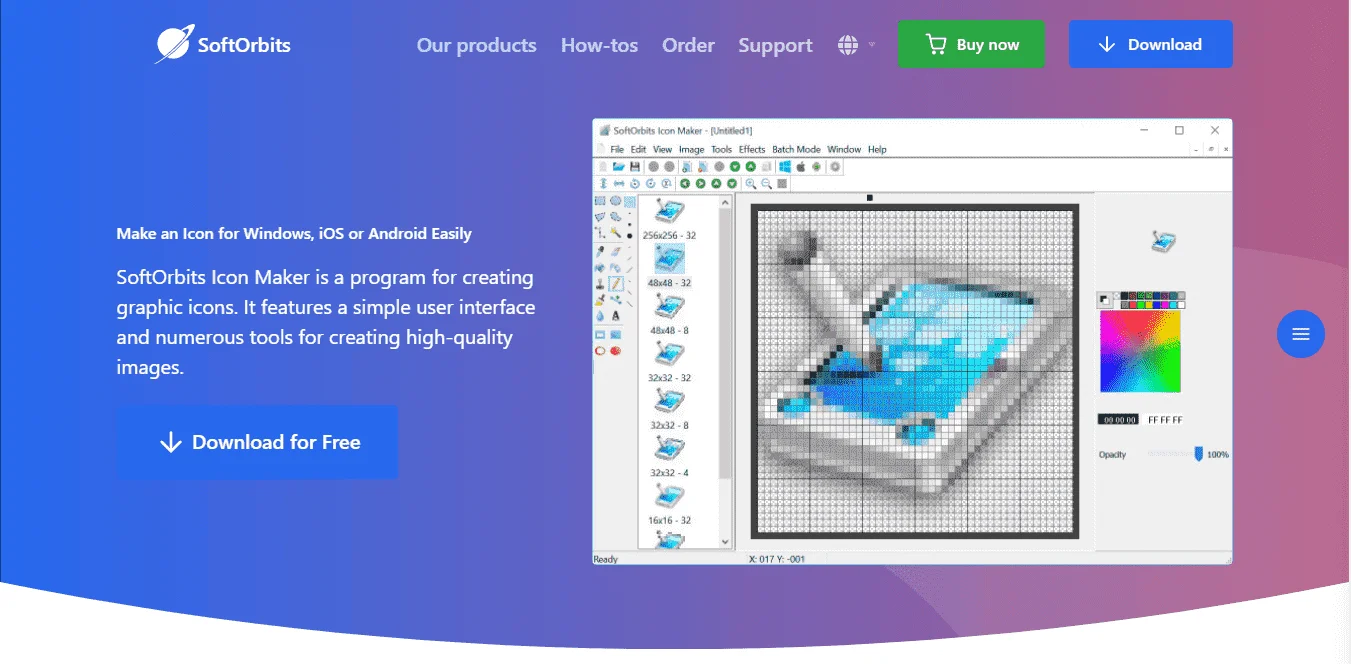
Main Features
Feature Highlights- Make an Icon for Windows, iOS or Android
- Simple interface
- Compatible with all operating systems
- Supports most popular formats
- Convert Images to Icons
- Plenty of options for editing icons
- Drawing cursors
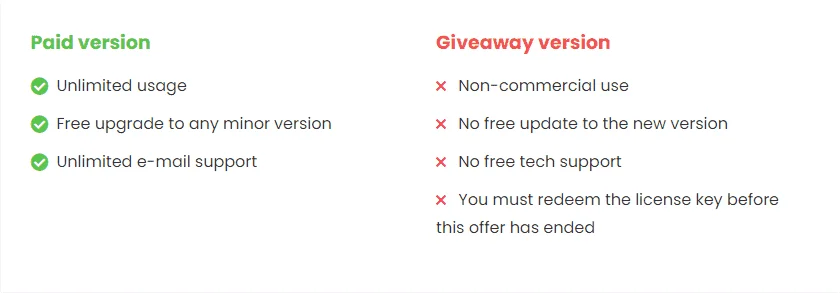
Lifetime License
SoftOrbits Icon Maker Free License Key
Giveaway Details- Product name: SoftOrbits Icon Maker
- Website: You do not have permission to view the full content of this post. Log in or register now.
- License type: lifetime
- Platform: Windows
- Giveaway link: You do not have permission to view the full content of this post. Log in or register now.
- Download: You do not have permission to view the full content of this post. Log in or register now.
How to get the license key?
Instructions- Download the installer for SoftOrbits Icon Maker from the homepage by the download link above (you will get the latest version).
- Install or open SoftOrbits Icon Maker on your computer, launch it, and choose the “Register” button.
- Enter the SoftOrbits Icon Maker serial key and press “Register”.