PH
PHjoey the cockroach
Forum Master
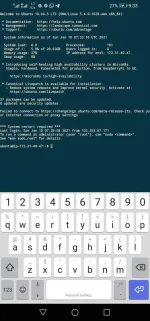
1. In terminal, first run
2. Then edit sshd config
3. Find these lines
Change them respectively to these
note: uncomment or remove the "#" character
Ctrl+X then Y then Enter to exit
4. Then restart sshd
5. Set password for root
Enter your desired password
note: no characters will appear on the screen as you type, just proceed
To disable PEM/PPK login, repeat Step 2
Then find this line
Change to
Ctrl+X then Y then Enter to exit
Then restart sshd, repeat Step 4
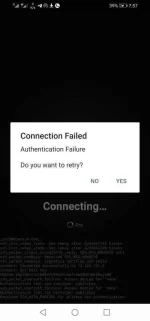
Then logout and try to login as root
Code:
sudo su -2. Then edit sshd config
Code:
nano /etc/ssh/sshd_config3. Find these lines
#PermitRootLogin prohibit-passwordPasswordAuthentication noChange them respectively to these
PermitRootLogin yesPasswordAuthentication yesnote: uncomment or remove the "#" character
Ctrl+X then Y then Enter to exit
4. Then restart sshd
Code:
systemctl restart sshd5. Set password for root
Code:
passwd rootEnter your desired password
note: no characters will appear on the screen as you type, just proceed
To disable PEM/PPK login, repeat Step 2
Then find this line
#PubkeyAuthentication yesChange to
PubkeyAuthentication noCtrl+X then Y then Enter to exit
Then restart sshd, repeat Step 4
Then logout and try to login as root