PH
PHrainych_ran
Contributor
In the knowledge of others who don't know how to use cookies yet, this is for you. 
Step 1: Open the Extension
· Open your web browser (e.g., Google Chrome, Mozilla Firefox).
· Go to your browser’s Extension store (e.g., Chrome Web Store, Firefox Add-ons).
· Search for a Cookie Editor extension.
· Click the “Add to Chrome” or “Add to Firefox” button to install the extension.

Step 2: Open the Cookie Editor
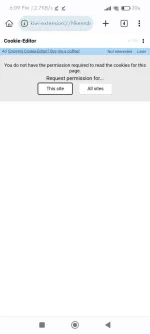
· Once the extension is Installed, its symbol will appear in your browser’s toolbar (often in the top-right corner).
· click the Cookie Editor extension icon.
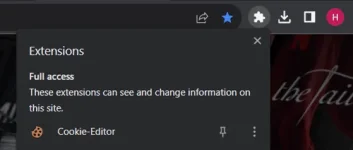
Step 3: View Premium Cookies
· A list of cookies for the current website will be visible in the Cookie Editor window.
· Each cookie’s name, value, domain, expiration date, and other information can be viewed.
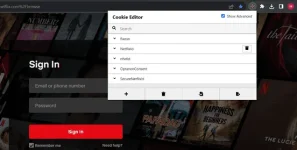
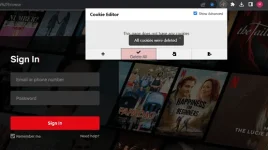
Step 4: Delete Cookies
· A cookie can be deleted by selecting it from the list and then looking for an “All Delete” or trash can icon.
· The specified cookie will be deleted when you click on it.
Step 5: Add New Cookies
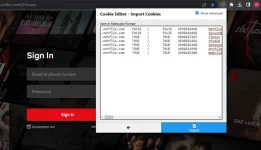
· Look for an option like the “Import Cookie” button in the Cookie Editor window to add a new cookie.