PH
PHS U K U N A
Forum Expert
Good day mga lods! 
Installer ng Office 365 offline for A1 Plus or E5 licenses.
May instructions on how to install
Download na mga lods
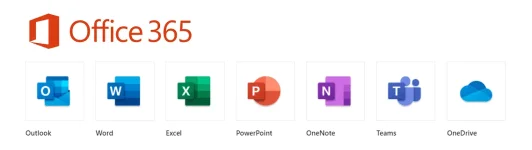
Apps Included in the Installer:
Word✔
Excel✔
PowePoint✔
Publisher✔
Access✔
Outlook✔
OneDrive✔
OneNote✔
Teams✔
Skype✔
F.A.Q: Para saan to?
Answer: Pang Windows PC/Laptop
F.A.Q: Anong version ng Windows pwede itong installer?
Answer: You can install Microsoft Office 365 on machines running Windows 7, 8, 10 or 11 (but not Vista or XP).
F.A.Q: Paano mag activate nito? Need ba account?
Answer: Oo need mo ng account to activate this version of Office. Login mo lang yung account mo na may license
then automatically activated na yan and you can edit files na even when offline/no internet.
You do not have permission to view the full content of this post. Log in or register now.
You do not have permission to view the full content of this post. Log in or register now.
1. Download the version you want to install from the link above
2. After download extract the files using Winrar or other rar apps
3. Open the extracted folder
4. Run the file install.cmd/install.bat
5. If you see the User Account Control prompt that says,
Do you want to allow this app to make changes to your device?,
click Yes.
6. Wait for install to finish, do not close the cmd or installer, it will automatically close once finished installing
7. After installation just open any application for example Word and it will ask for you to sign in
(you need internet to sign in and activate)
8. Sign in with your account and it will automatically activate your Office apps
9. If it says Product Unlicensed on top of the window of Word/any App, just close the app and re-open it again.