PH
PH
P
PurpleFox
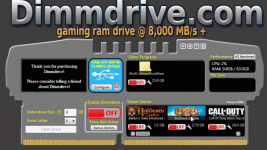
Dimmdrive is a RAM based hard drive software built by gamers, specifically for gamers. With Dimmdrive, you will be able to turn your PC’s RAM into an incredibly fast hard drive. This incredibly fast hard drive can be hundreds if not thousands of times faster than a conventional hard drive.
By playing your game on a faster hard drive:
- * Take full advantage of up to (and over) 10,000 MB/s hard drive (HD) access!
- * Game load times are incredibly faster! We've seen 60 second game load screens turn into 2-3 seconds!
- * Immerse yourself with nearly instant in-game level loading and transitions!
- * Eliminate FPS drops that are due to your hard drive slowing down!
- * Gain a competitive edge against others!
- * Save on wear and tear of your SSDs as RAM lasts nearly forever!
How it works:
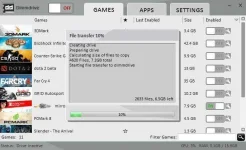
Dimmdrive is a Windows-based software built for 64bit Windows 7/8/10. Dimmdrive utilizes excess system RAM to create a virtualized hard drive Dimmdrive will auto-detect your game and automatically configure itself to work on this virtualized hard drive in a seamleass way.
You simply run Dimmdrive, click a few buttons, and then play your game on an incredibly fast drive.
This enables all games and programs to benefit from having nearly disk access and load times. Dimmdrive handles the whole game set-up, file mapping, data synchronization, and data integrity of your game
Dimmdrive has a lot of features built specifically for gamers!
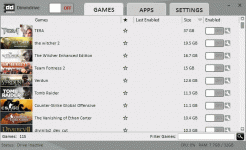
- * Full Steam Integration - Just run Dimmdrive and it will auto-detect all your Steam games!
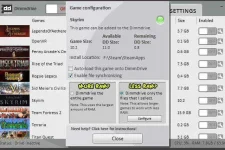
- * Large games can work with small RAM sizes Dimmdrive has a "LESS RAM?" feature which enables you to make the important files of a large game go insanely fast, even if you have a smaller amount of RAM
- * Real-Time File Sync - Never worry about PC crashes as Dimmdrive automatically synchronizes data from your RAMdrive back to your HD!
- * Support for non-Steam games - Simply drag/drop any non-Steam game into Dimmdrive and it will work!
- * Support for general, non-game applications - Use Dimmdrive with any application including video editing, databases, virtual machines, and more!
- * Convenient game sorting options makes large Steam libraries manageable!
- * Incredible community surrounding the software!
- * Direct contact with the developer for suggestions on feature updates!
- * Continual development with free software updates!