PH
PH
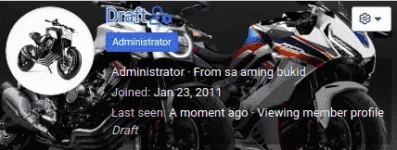
If you want to make your profile look at least 50% better than before, you just need to click the "Edit profile banner" button to be presented with an overlay which allows you to browse for and upload an image from your device.
There may be more interesting parts of the image to display, so you can change the focal point of the banner by clicking "Edit profile banner".
All you need to do is click/touch and drag to reposition it to a different part of the image.
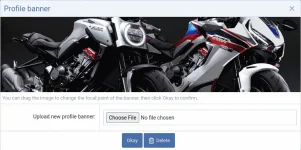
Applied on member tool-tip too.