 PH
PH
SUPPORTED DEVICE : Huawei Nova 7i
Pwede po ito sa mga Huawei nova 7i user na hirap mag-install ng Google Mobile Services(GMS) at mag-download and run ng apps na kailangan ng Google. Use at your own risk nalang po

REQUIREMENTS:
- HUAWEI HiSuite_10.0.0.510_OVE for Windows: You do not have permission to view the full content of this post. Log in or register now.| You do not have permission to view the full content of this post. Log in or register now.
- HUAWEI HiSuite for MacOS: You do not have permission to view the full content of this post. Log in or register now.
- Firmware Finder For Huawei_v9.9.2: You do not have permission to view the full content of this post. Log in or register now.| You do not have permission to view the full content of this post. Log in or register now.
- Firmware Finder For Windows: You do not have permission to view the full content of this post. Log in or register now. | You do not have permission to view the full content of this post. Log in or register now.
- HiSutie.Proxy: You do not have permission to view the full content of this post. Log in or register now.| You do not have permission to view the full content of this post. Log in or register now.
- PC/ Laptop
- Internet Connection
- Original USB cable
- Brain.exe
Spoiler contents are visible only to Established Members.
Credits po sa original owner
-=> @ictfix.net
FAQ
Q: Safe po ba ito?
A: Oo pag alam mo ginagawa mo.
Q: Official Firmware po ba yan?
A: Yes
Q: Google play protect error issue
A: Disable notification mo lang.
Q: Pwede po ba i-update yung firmware?
A: Pwede po by using the same method in the video.
Q: Update failed error when updating firmware.
A: Make sure that the firmware version is supported by your device.
Q: Can't add Gmail account.
A: Please install GMS again and add all your desired gmail.
Q: Is it okay to change the my Gmail password?
A: Please don't kasi po mawawala po yung GMS nyo po
Q: An Application requires installation of Google Play services ERROR.
A: Please follow the instruction carefully or start again from scratch
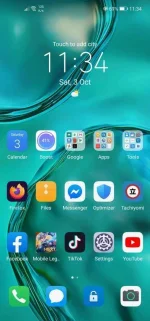
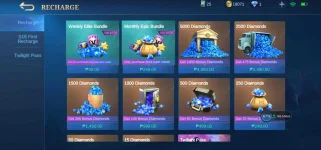
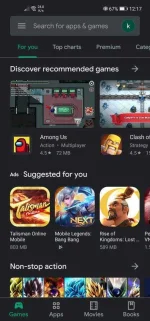
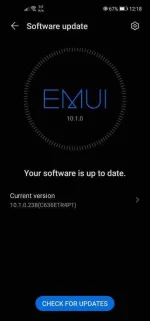
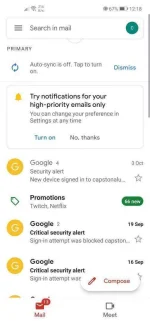
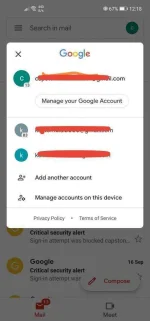
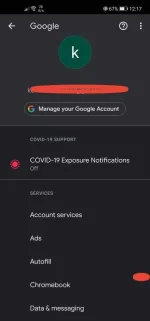
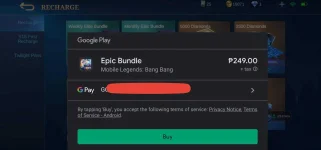
check the screenshot nalang as proof.
Attachments
-
 Screenshot_20201003_233459_com.huawei.android.launcher.webp75.3 KB · Views: 54
 -
 Screenshot_20201003_234132_com.mobile.legends.webp153.8 KB · Views: 66
 -
 Screenshot_20201004_001737_com.android.vending.webp92.4 KB · Views: 57
 -
 Screenshot_20201004_001805_com.huawei.android.hwouc.webp24.7 KB · Views: 59
 -
 Screenshot_20201004_001858_com.google.android.gm.webp45.9 KB · Views: 54
 -
 Screenshot_20201004_002008.webp36.7 KB · Views: 51
 -
 Screenshot_20201004_002127.webp26 KB · Views: 51
 -
 Screenshot_20201004_002210.webp65.7 KB · Views: 46
 -
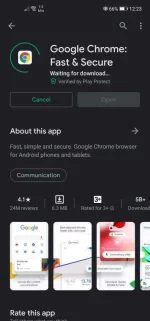 Screenshot_20201004_002308_com.android.vending.webp51.7 KB · Views: 51

