PH
PHISoldmyMonForEpicSkin
Forum Veteran
Steps,
1. Go to internal storage.
2. Enable/Show hidden files.
3. Go to folder . dwd/c/o/m/b/b/k/t/h/e/m/e/t
4. Now paste the miui theme. Itz file there.
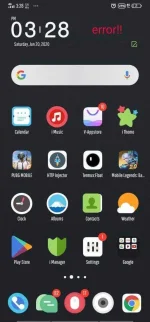
5. Go to ithemes then to local then to local theme.
6. The theme will be there to be applied.
Hope it helps. Ty
1. Go to internal storage.
2. Enable/Show hidden files.
3. Go to folder . dwd/c/o/m/b/b/k/t/h/e/m/e/t
4. Now paste the miui theme. Itz file there.
5. Go to ithemes then to local then to local theme.
6. The theme will be there to be applied.
Hope it helps. Ty
Spoiler contents are visible only to Established Members.