 PH
PH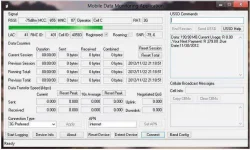
Before running MDMA make sure you have no other applications or dashboards open that might be using your data device's communications port.
Many dashboard applications drop the connection when you close them; you can use Ctrl-Alt-Del to pop up the Windows Task Manager, select the dashboard application and click on the End Task button, and your internet connection will remain open. When you are finished with MDMA you can close it without dropping your connection and open your dashboard again. Doing this will keep your data counters running. You can use your dashboard application or MDMA to keep track of your usage, but not both. Be sure to disconnect your internet connection from the program in which you wish to track your usage.
Most dashboard applications use the autorun mechanism to start their dashboard when the modem is inserted, to temporarily stop this behaviour, hold the Shift key down while inserting the modem. For a more permanent fix, you can disable autorun in your registry or prevent the emulated CD-ROM from being assigned a drive letter in Disk Management.
Additionally, some recent dashboards also install a service that starts their dashboard, simply disable thse services to prevent his behaviour. Service names to look out for are 'DCservice.exe', 'Vodafone Mobile Broadband Service' and 'UI Assistant Service'.
