PH
PH[HOT] "6 Useful Tools for Customizing Windows 8 2013 Pack"
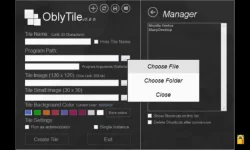
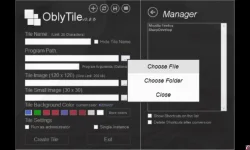
1. OblyTile - allows you to create your own custom tiles for desktop applications, websites, folders, and anything else you like.

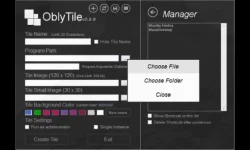
your custom desktop shortcuts can look much nicer than the desktop shortcut tiles Windows 8 uses by default.
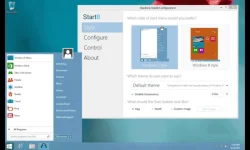
2. Start8 - replaces the Start menu with the new full-screen Start screen. If you’d rather have a traditional Start menu.
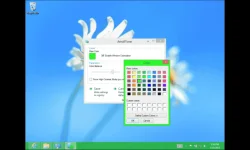
3. Aero8 Tuner - automatically selects window border colors by default, but you can also select a color from a short list of provided colors.
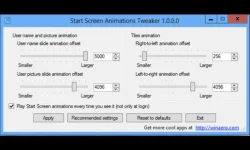
4. Start Screen Animations Tweaker - Start Screen Animations Tweaker allows you to tweak these animations without looking up registry settings.
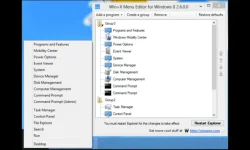
5 . Win - X Menu Editor - If you want to add your own custom program shortcuts to this list or modify the existing ones, you can do easily customize the menu with Win+X Menu Editor.
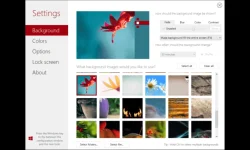
6. Decor8 - allows you to set a custom background image and color scheme for your Start screen.
All rights reserved 2013-2014
Credits by TESO
Credits by TESO
Code:
Please like and comment.
Code:
Link : http://www.mediafire.com/download/w5rrada3kiblcbf/6+Useful+Tools+For+Customizing+Windows+8.rar