 PH
PHFunctions: Use to search, copy and delete files
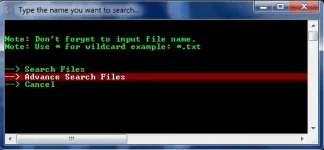
for search u may use "*" (asterisk) for wildcard example: *.img, *.mp4 or *.mp3
for advance search just type the name that u want to search example: crack
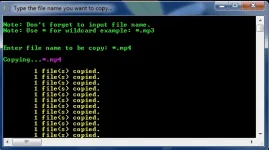
for copy option same procedure with search option. The files will be saved in ur Desktop name "files"
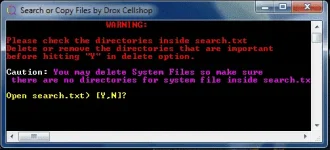
WARNING:
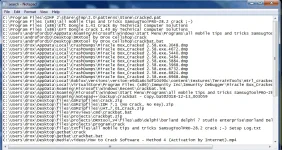
for delete option it will delete all the files that are recorded inside search.txt so please be careful not to delete system files. Make sure walang system file na nakasulat sa loob ng search.txt at kung mayroon burahin mo lang ang directory sa loob ng search.txt para hindi masama na ma erase.

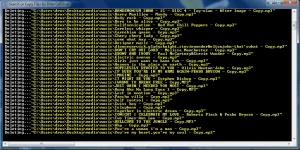
for search u may use "*" (asterisk) for wildcard example: *.img, *.mp4 or *.mp3
for advance search just type the name that u want to search example: crack
for copy option same procedure with search option. The files will be saved in ur Desktop name "files"
WARNING:
for delete option it will delete all the files that are recorded inside search.txt so please be careful not to delete system files. Make sure walang system file na nakasulat sa loob ng search.txt at kung mayroon burahin mo lang ang directory sa loob ng search.txt para hindi masama na ma erase.