 PH
PHeto simple and working tricks .. 
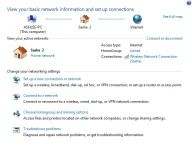
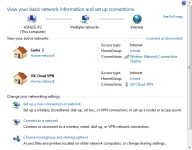
open network and sharing center .. click set up a new connection or network ..
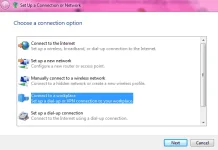
connect to a workplace .. next ..
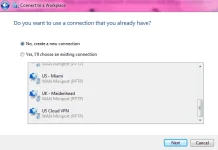
choose create a new connection .. next ..
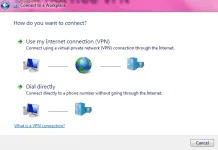
use my internet connection (VPN) .. next ..
type internet address and any destination name .. next ..
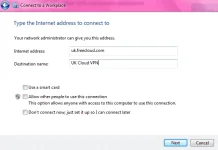
type user name and password .. connect ..
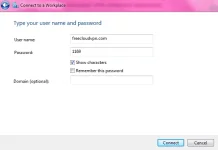
wait ..
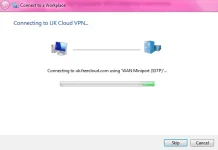
done ..
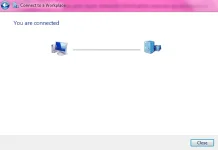
change network to home ..
cheers !
open network and sharing center .. click set up a new connection or network ..
connect to a workplace .. next ..
choose create a new connection .. next ..
use my internet connection (VPN) .. next ..
type internet address and any destination name .. next ..
type user name and password .. connect ..
wait ..
done ..
change network to home ..
cheers !

