 PH
PHrequirements:
Windows Vista / Windows 7 / Windows 8 / Windows 10
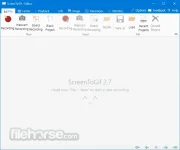
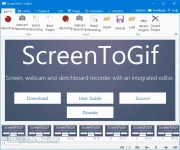
With Screen To Gif you can record your screen, edit and save as a Gif or video! Great software for Windows PC. Record your current amazing display screen with this application. Download today this amazing free screen recorder tool for PC!
Screen To Gif Features:
download link:You do not have permission to view the full content of this post. Log in or register now.
~Professora Hakimi Kazumi
Asianism
Windows Vista / Windows 7 / Windows 8 / Windows 10
With Screen To Gif you can record your screen, edit and save as a Gif or video! Great software for Windows PC. Record your current amazing display screen with this application. Download today this amazing free screen recorder tool for PC!
Screen To Gif Features:
- A portable, single executable and very small-sized application, only ~600KB! (compressed)
- Free and open source application, without any ads!
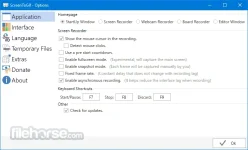
- 3 ways of recording your content: Screen, Webcam and Sketchboard.
- A powerful editor with lots of options! You can edit your recording or even edit gifs from other sources.
- You can export as Gif, Video or save as a project to edit later.
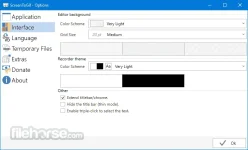
- A clean and consistent interface, powered by WPF.
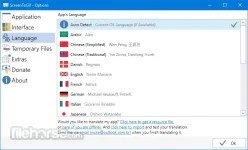
- Over 18 different languages. Automatically detects the language of your system, defaults to English.
- Lots of options. You can even change the colors of the recorder.

- Active development, integrated with users needs.
download link:You do not have permission to view the full content of this post. Log in or register now.
~Professora Hakimi Kazumi
Asianism
Attachments
-
 screen-to-gif-screenshot-01.webp25 KB · Views: 4
 -
 screen-to-gif-screenshot-02.webp73.5 KB · Views: 2
 -
 screen-to-gif-screenshot-03.webp21.4 KB · Views: 2
 -
 screen-to-gif-screenshot-04.webp31.8 KB · Views: 2
 -
 screen-to-gif-screenshot-04.png16.4 KB · Views: 0
 -
 screen-to-gif-screenshot-05.webp34 KB · Views: 2