PH
PH- WhatsApp for Windows 0.2.8000 (64-bit) LATEST
- Requirements:
- Windows 7 64 / Windows 8 64 / Windows 10 64
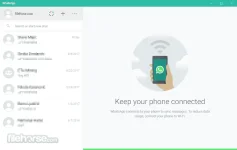
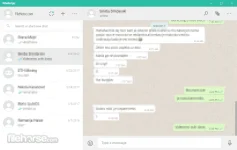
Official WhatsApp for Windows 64-bit desktop application alows you to stay in touch anytime and anywhere - whether on your phone or computer at home or work. You do not have permission to view the full content of this post. Log in or register now. Windows PC. The app itself is quite similar to WhatsApp Web that was meant to be an extension of your phone: the app mirrors conversations and messages from your mobile device.
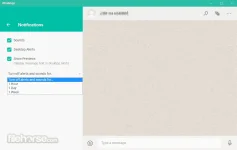
The WhatsApp for PC offline installer is available for Windows 10, 8 and 7 and is synced with your mobile device. Because the app runs natively on your desktop, you'll have support for native desktop notifications and better keyboard shortcuts. When WhatsApp finally got a voice calling feature last year it left us with just one question: when do we get video? Well, now it's underway.
Just like WhatsApp Web, the New Desktop App lets you message with friends and family while your phone stays in your pocket. WhatsApp must be installed on your cell phone so you can use WhatsApp 64-bit on your PC. WhatsApp supports only 64-bits versions of Windows. Download WhatsApp Offline Installer Setup for PC!
Note: WhatsApp must be previously installed on the mobile phone.
download link:You do not have permission to view the full content of this post. Log in or register now.
You do not have permission to view the full content of this post. Log in or register now.