 PH
PHdjdoolky76
Forum Master
How to use sp flash tool's on [Mediatek devices]
How to install mtk driver? download mediatek universal drivers
Step 3.) Now connect your smartphone to your computer and install all drive. in case usb driver are already installed on your computer then skip this step
Step 8.) Once flashing progress don't touch or remove usb untill flashing is complated a Green ring will apper.
Salamat sa pagbasa!
- I just shared it for the difficulties use how to flash the MTK,
Read carefully:
Your Android Phone should have at least 50-70 percent of battery to perform the flashing process.
That flashing new firmware can delete all your personal data in your phone's internal storage, Including Photos, Contacts, Messages and all Installed third party application, We recommend that you perform a back up of all your important data before proceeding.
- Let's get started
How to install mtk driver? download mediatek universal drivers
- Follow the steps carefully
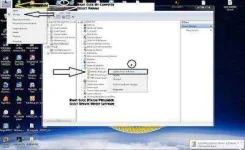
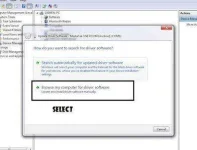
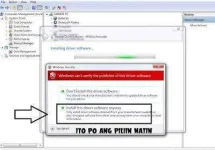
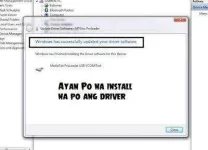
- Your driver has been installed
Step 3.) Now connect your smartphone to your computer and install all drive. in case usb driver are already installed on your computer then skip this step
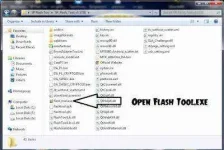
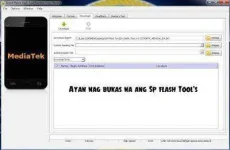
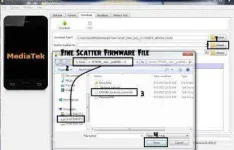
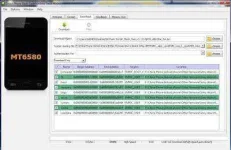
Step 8.) Once flashing progress don't touch or remove usb untill flashing is complated a Green ring will apper.

- In the last step remove battery from your smartphone and return battery again (Power On your phone)
Salamat sa pagbasa!