 PH
PHHard Reset SAMSUNG Galaxy On5
First method:
First method:
- In order to turn off the cell phone hold the Power key for a while.
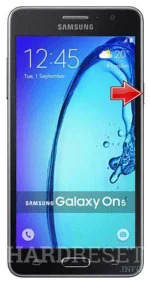
- Afterwards press and hold together: Volume Up + Home + Power button.
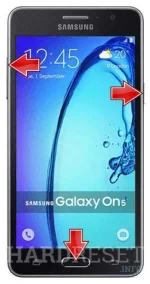
- You can release held keys when the Samsung Logo appears on the screen.
- Then select "wipe data / factory reset" using Volume buttons to navigate and Power button to confirm.

- Choose "Yes -- delete all user data" to confirm the whole operation.

- In the next step select option "reboot system now".

- Well done! The hard reset has just been performed.
- Start by turninng on the device.
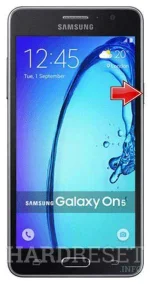
- From the Home Screen go to Menu and then to Settings.
- Tap Backup & Reset and then Factory data reset.
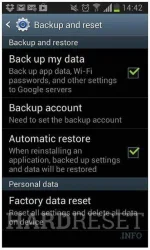
- In the next step choose Reset phone.
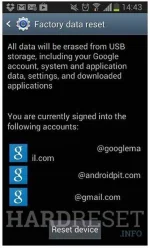
- To confirm your choice select Erase everything.
- That's all. The hard reset is done.