 PH
PH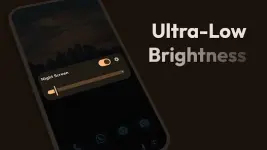
App Overview: Night Screen: Ultra Dim Mode
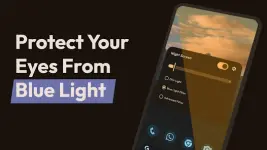
Night Screen is a utility designed to reduce screen brightness below the system's minimum hardware settings. It integrates multiple filtering modes to reduce eye strain and mitigate the impact of blue light during low-light usage.Technical Specifications
| Category | Details |
|---|---|
| Version | v1.4.3 [Pro] |
| Android Requirement | 7.0 and up |
| UI Design | Material You (Latest) |
| Primary Permissions | Display Overlay (Required for color/brightness filtering) |
Core Functional Modes
- Dim Light: Manual adjustment of brightness levels beyond default system constraints to reduce ocular stress.
- Blue Light Filter (Reading Mode): Reduces blue light intensity to facilitate improved sleep hygiene and comfort during extended reading or browsing.
- Custom RGB Filter: Includes a color picker for user-defined screen tinting and shade customization.
Feature Set
- System-Wide Dimming: Overlays the entire screen surface for uniform brightness reduction.
- Theme Support: Integrated dark and light UI themes.
- Quick Controls: Rapid toggle functionality and stop command via system notifications.
- Refined Controls: Brightness slider behavior mapped to standard system interactions.
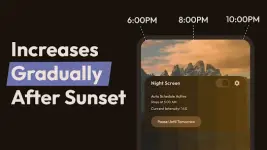
- Scheduling: Automated activation/deactivation via Auto Schedule Mode.
Changelog (v1.4.3)
- Implemented Auto Schedule Mode.
- Standardized slider mechanics to match system brightness controls.
- Migrated UI theme to Material You.
- Resolved orientation issues in landscape mode.
- General stability improvements and bug fixes.