 PH
PH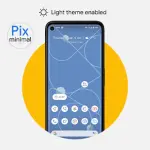
Pix-Minimal Black/White Icons - v8.9 Build (Patched)
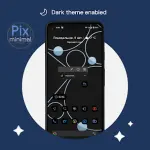
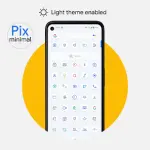
Pix-Minimal is a set of adaptive icons designed to support dynamic Day/Night mode transitions. The icon colors automatically adjust based on the system theme: light themes trigger white icons, while dark themes (AMOLED optimized) trigger black icons.Technical Specifications
| Property | Details |
|---|---|
| Version | v8.9 Build [Patched] |
| Android Requirement | 8.0 and up |
| License Status | Patched / Premium |
| Icon Style | Adaptive, Black/White |
Core Features
- Adaptive Theme Support: Icons toggle between White (Light Mode) and Black (Dark Mode).
- Dynamic Shaping: Support for various system icon shapes.
- Exclusive Assets: Includes thematic wallpapers and specialized clock widgets.
- Functionality Requirement: Initial application launch is required for license verification.
Implementation Guide
To change icon modes after a system theme toggle:- Apply the icon pack.
- Switch the device system theme (Light/Dark).
- Re-apply the icons through the app interface or a shortcut.
Changelog (v8.9)
- Icon Expansion: Added 980+ new icons, including updated Google system icons.
- Redesigns: Visual overhaul for several existing icons.
- Launcher Compatibility: Fixed automatic Light/Dark mode switching for Smart Launcher.
- Bug Fixes: Resolved issues where icons failed to apply correctly.