 PH
PH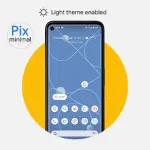
Pix-Minimal Black/White Icons | Version 8.8
Technical Specifications
| Category | Requirement / Detail |
| Android Version | 8.0 and up |
| Current Version | v8.8 Build [Patched] |
| License Status | Premium / Patched |
| Core Functionality | Adaptive icons with Day/Night mode support |
Functional Features
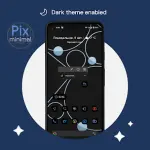
- Dynamic Theming: Icons automatically adjust based on system settings.
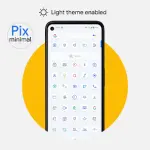
- Light Theme: White icons.
- Dark Theme: Black icons (AMOLED optimized).
- Adaptive Design: Supports system-level icon shape changes.
- Included Assets: Exclusive thematic wallpapers and clock widgets.
Implementation Instructions
To toggle between light and dark icon modes, follow these steps:- Apply the icon pack.
- Change the system theme (Dark/Light).
- Reapply the icon pack via the application dashboard or shortcut.
- License Check: The application must be launched once upon installation to verify the package.
Version 8.8 Changelog
- Icon Database: Added 3,380+ new icons.
- Refinements: Updated existing icon designs.
- Bug Fixes: Resolved issues preventing icons from applying correctly.