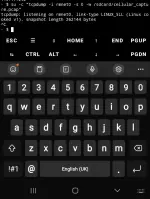
-Free Internet- on Captive Portals - Works in Any Country -

You have a tcp port 80 open, so u have to use dpi bypass tool, but u are using in android so u need a rooted device bcoz dpi bypass tool is a magisk module. to get free internet

always, in droidvpn, use 'tcp' setting, if u need to add http headers also, otherwise, use 'http' setting
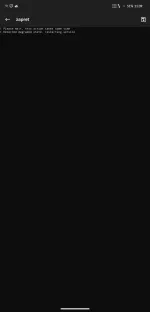
i have byebye dpi . on port 80 but still no connection
 
it gets connected and no sign jn to wifi but no connection
the byebye dpi will not work now, it used to work, when 2g, 3g free internet tricks for the wifi portal displays or sign into network or wifi displays.

better
if you dont have rooted android device or dont want to root, then
use
in windows, we have to run just, run as administrator, and keep the dpi bypass tool open/running,
and connect the vpn according to the open port u have
 
use the below magisk module, restart ur android device(mobile)

as i see u have http/tcp port 443 open, so u can browse, free net without using vpn for https sites, open ur browser and open any site, check if it works, otherwise, connect to ur vpn with ur open port

download:
You do not have permission to view the full content of this post. Log in or register now.
 
gagana kaya to sa wifi ng narko
first check with droidvpn with http/tcp ports 80,8080,443
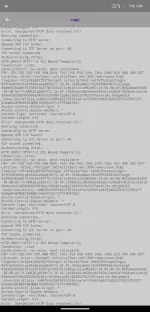
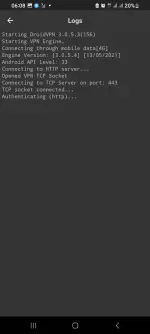
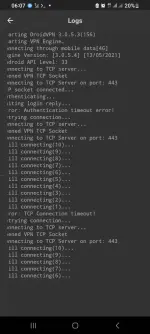
check if the tcp socket gets connected and shows authenticating or if it shows any header redirects as 3xx errors, then u must use with the payload according to the 3xx response received
 

About this Thread

  • 273
    Replies
  • 13K
    Views
  • 39
    Participants
Last reply from:
vivek1

Online now

Members online
410
Guests online
4,760
Total visitors
5,170

Forum statistics

Threads
2,353,990
Posts
29,381,691
Members
1,081,225
Latest member
goli76
Back
Top