 PH
PHMiss Me?? hahaha Eto mainit init pa.
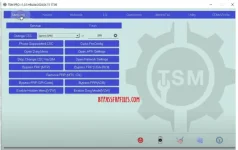
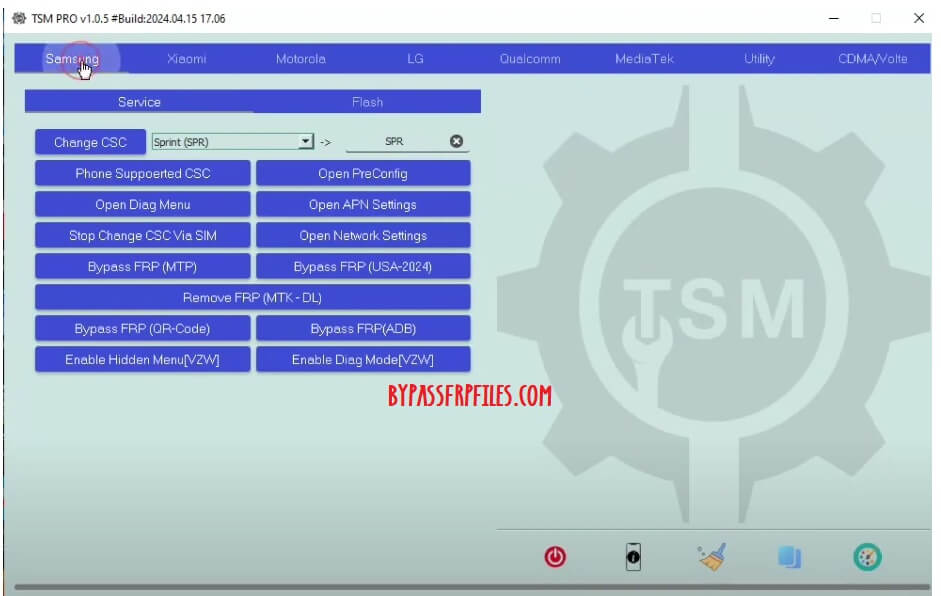
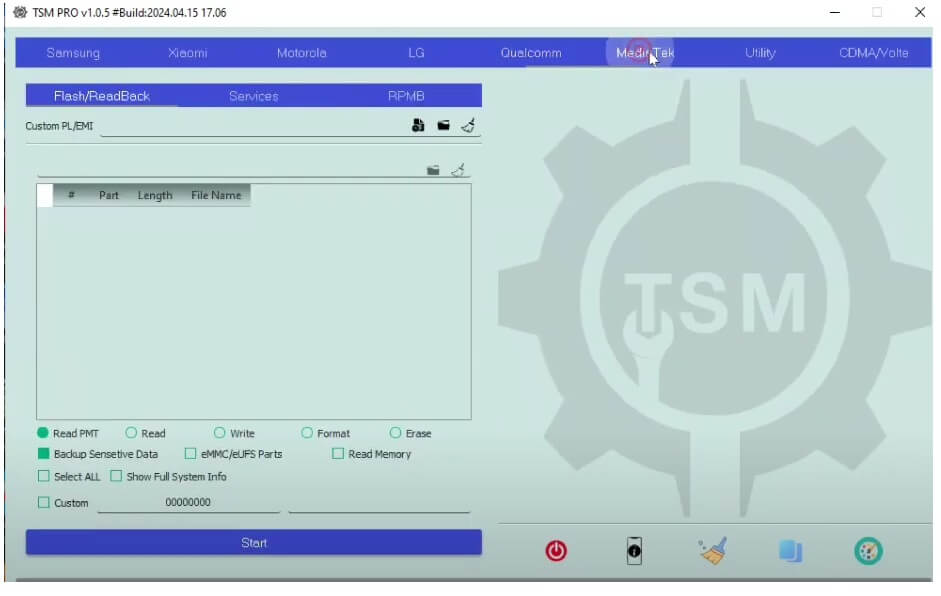
Turbo Service Mobile Tool is a small Windows program crafted to fix multiple issues on any Android MTK & Qualcomm-powered devices. It helps you to erase FRP, Format (Unlock), Remove Pattern Password Pin, Flashing Firmware, Format, and Remove Mi Cloud lock.
Download

Warning: Im not responsible for any damage on your device please try this at your own risk.
Turbo Service Mobile Tool is a small Windows program crafted to fix multiple issues on any Android MTK & Qualcomm-powered devices. It helps you to erase FRP, Format (Unlock), Remove Pattern Password Pin, Flashing Firmware, Format, and Remove Mi Cloud lock.
Features:
- You do not have permission to view the full content of this post. Log in or register now.3
- En@ble Diag on OnePlus, Oppo, LG & many more.
- You do not have permission to view the full content of this post. Log in or register now., LG.
- Repair IMEI.
- Factory Reset.
- Erase FRP.
- You do not have permission to view the full content of this post. Log in or register now. Wipe Userdata, Factory Reset & FRP Unlock.
- You do not have permission to view the full content of this post. Log in or register now.
- Enable ADB by Test Mode.
- Remove MediaTek FRP by Brom Mode.
- Erase Qualcomm FRP by You do not have permission to view the full content of this post. Log in or register now..
- You do not have permission to view the full content of this post. Log in or register now..
Download TSM Turbo Service Mobile Tool V1.0.7 Latest Version
The latest updates bring new functions, features and support many latest Samsung Galaxy devices. With the latest update, it can remove frp, fix Samsung baseband, OnePlus enable 3g, on any Android version phones. Below, we have added the link to download the latest version alongside what’s new inside the tool.| Tool Name: | TSM.exe |
| Size: | 146Mb |
| Developer: | Almuhmud |
| Compatible OS: | Windows 7, 8, 8.1, Windows 10, Windows 11 |
How to Use:
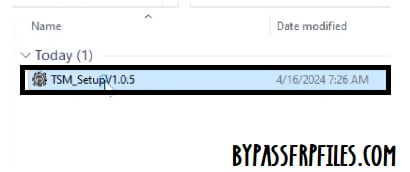
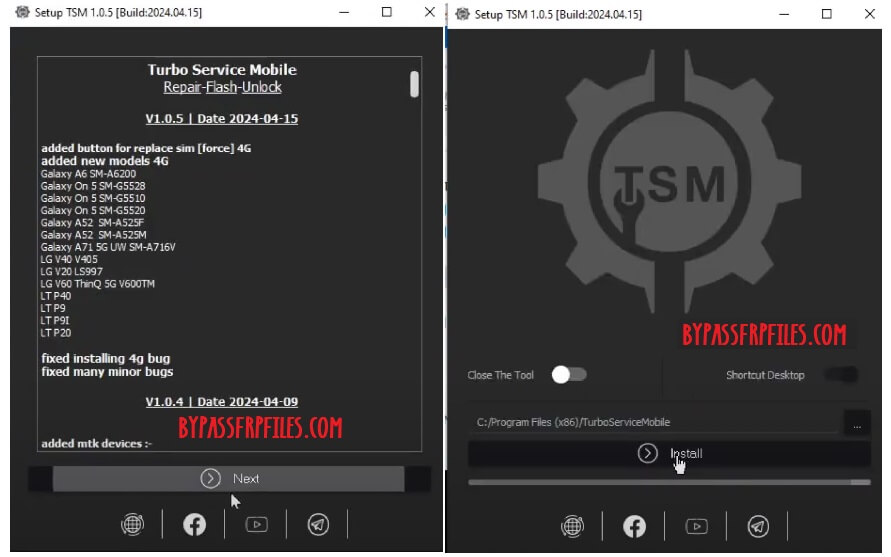
- Download & extract TSM Turbo Service Mobile V1.0.7 tool to your Computer.
- Then Run the TSMTool.exe as Administrator.
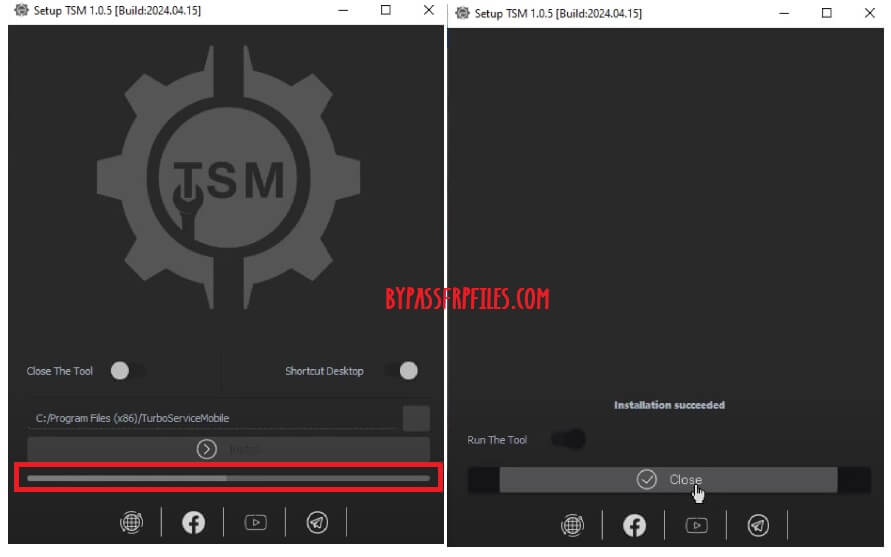
- Click Next > Install.
- The installation process will started > Wait for finish > Click Close.
- Next, Go to Desktop screen.
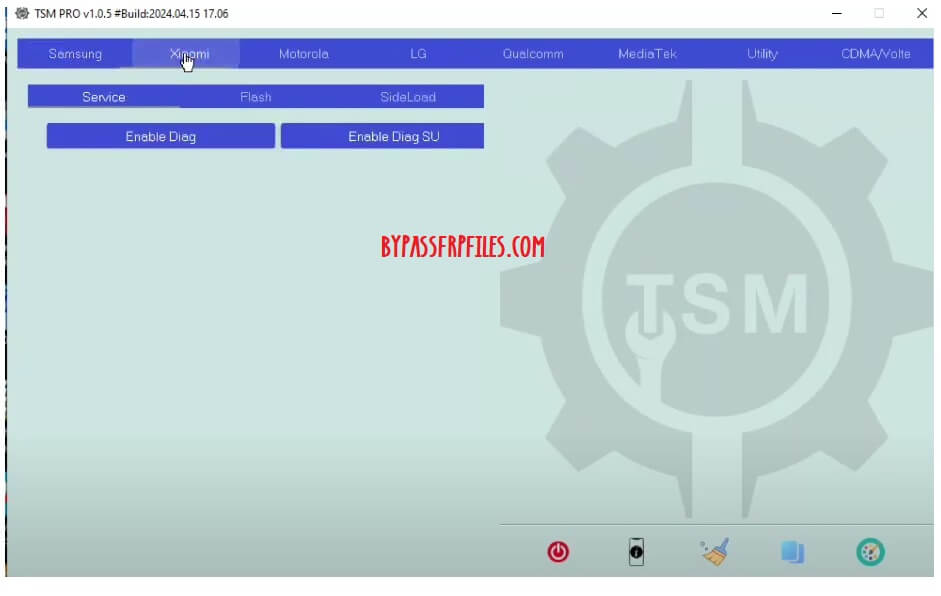
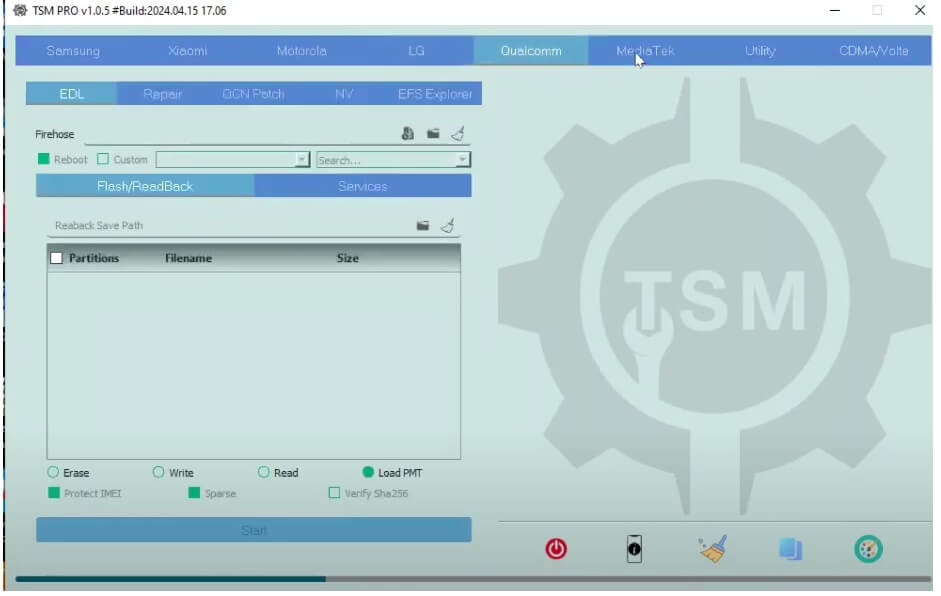
- Run the tool with Admin & wait for a few seconds to open it.
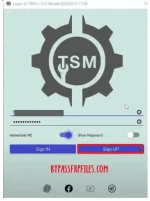
- Click on Sign Up, a webpage will open.
- Fill email, password, and name, and click submit.
- Go back to the Tool > Type Email & Password & Click Sign In.
- Connect your phone to Windows.
- Next, Select the function your want to use.
- After that, check the log screen instructions & connect the phone according to it.
- Don’t forget to install the USB driver before proceeding.
- Now the tool will fix & Restart the phone.
- Disconnect & Setup the phone.
- That’s it.
What’s New:
- Latest version Update to V1.0.7.
- Added Install & Remove Arabic 6-14 via theme.
- Added multiple methods to fix baseband on Samsung.
- Added Disable Hands-Free Activation on LG & Samsung.
- Added Disable OTA Update.
- Added Oneplus Open Diag Menu.
- Improvements.
- Bug Fixes.
Read Me:
[*] Caution: This method is for device owner and only for educational purposes, meaning trying this method on a stolen device is a serious crime, it may lead you to the jail.Warning: Im not responsible for any damage on your device please try this at your own risk.