PH
PHThis Tutorial will guide you how to use cookie-editor for netflix, Primevideo, DisneyPlus, HBOmax, Udemy, Grammarly and More!
TAKE NOTE: This is only working for PC/LAPTOP Browser Only For those who wants to Login Via TV app Code this is applicable in KIWI BROWSER
Go to this site after the sucess of login: You do not have permission to view the full content of this post. Log in or register now.
STEP 1: Go to this site > You do not have permission to view the full content of this post. Log in or register now.
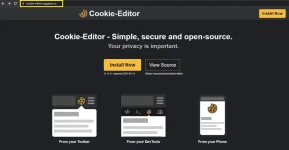
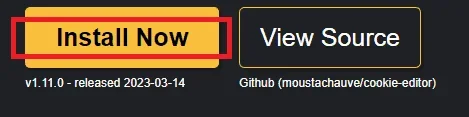
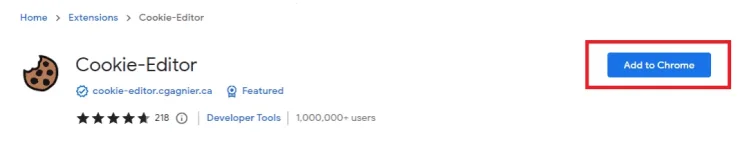
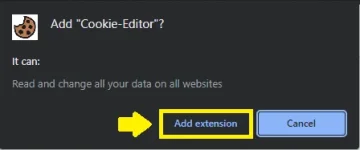
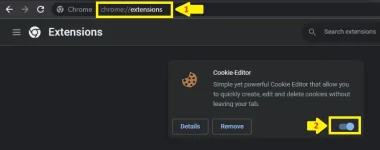
Now you have cookie editor Let's Start how to insert Cookies from netflix (This is applicable to all streaming/sites "netflix, primevideo, udemy. grammarly. quillbot etc.)
1. Go to netflix site and click the cookie icon shows in the image
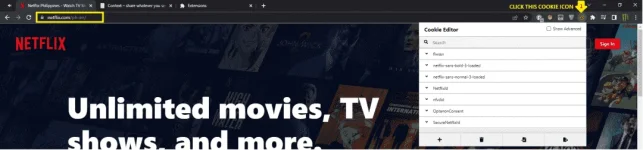
2. Delete all cookies shows in the image
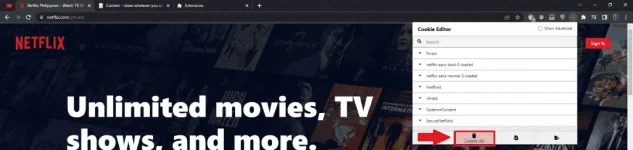
3. Click Import

4. Then Copy the cookies sent by the user
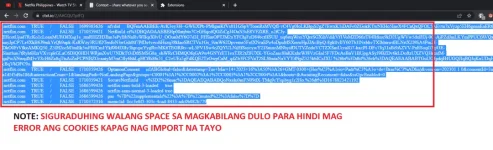
5. Go back to Netflix and Paste the cookies then click import
Note: Make it sure the prompt must be "Cookies were imported"
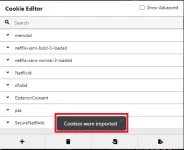
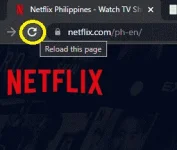
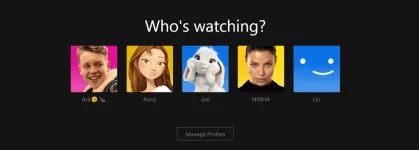
6. After the import refresh the website and then BOOM! Enjoy 
Note: Kapag hindi gumana Possible deads na ung cookies kaya need mo ulit ng latest cookies
NOTE: Hindi napo ito gumagana sa mga ANDROID PHONES pagdating kay NETFLIX may google widevine requirements po kasi siya kaya hanggang login lang hindi po makakapag play ng video/movies
Leave Any reaction/feedback/comment will appreciated Thank you!