 PH
PHPHC - yowzed
Elite
Today, we introducing SamFw FRP Tool version 4.4
Main function:
- Remove FRP with one click
- Change CSC with one click
- Remove FRP for new security ρá†ch (Aug 2022)
- Connect the phone to the PC, and install the Samsung driver if you have not yet installed
- Go to emergency call then type #0#
- Click Remove FRP on the Tool
- Click Accept USB debugging on the phone if it appears
- The phone will finish and reboot after removing FRP
[XIAOMI]
[EDL 9008] - Add support Blackshark 3, Mi Max 2, Mi Max 3, Mi 6, Mi 6X, Mi 8, Mi Mix 2, Mi Pad 4, Redmi Note 5/6/7, Redmi S2
- Add support Factory reset/Reset FRP/Reset Micloud
- Fix Windows 7 error
- Optimize execute size
- Update new C++ download links
- Fix some bugs
SCREENSHOTS:
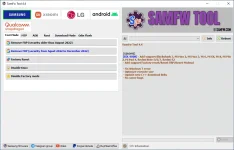
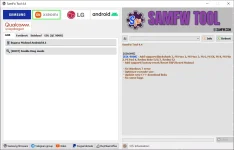
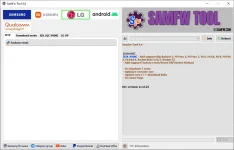
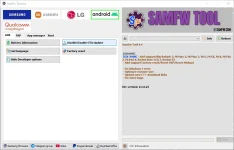
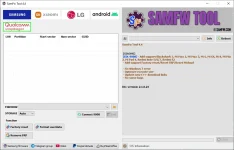
DOWNLOAD LINK:
AndroidFileHost: You do not have permission to view the full content of this post. Log in or register now.
MediaFire: You do not have permission to view the full content of this post. Log in or register now.
Author: Tungtata
Official support/discuss/request Telegram: SamFw and MiFirm