 PH
PHPHC - yowzed
Elite

Today, we introducing SamFw FRP Tool version 4.0
Main function:
- Remove FRP with one click
- Change CSC with one click
- Remove FRP for new security ρá†ch (Aug 2022)
- Connect the phone to the PC, and install the Samsung driver if you have not yet installed
- Go to emergency call then type #0#
- Click Remove FRP on the Tool
- Click Accept USB debugging on the phone if it appears
- The phone will finish and reboot after removing FRP
List of functions
Samsung
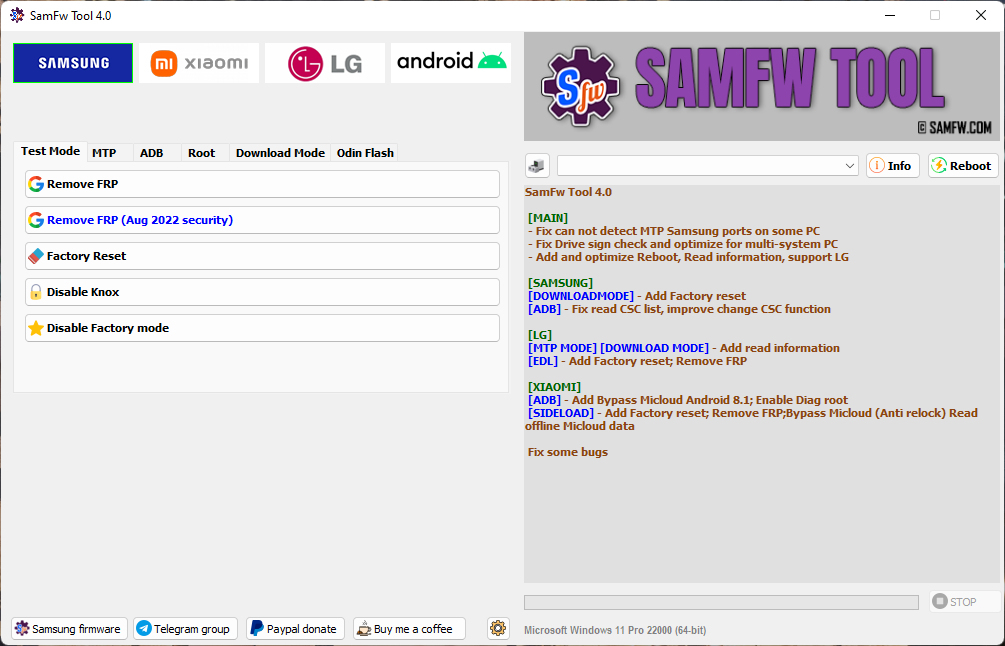
Test mode (#0#)- Remove FRP
- Remove FRP new security
- Factory reset
- Disable Knox
- Disable Factory mode
- Factory reset
- Enable secret code for Verizon
- Change CSC
- Remove Samsung account (This function works to remove the account in Settings only, not supporting locked state)
- Enable Toggle mobile data (for some AT&T phone)
- Exit Download mode
- Soft brick Fix
- FRP Android 5/6 (support some models. If you see an error when trying, that means your device is not supported)
- Save recent flash files
- Auto-detect file and select slot
- Auto-extract for ZIP file
- Ignore MD5 checksum
- Check Driver signature enforcement status
- Disable/Enable Driver signature enforcement
- Install Samsung USB driver
- Install VC++ 2015 (for ADB works)
Xiaomi
ADB- Bypass Micloud Android 8.1
- Enable Diag [ROOT]
- [UNLOCKED] Remove FRP
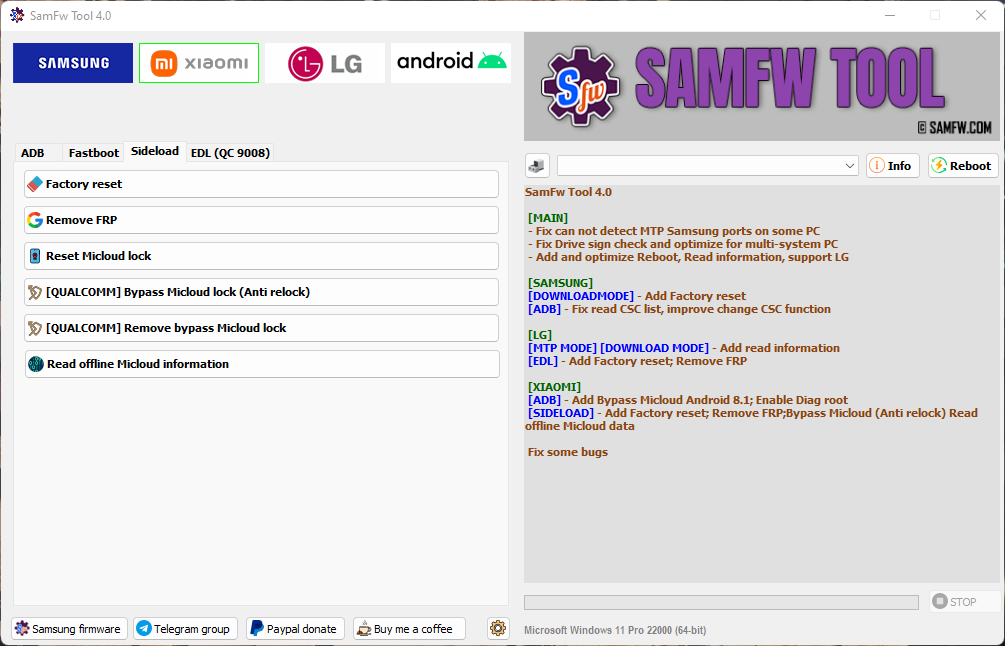
- Factory reset
- Remove FRP
- Reset Micloud
- [QUALCOMM] Bypass Micloud clock (Anti relock)
- [QUALCOMM] Remove bypass Micloud clock (Anti relock)
- Read offline Micloud information
LG
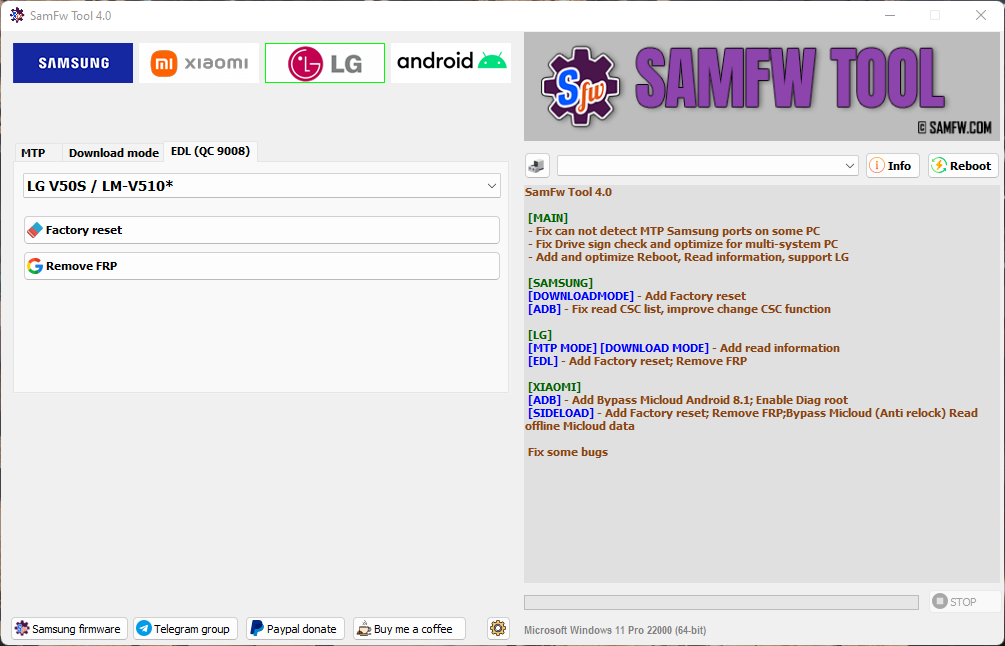
MTP- Factory reset
- Factory reset
- Remove FRP
Android
ADB- Battery information
- Disable/Enable OTA Update
- Set language
- Factory reset
- Open Browser (FRP)
- Remove FRP
- Install APK/xAPK
- Install any app on Dual Messenger
- Delete bloatware (For Korean, Japan, and US variants)
- Remove screen lock (Root)
Install XAPK directInstall any apps for Samsung dual messageDisable Factory mode- [ROOT] Change SN
- [ROOT] Change battery cycle
- [ROOT] View saved wifi password
- MTK module
- Xiaomi sideload solution
Download Link
V4.0: You do not have permission to view the full content of this post. Log in or register now.
Mirror: You do not have permission to view the full content of this post. Log in or register now.
Virustotal: You do not have permission to view the full content of this post. Log in or register now.
MD5: ff8c4a9d0a29b45184b2001227bfc6ac
Author: Tungtata
Official support/discuss/request Telegram: SamFw Tool group
Thanks to nguyentuan.kiet.7583 for your commands
Thanks to omarbusiness052 for your suggestion
