 PH
PH- Requirements:
Windows 10 (32-bit) / Windows 10 (64-bit)
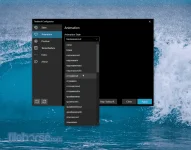
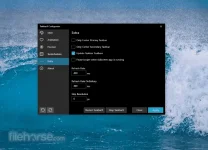
The animations can be disabled if you don't like animations and want them to move in an instant. The center position can also be changed to bring your icons more to the left or right based on the center position. Currently, all taskbar settings are supported including the vertical taskbar.
What versions of Windows does TaskbarX support?
Taskbar X only supports Windows 10. Version 1709 and lower will have issues with the "taskbar styling" option but, the centering will work fine. Windows 7 does not work and is not supported. It could be working on Windows 8 but, is not officially tested and is also not supported.
What's the difference between the normal version and the store version?
The store version is exactly the same as the normal/free version. It's a donation system. The store version does give you the benefit of automatic updates and easy installing.
Does TaskbarX change my settings or registry?
No, Taskbar X is completely portable doesn't change your settings or your registry. Closing TaskbarX will stop the centering.
How to use TaskbarX with Windows 11?
Do you want to install Windows 11 but you really like the taskbar of Windows 10? Then you can actualy ρá†ch the Windows 11 Explorer to get back the old taskbar. Doing this will make TaskbarX functional again in Windows 11. Visit ExplorerPatcher
How do I uninstall TaskbarX?
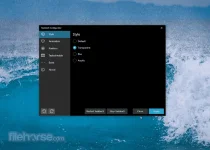
Open the "TaskbarX Configurator" and hit the "Stop TaskbarX" button. This will stop the TaskbarX process and put your icons back to the left. After that, you can simply remove the files where you installed TaskbarX.
Download link:You do not have permission to view the full content of this post. Log in or register now.
 |  |  |