PH
PH- Requirements:
Windows 10 (32-bit) / Windows 10 (64-bit)
In Windows 11/10, the required settings can be accessed through several steps by default, which is usually inconvenient and slows down your work. With Easy Dark Mode app, you can switch between Light and Dark modes with a single click.
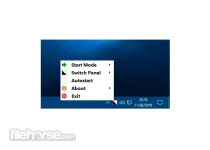
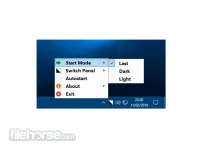
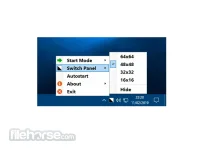
After opening it, the application places an icon on the system tray. If you click on the icon, it switches between Light/Dark mode. You can also access the application’s settings through the icon. A desktop icon of optional size can also be displayed. In this case, you can switch modes and change settings there too.
Features and Highlights
- Enables quick switching between Light and Dark display modes in Windows 10/Windows 11.
- Selectable Hotkey.
- Fully supports Google Chrome Dark Mode (from version 74).
- Fully supports Firefox Dark Mode (from version 63).
- It doesn’t require installation.
- AutoStart mode can be set (it can start with the operating system).
- Free to use.
- Supports Windows 10 version 1803 and newer operating systems (Windows 11 is supported).
Download link:You do not have permission to view the full content of this post. Log in or register now.