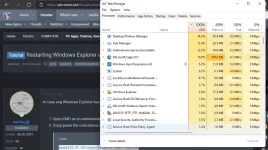
J jaw2lag Established Apr 12, 2022 #1 In case ang Windows Explorer has high usage of the CPU, sundan n'yo lang ito: Open CMD as an administrator. Copy/paste the code below in the CMD window. Code: taskkill /F /IM explorer.exe & start explorer That's it. You now have a fresh Explorer that uses minimal CPU.
In case ang Windows Explorer has high usage of the CPU, sundan n'yo lang ito: Open CMD as an administrator. Copy/paste the code below in the CMD window. Code: taskkill /F /IM explorer.exe & start explorer That's it. You now have a fresh Explorer that uses minimal CPU.
 PH
PH