 PH
PH- Requirements:
Windows Vista / Windows 7 / Windows 8 / Windows 10 / Windows 11
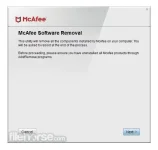
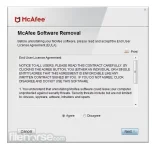
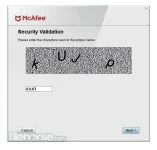
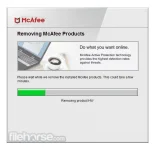
Use the McAfee Consumer Product Removal Tool to remove data completely for a McAfee Security product installation on a supported Windows operating system.
If your You do not have permission to view the full content of this post. Log in or register now. products were pre-installed by your computer manufacturer, ensure that you activate your McAfee subscription to retain your entitlement before you attempt to remove it.
Intel Security recommends that you uninstall your McAfee home user products using the Windows removal methods shown below. If you are not able to remove your products in this way, skip to the Download and run McAfee Consumer Product Removal Tool (MCPR tool) section.
McAfee Consumer Product Removal Tool works with:
- You do not have permission to view the full content of this post. Log in or register now.
- McAfee VirusScan
- You do not have permission to view the full content of this post. Log in or register now.
- McAfee Small Business Security
- McAfee LiveSafe
- McAfee All Access
- McAfee Internet Security
- McAfee Family Protection
- McAfee AntiVirus Plus
Attachments
-
 mcafee-consumer-product-removal-tool-screenshot-01.webp22.1 KB · Views: 17
 -
 mcafee-consumer-product-removal-tool-screenshot-02.webp42.8 KB · Views: 13
 -
 mcafee-consumer-product-removal-tool-screenshot-03.webp43.5 KB · Views: 12
 -
 mcafee-consumer-product-removal-tool-screenshot-04.webp25.2 KB · Views: 12
 support mam