 PH
PHAshampoo Photo Optimizer 7
Ashampoo Photo Optimizer is an automatic image optimization software for Windows that saves you a lot of time. Select one or more images, click “Auto Optimize” and sit back and relax while the program takes care of the rest. You’ll have stunning images in just seconds.
Features
- Smart white balancing
- Automatic contrast stretching for best results
- Auto-optimize images
- Insert watermark from text or image
- Straighten horizontally
- Portrait editing
- Image overlay
- Noise: Add Noise, Median, Reduce Noise, and Pixelate
- Distort: Shear, Wave Implode/Explode and Swirl
- Batch processing
- Save time with multi-core support

Instructions:
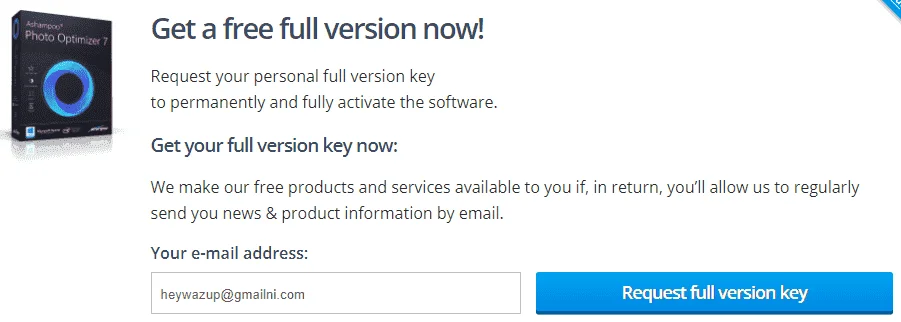
- On the Ashampoo Photo Optimizer giveaway page, please enter your email address then login with your Ashampoo account to get your free registration key > You do not have permission to view the full content of this post. Log in or register now.
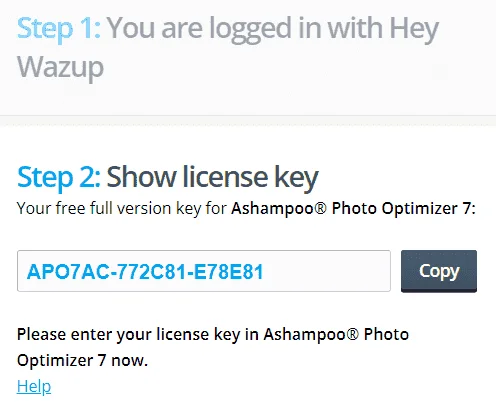
- Download the software for free and run the .exe file to install it > You do not have permission to view the full content of this post. Log in or register now.
- During installation, copy and paste your license code to activate this application to the full version.
- Now, you can enjoy it for a lifetime free.
Terms & Conditions:
- Non-commercial use
- No free updates
- No free tech support

 Maraming salamat