 PH
PHVSDC Video Editor PR0

The Light Professional Non-linear Video Editing Software
VSDC Video Editor PR0 allows users to edit digital video and audio files in various formats including high-definition and ultra-high-definition resolutions, add post-production effects and transitions, create slideshows, presentations with the use of 3D diagrams, capture video from screen, record voice, burn discs, save multimedia files to several supported formats and publish them on social networks.
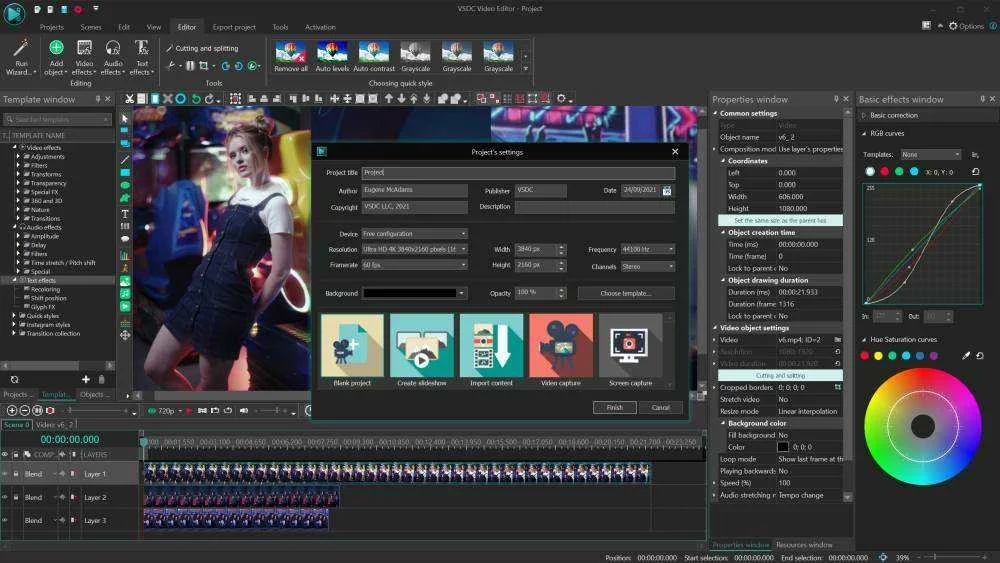
VSDC Video Editor PR0 is intended for editing video files and creating videos of any complexity involving various visual and audio effects. The program offers rich functionality yet has a simple and intuitive interface, allowing you to create videos with a bare minimum of effort.
VSDC Video Editor PR0 is a nonlinear tool. This means that unlike in most other editors, where scenes come one after another in a linear sequence and certain order, our software allows objects to be placed in any position on the timeline and have any size. Besides, various parameters, shapes, and positions of objects can change arbitrarily over time.
VSDC Video Editor PR0 is a nonlinear tool. This means that unlike in most other editors, where scenes come one after another in a linear sequence and certain order, our software allows objects to be placed in any position on the timeline and have any size. Besides, various parameters, shapes, and positions of objects can change arbitrarily over time.
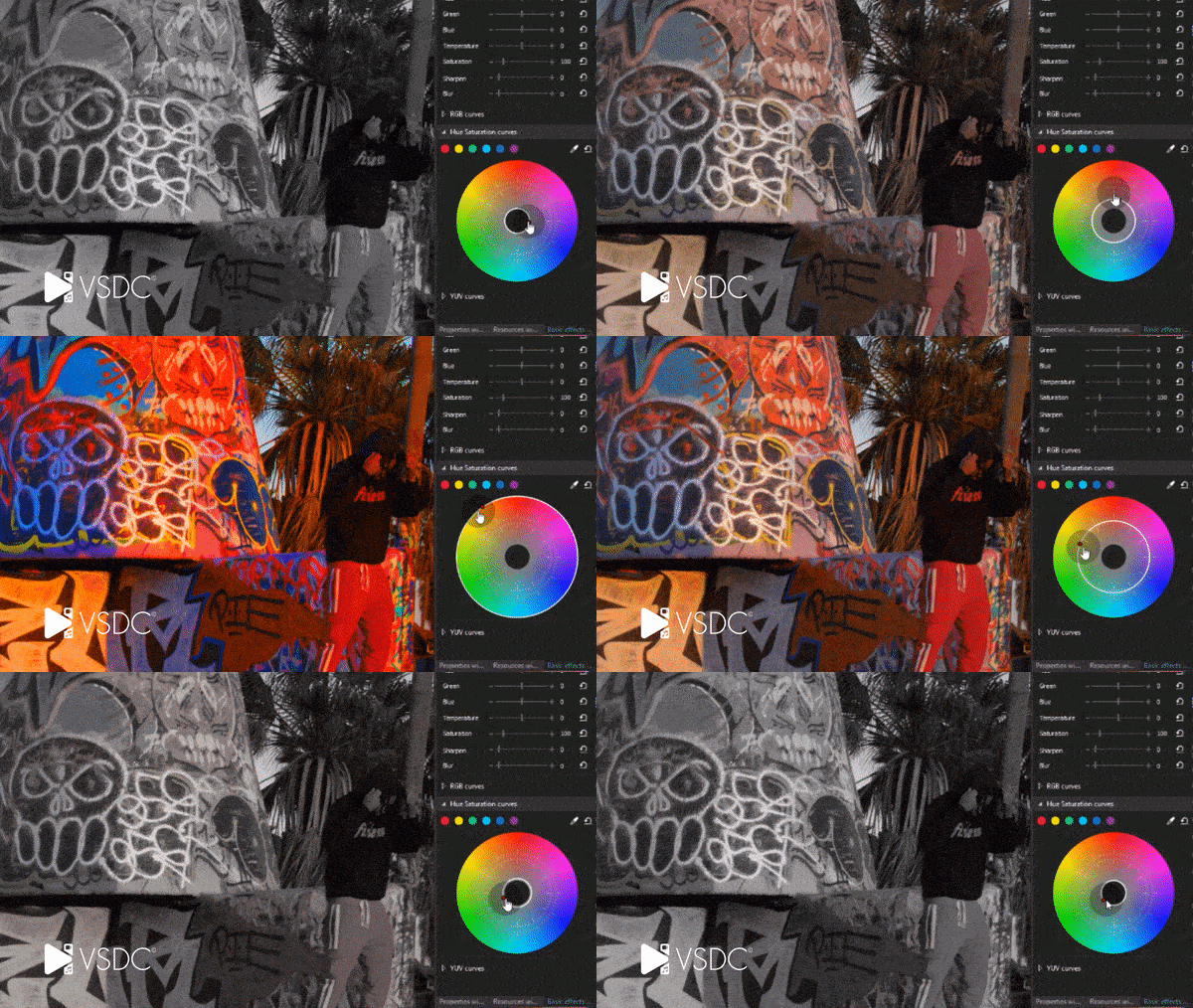
Apply professional color correction with Hue & Saturation curves!
Benefit from the enhanced timeline: cut and split multiple layers simultaneously!

Feature Highlights
- Import from any device & camera without any quality loss – VSDC supports all the popular formats and codecs
- Enjoy double export speed – even on HD files – thanks to hardware acceleration
- Get a full, hassle-free editing suite
- Implement visual effects & filters
- Process image & video transformation w/ sub-pixel resolution for more precise results
- Create a real studio look w/ the multiple color chroma key for your video backgrounds
- Create curved motion paths for video objects or animation & take advantage of adjustable parameter settings

Instructions:
- Go to the registration page > You do not have permission to view the full content of this post. Log in or register now.
- On this registration page, fill in the form with your name & email address.
- Resolve the captcha & click on the GET LICENSE button
- The license key will be sent you your email address
- Download the software form our deal page on the DOWNLAOD section above
- Once downloaded, install it & launch the program after installation
- Use the license key you've got to activate the full version
- Done. Enjoy the full features!
- This is a 1-year license, for noncommercial use
- You get free updates for one year
- You get free tech support
- You must redeem the license key before this offer has ended