PH
PHreine du desastre
Forum Expert
Use Google like a pro
by Marko | April 23, 2021
Googling is one of the most important skills for every developer.
Let me show you how to get better at Googling.
Let’s start!
1. Use quotes to force an exact-match search:
"what is javascript"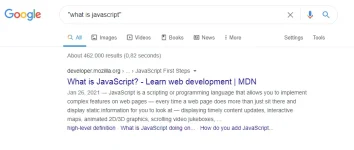
2. AND operator will return only results related to both terms:
html AND css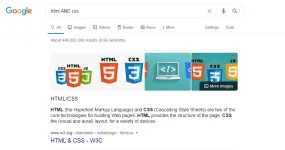
3. You can use the OR operator to get the results related to one of the search terms
(javascript OR python) free course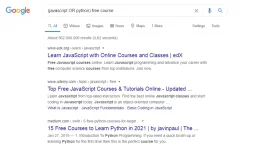
4. - operator will exclude results that contain a term or phrase:
javascript -css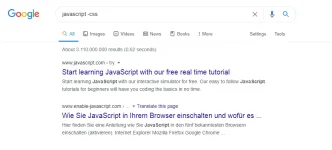
5. You can use the (*) wildcards as placeholders, which will be replaced by any word or phrase.
"how to start * in 6 months"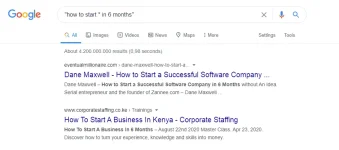
6. Search inside a single website:
site:freecodecamp.org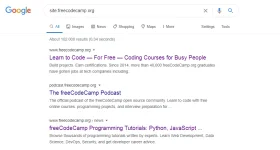
7. You can also use a very useful feature that helps to find a specific file type.
filetype df learn css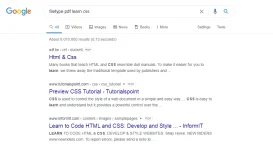
8. Search for a range of numbers:
ecmascript 2016..2018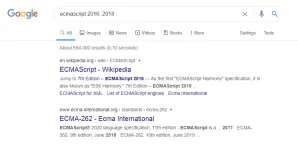
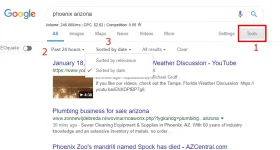
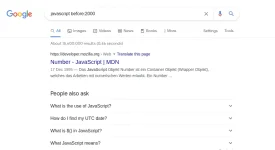
9. Use the before operator to return only results before a given date
You must provide year-month-day dates or only a year. For example:javascript before:2020
10. Use the after operator to return only results after a given date
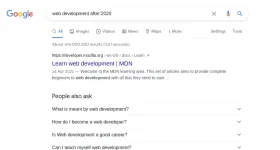
You must provide year-month-day dates or only a year. For example:web development after:2020