PH
PHBACKUP4ALL STANDARD 8
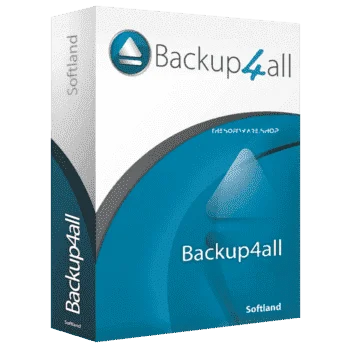
Your Professional Data Bodyguard
Backup4all is an excellent backup software which can back up to local or external drives, to the network, FTP servers and 45 cloud destinations. It was deployed by NASA on the International Space Station to back up data from the laptops of the crew. Don’t be lightweight and back up your data on a regular basis – Backup4all helps you with a number of useful automatic backup features. The easy-to-use Backup4all 9 Lite backup program allows you to create an unlimited number of backup jobs to run automatically at specified intervals.
In addition to files and folders of your choice, you can also use add-ons, ready to automatically back up folders with documents and images, emails from Outlook or Thunderbird, or custom settings and favorite links lists from Firefox and Internet Explorer. More advanced features let you pack your backup files into a ZIP archive and protect them using a password, or filter files from backing up according to their format and other features. You can set up Backup4all regular backups every day, week, or month, or every time you shut down your computer.
In addition to files and folders of your choice, you can also use add-ons, ready to automatically back up folders with documents and images, emails from Outlook or Thunderbird, or custom settings and favorite links lists from Firefox and Internet Explorer. More advanced features let you pack your backup files into a ZIP archive and protect them using a password, or filter files from backing up according to their format and other features. You can set up Backup4all regular backups every day, week, or month, or every time you shut down your computer.
Requirements
To run Backup4All with optimum reliability and performance, your system should match the following requirements:- Windows 11, 10, 8, 7, Vista, XP SP3, Server 2019/2016/2012/2008/2003 (32/64-bits)

- Instructions:
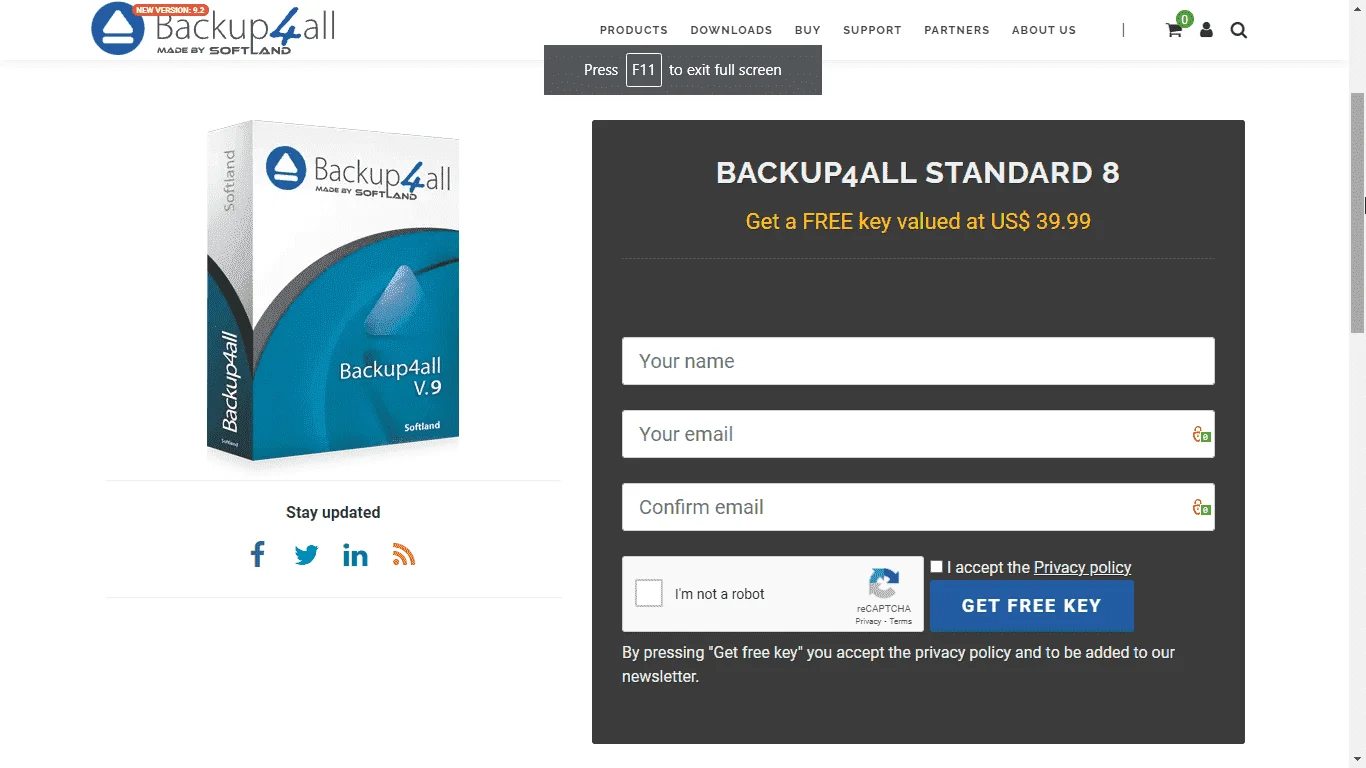
- Go to the registration page by backup4all.com > You do not have permission to view the full content of this post. Log in or register now.
- On the registration page, Fill in your name and the same e-mail twice in a form on the product page.
- Then confirm the terms and click the »Get free key« button.
- You will receive a message with the required product key in a short time.
- Download the setup file from the official vendor page here: You do not have permission to view the full content of this post. Log in or register now.
- Once downloaded, Install it & Launch the Program after installation
- In the start window, click the »Enter key« button
- And in the next window, enter the obtained product key in the first line,
- Then enter the name and e-mail used to register the site and click »Activate«.
- This completes the activation of the full version of the program and just click on the »Restart« button.
- Enjoy the full features of Lite Edition!
- TERMS:
- Software version: v8.9
- License is valid for a lifetime (for the current version)
- No Free priority support.
- Use it on one computer.
- No free Major upgrades (9, 10, …)
- Personal Use Only


 Keep sharing!