 PH
PHVidmore Video Converter
A Handy All-around Video Conversion Tool
Vidmore Video Converter is a handy all-around video conversion tool. It accepts a variety of formats, such as MP4, MOV, AVI, MKV, WMV, and quickly converts them to other formats. Besides video conversion, this software also converts audio files to common audio formats, and extract audio from video files. After the conversion, it keeps ID3 information of the original audio files. This Video Converter has a lot of useful, built-in editing options for tweaking the videos you’re looking to convert. There’re lots of presets for you to choose so that you can easily convert your videos to a compatible format for your device. You can also adjust the detailed parameters for each profile. With a built-in lightweight video editor, you can also create and edit your personalized videos with ease. It can meet all the common video editing demands with an easy-to-use interface. Find out what you can do with these editing options.
Features
- Convert all popular video formats.
- Convert Video to Over 200+ Formats including AVI, MKV, MOV, MP4, WMV, WebM, M4V, and FLV.
- Over 100 presets for all popular devices and gadgets, including the latest models of iPhone, iPad, Samsung Galaxy, Sony PlayStation, TV, and more.
- Convert 4K UHD videos to any video format for any device
- Output videos to 1080p HD and 720p HD with great picture quality
- Transcoding without quality loss
- Support advanced hardware acceleration of NVIDIA CUDA, NVENC, Intel QSV and AMD APP
- Built-in Video Editor
- Trim & Split Video
- Rotate Video
- Crop Video
- Adjust Video Effects
- Merge Video Clips
- Watermark Video
Requirements
System Requirements for Windows OS:- Windows 11, 10, Windows 8.1/8, Windows 7, Windows Vista, Windows XP (SP2 and above)
- Intel® or AMD processor, 2 GHz or faster
- 2 GB or more of RAM (4 GB recommended)
- 120 MB of hard-disk space for installation
- 1024 x 768 display (1280×800 recommended)
- Internet connection is necessary for software activation
- macOS Mojave (10.14), High Sierra (10.13), Sierra (10.12), Mac OS X 10.7 – 10.11
- Multicore Intel processor with 64-bit support
- 2 GB or more of RAM (4 GB recommended)
- 120 MB of hard-disk space for installation
- 1024 x 768 display (1280×800 recommended)
- Internet connection is necessary for software activation

Instructions:
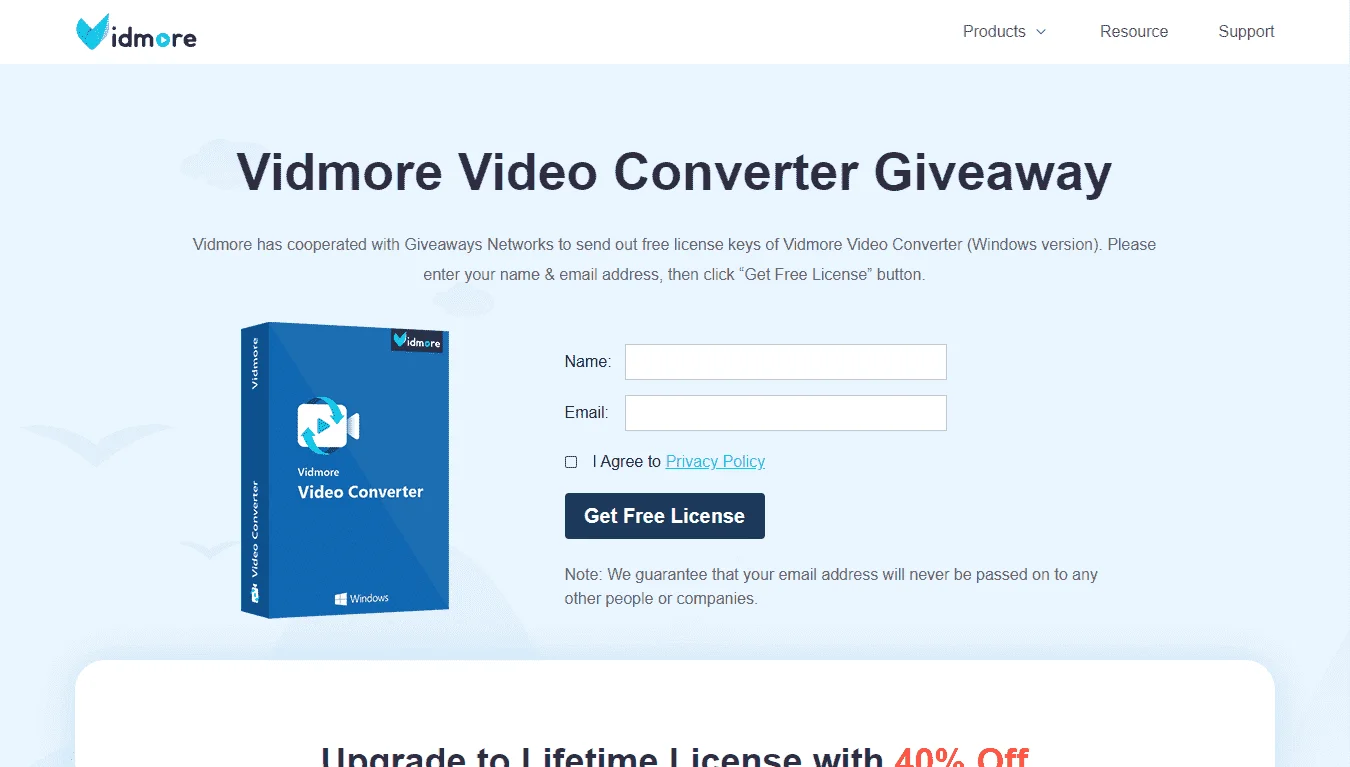
- Go to the registration page > You do not have permission to view the full content of this post. Log in or register now.
- On that registration page, fill in the form with your name & email address.
- Give a check on 'I Agree to Privacy Policy' and click on the 'GET FREE LICENSE' button.
- The registration details including the registration code will be sent to your email address.
- Download the software from our deal page and install the program after downloading.
- Launch the software after installing & Use the registration details you've got to activate the full version.
- Done. Enjoy the full features.
- Software version: V1.3.80
- Only can be used for 12 months
- No upgrade
- No technical support
- Personal use only
