 PH
PHInPixio Photo Focus V3.7
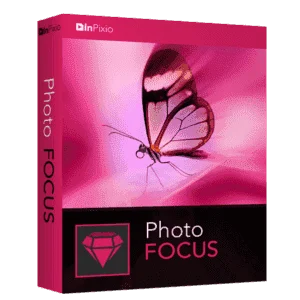
Tilt-Shift & Soft Focus Software – for Windows
We all know it: Snapshots are taken during an evening with friends: poor lighting conditions, shaking hands and insufficient concentration can be the cause of blurry photos. The next day you get annoyed that you only have fuzzy picture memories of the beautiful evening.
But there is a simple solution: With the photo editing software, InPixio Photo Focus PRO, you can correct the blurring in your photos afterward. A blurry photo becomes razor-sharp with one click! And all of this without any knowledge of photography or graphics!
Thanks to the 1-click sharpness function, a blurred photo can be corrected in no time. A single click is all it takes to convert the blurry image into a sharp photo – create crystal clear memories!
But there is a simple solution: With the photo editing software, InPixio Photo Focus PRO, you can correct the blurring in your photos afterward. A blurry photo becomes razor-sharp with one click! And all of this without any knowledge of photography or graphics!
Thanks to the 1-click sharpness function, a blurred photo can be corrected in no time. A single click is all it takes to convert the blurry image into a sharp photo – create crystal clear memories!

With InPixio Photo Focus PRO, you can also edit your pictures manually to get a more personalized result.: brightness, contrast, clarity and color saturation and more are child’s play and are easy to adjust even for beginners! You may also benefit from many image processing tools to adjust the light, contrast, and color saturation.
All modifications appear in real time on your screen and you compare the result with the original image at any moment.
- Improve the sharpness of your pictures
- Enjoy an easy to use photo editing software – for all levels
- Improve and bring out the focus
- Add impressive effects, thanks to the available filters

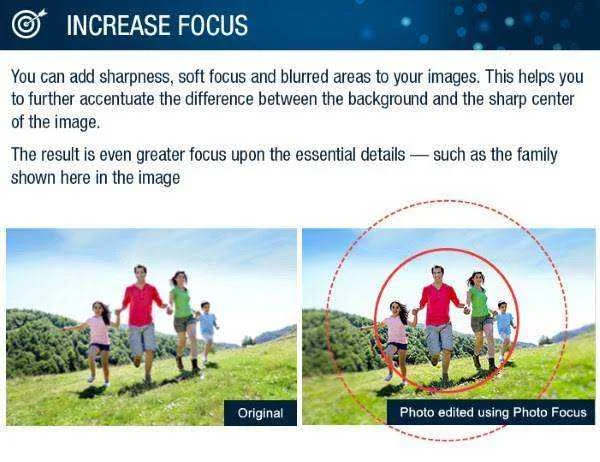
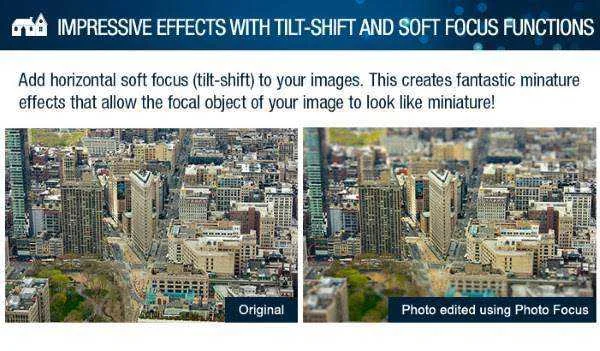
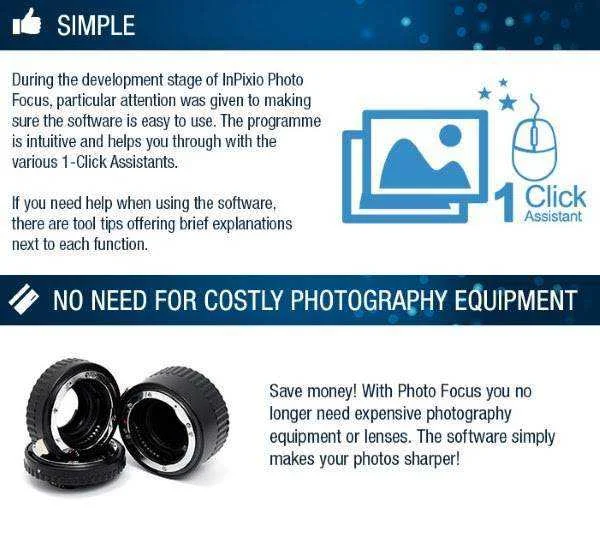
For example, with fuzzy filters, we can create a depth effect by reducing sharpness in the background or by adding horizontal strips that will make the central element in the picture stand out. Savings! Thanks to InPixio Photo Focus PRO, you no longer need an expensive camera or lenses. The software improves your picture in just a few easy steps!
Do you remember how frustrated you were, when you came back home after a trip abroad and realised half of your pictures were blurry? Either the person had moved, or you were trembling, or the light was not appropriate. Whatever the reason, the damage may seem irreversible!
With the photo editing software InPixio PhotoFocus, a fuzzy image becomes clear in just a few clicks. A focus and clear automatic feature helps correct the picture easily!

Features
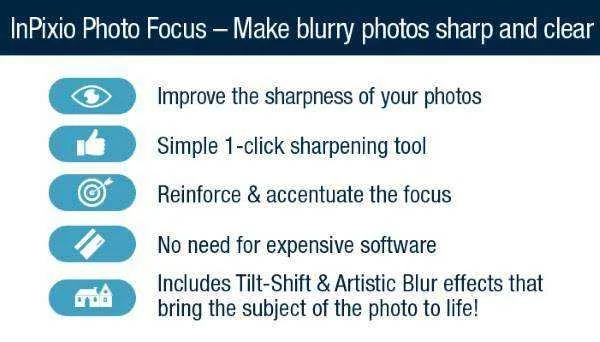
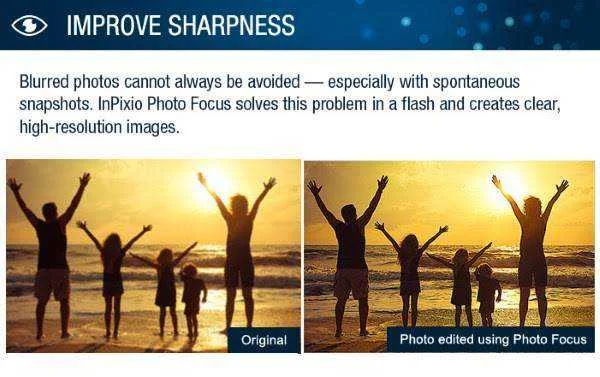
- Make blurry photos sharp and clear – Create clear, crisp and high-resolution photos.
- Apply Filters & Effects – Creative filters create impressive effects for ultimate focus and picture quality.
- Refocus – Improve the overall focus of your images or refocus photos for great results.
- 1 Click – Sharpen your photos with just one click or use the built-in preset buttons.
- Improve Sharpness – Increase the sharpness of your photos or resharpen photos to produce a more professional look.
- Presets for custom effects – Make amazing modifications to photos using the blurring, sharpening, or image color adjustments.
- Image cropping – The software incorporates six pre-defined formats (format 16:9, 4:3, etc.) or you can define your own
- Image formats supported – Jpeg and TIFF (8-bit or 16-bit), PNG, BMP, GIF and JpegXR
- Vignetting module – Add an oval picture frame to your photos to (vignetting) Create atmospheric shots from your photos with an oval picture frame in black or white.
Requirements
InPixio Photo Focus PRO operates in Windows® 10, Windows® 8.1, Windows® 8, Windows® 7 (32/64 bit), Windows® Vista (32/64 bit) environments and Windows® XP (Service Pack 3 with updates) environment.Check the following points to ensure the application operates correctly:
- PC featuring an Intel® Pentium® 1 GHz or equivalent
- 1 GB of RAM recommended
- Local hard disk with at least 5 MB of available space
- CD or DVD-ROM drive required
- Internet connection

- Visit the registration page > You do not have permission to view the full content of this post. Log in or register now.
- The page is in German, you may need a translator (I used Google Translate extension)
- On this registration page, fill in the form with the required data and click on the button 'Hier erhalten Sie Ihre Seriennummer' to submit.
- Once submitted, the confirmation email will be sent to your email address.
- Go to your inbox and open the email from Avanquest, then click on the confirmation link.
- Once confirmed, the activation code will be sent to your email address.
- Download the software from here:
http://filecdn2.avanquest.com/Covermount/DE/inPixio_Photo_Focus_3_CHIP.exe - Once downloaded, install it & launch the program after installation
- Use the activation code you've got to activate the full version
- Done. Enjoy the full features!


 Support here