PH
PHSkylum AirMagic
The World’s First Fully Automated Aerial Photo Editing Software
While drones let us shoot incredible images from previously unreachable places, the photos themselves often lack quality. This makes for a lot of manual work in post-processing to fix issues like haze, low or extreme contrast, lack of sharpness, undersaturation, and chromatic aberration. It’s tedious editing that requires time, special knowledge, and expensive software. With Skylum AirMagic, these problems are a thing of the past.
We’re excited to introduce the first software dedicated to drone photography – Skylum AirMagic. Powered by AI and advanced algorithms, AirMagic improves your aerial photos automatically. All you need to do is drag and drop your photos to the app. AirMagic will take care of the rest by carefully enhancing each picture.
We’re excited to introduce the first software dedicated to drone photography – Skylum AirMagic. Powered by AI and advanced algorithms, AirMagic improves your aerial photos automatically. All you need to do is drag and drop your photos to the app. AirMagic will take care of the rest by carefully enhancing each picture.
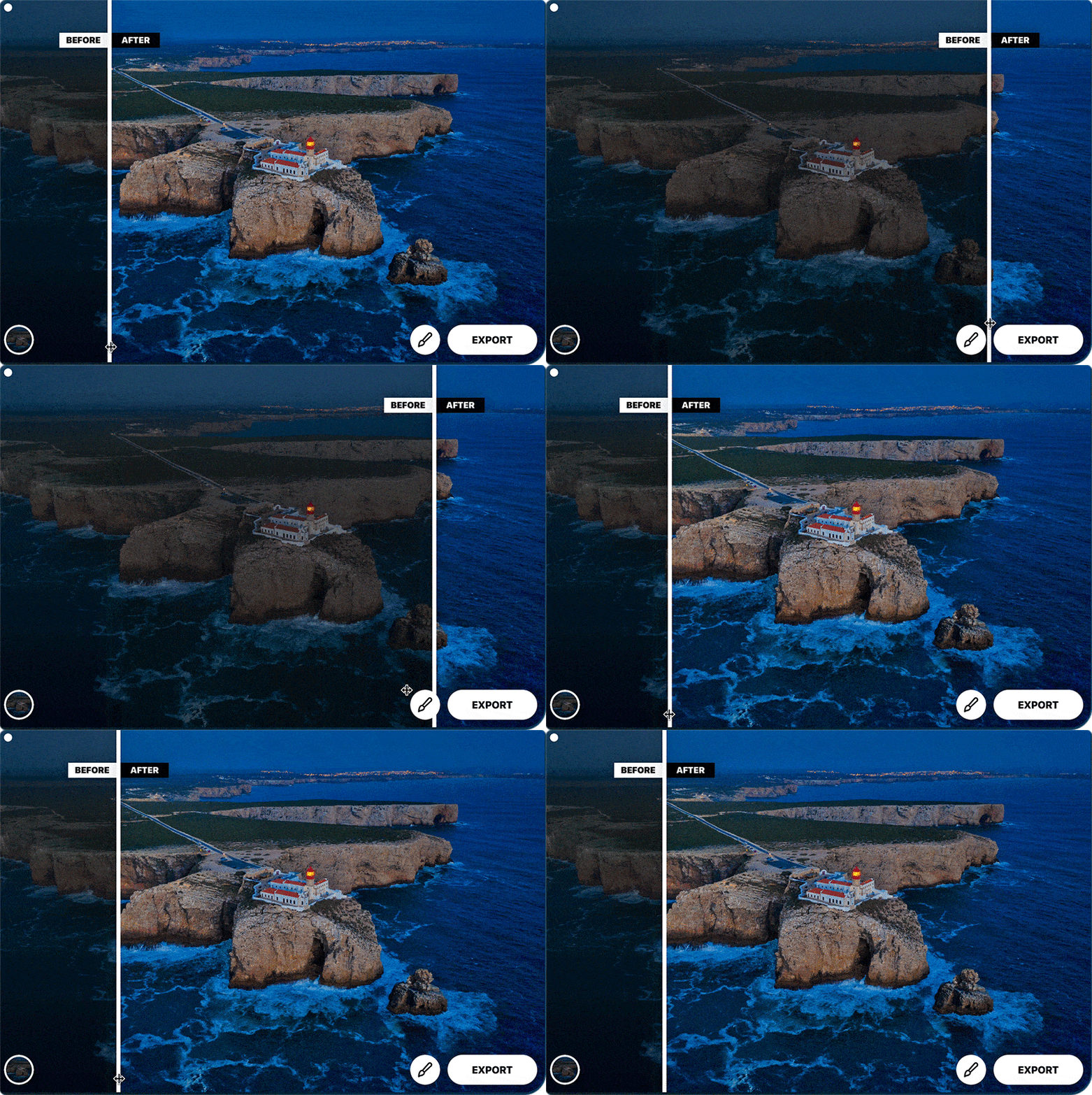
AirMagic was created to automatically resolve issues inherent to aerial photography. It lets photographers process their images without major involvement—all you need to do is drop your aerial photos into the app and AirMagic takes care of the rest, making each photo look its best.
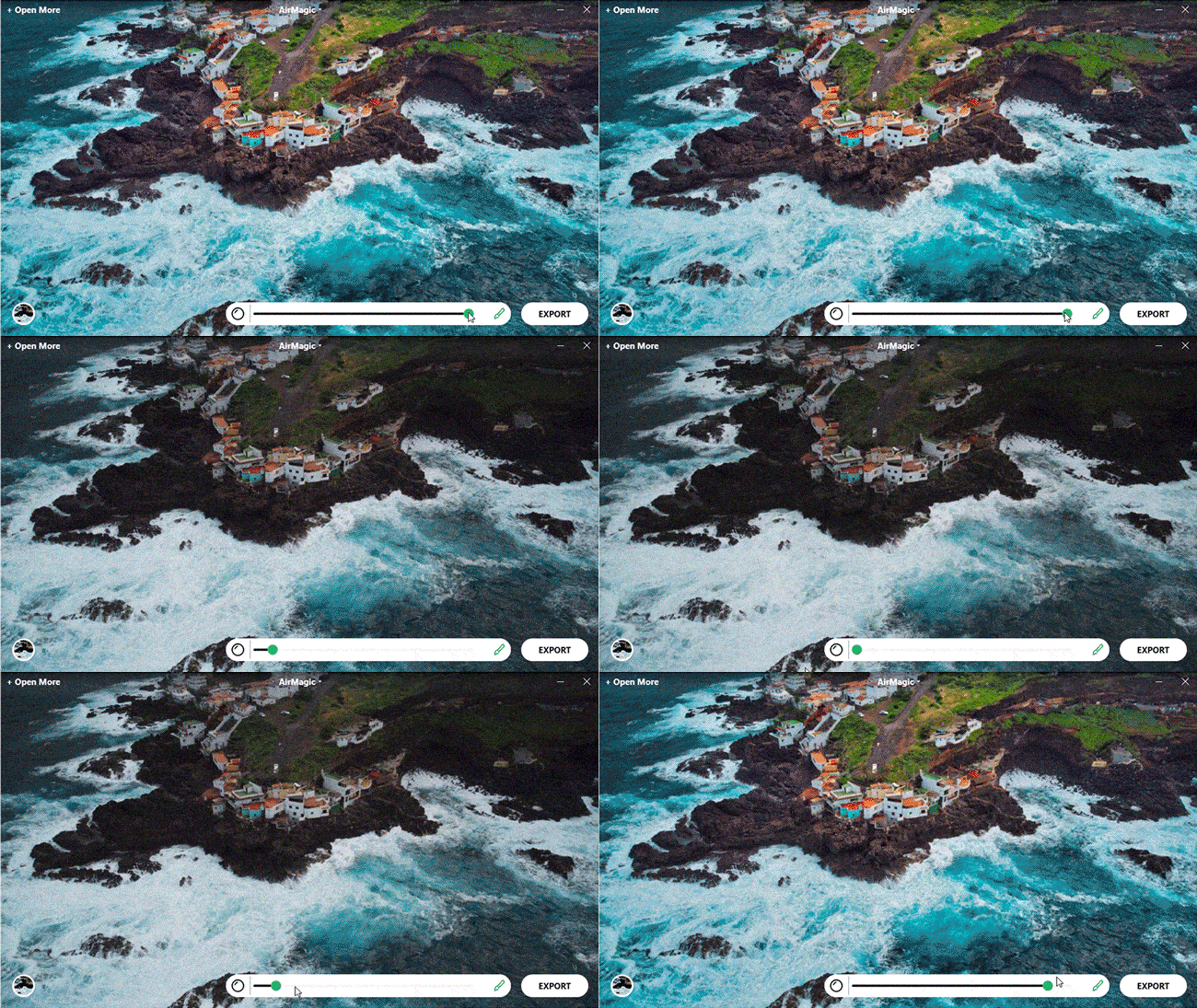
Upload as many images as you like and enhance them automatically. Imagine how many hours you would waste on manual editing. The ability to get more free time is a powerful skill. Don’t you think?
How does Skylum AirMagic work?
Skylum AirMagic uses image metadata & Elements of artificial intelligence to use for adjustments, where the program approaches each image individually and, based on the analysis and model of experience, works with different parts of the image differently. Of course, AirMagic is much more versatile and can edit ordinary photos.
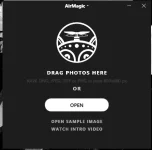
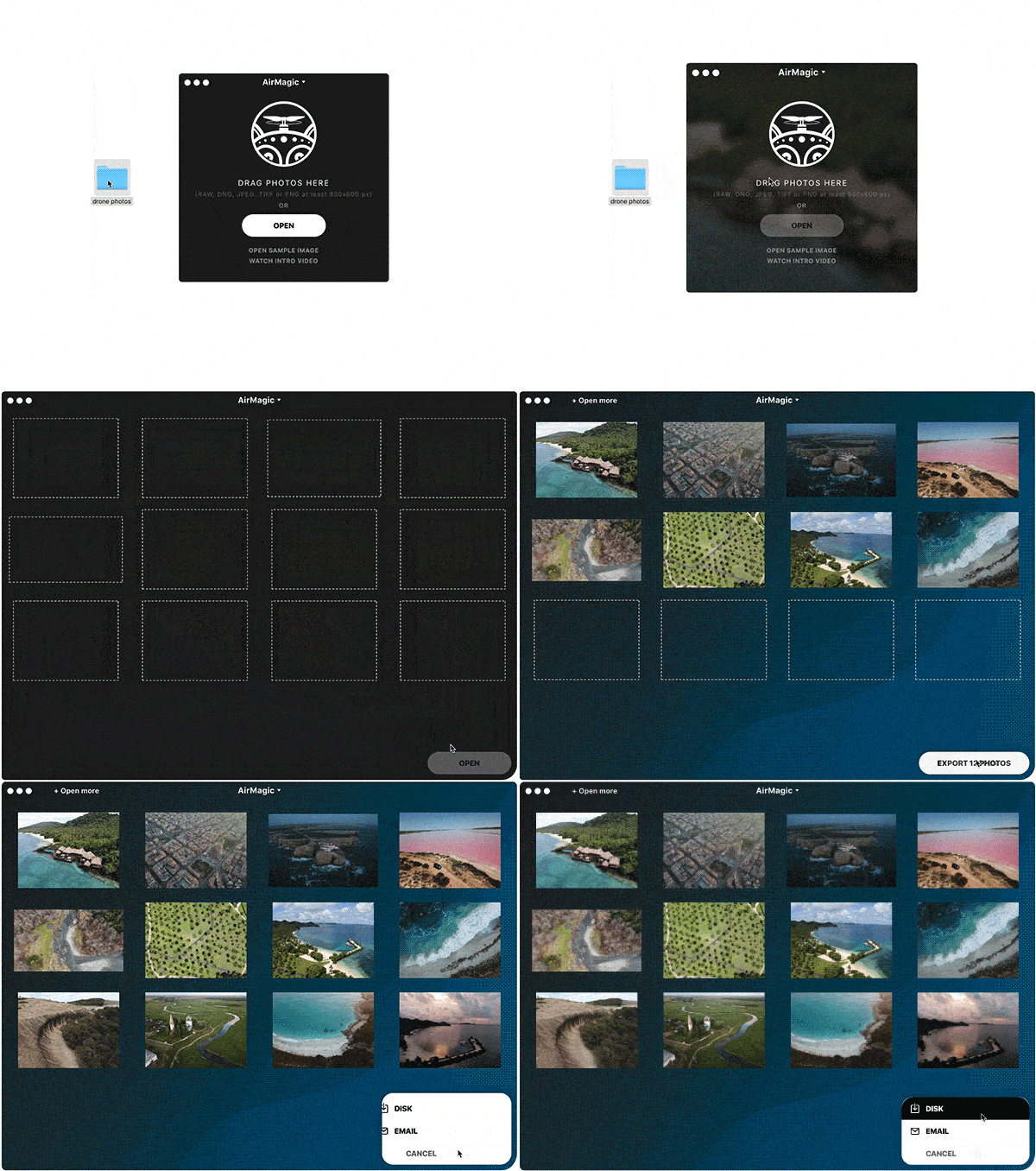
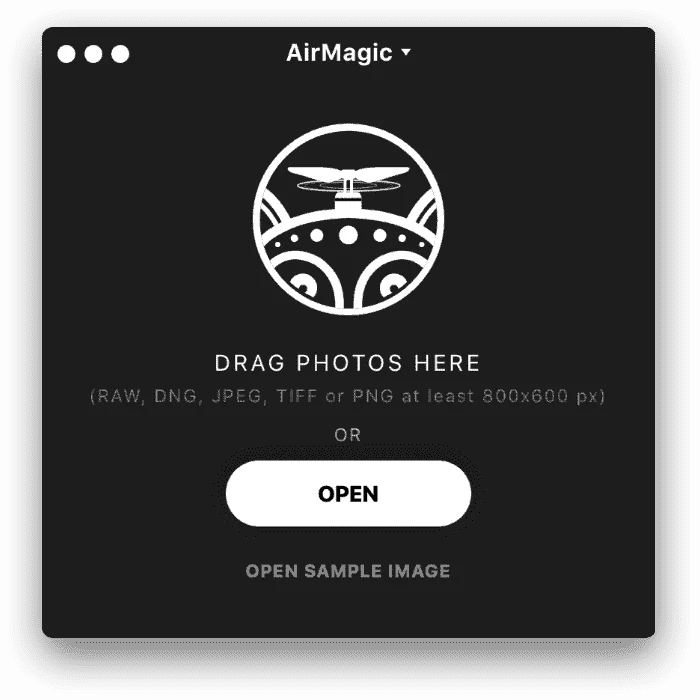
Why install? When launched, the program displays a simplified version of the control, where you just drag the images for editing. The program accepts JPG, TIF, PNG, or RAW with a minimum size of 800 x 600 pixels. The second option is to switch to the usual interface of graphics programs.
Why install? When launched, the program displays a simplified version of the control, where you just drag the images for editing. The program accepts JPG, TIF, PNG, or RAW with a minimum size of 800 x 600 pixels. The second option is to switch to the usual interface of graphics programs.
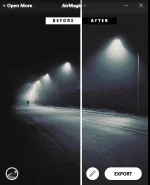
At the bottom left is a style button – the rules according to which the program optimizes images. They are created based on an analysis of the most common environments, in which pictures are taken. For simplicity, Styles remotely resemble Instagram color filters that adjust color saturation, brightness, contrast, HDR, and overall color reproduction. However, AirMagic does not flatly approach editing, but analyzes parts and sub-objects of the image and adjusts them fully automatically individually.
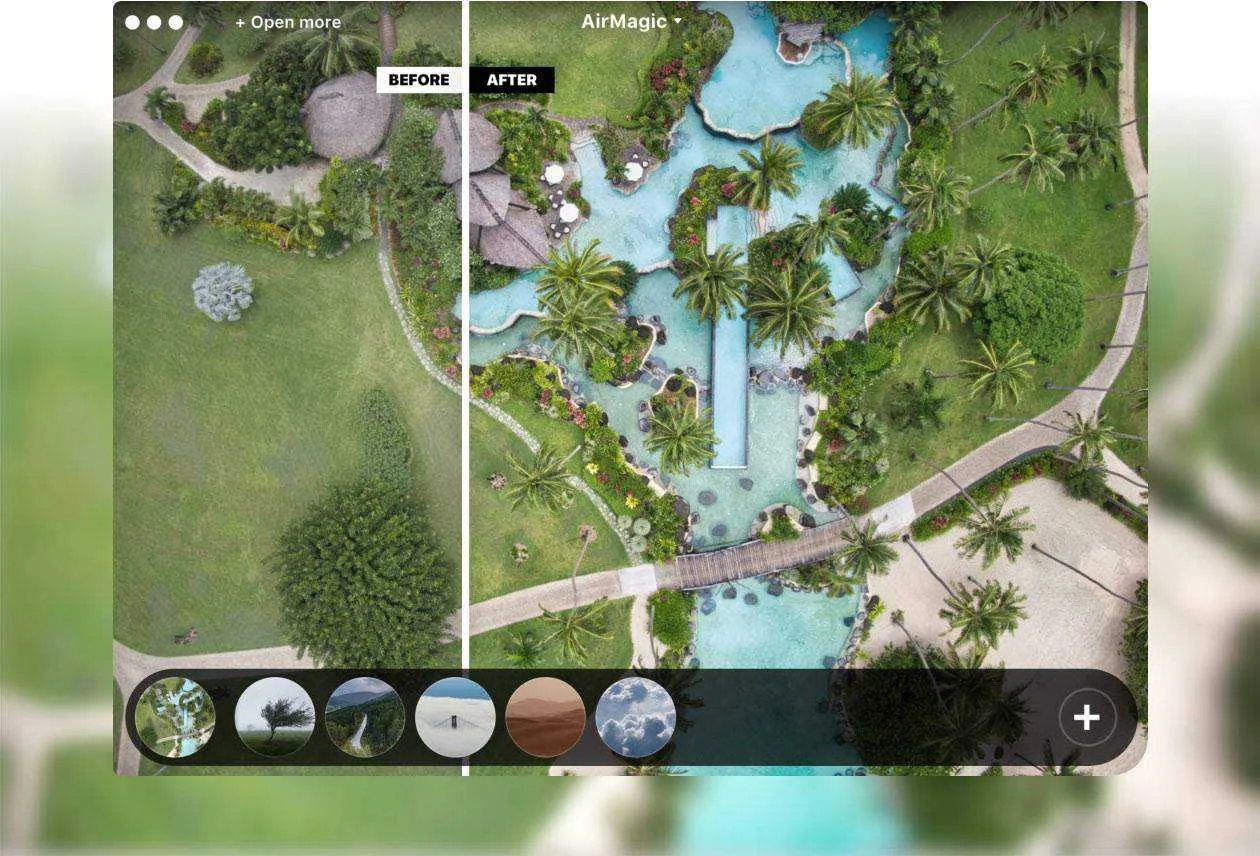
There are six styles available in the basic version, others can be purchased via a direct link to the manufacturer’s e-shop. At the bottom right, you can use the “brush” tool to adjust the intensity of the adjustments. The resulting photo can be exported to disk in JPG, TIF, PNG, PSD, and PDF formats. When clicking on the detailed export settings, it is possible to select the RGB color space, size, quality, and location of the resulting file. The user can create their own export settings for various use cases, such as for printing, for the web, for e-mail, etc.
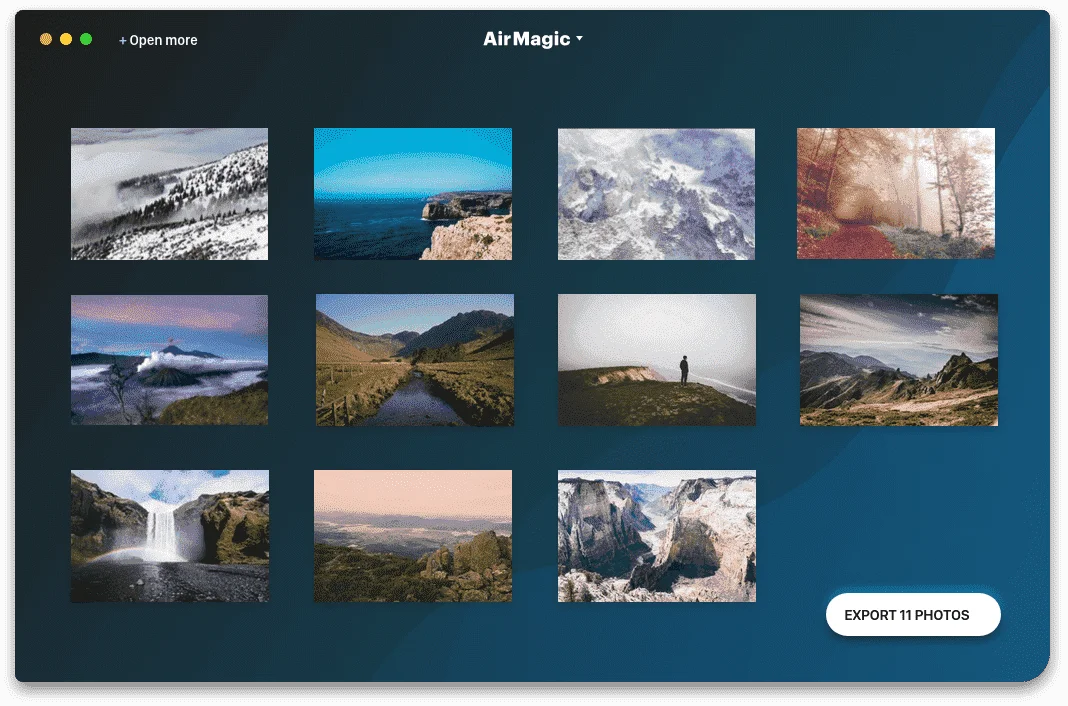
The program can process multiple images at once and again, it applies to each image when editing individually. If the program does not know how to process it in bulk, it will stop editing and request manual user intervention.
The program can process multiple images at once and again, it applies to each image when editing individually. If the program does not know how to process it in bulk, it will stop editing and request manual user intervention.
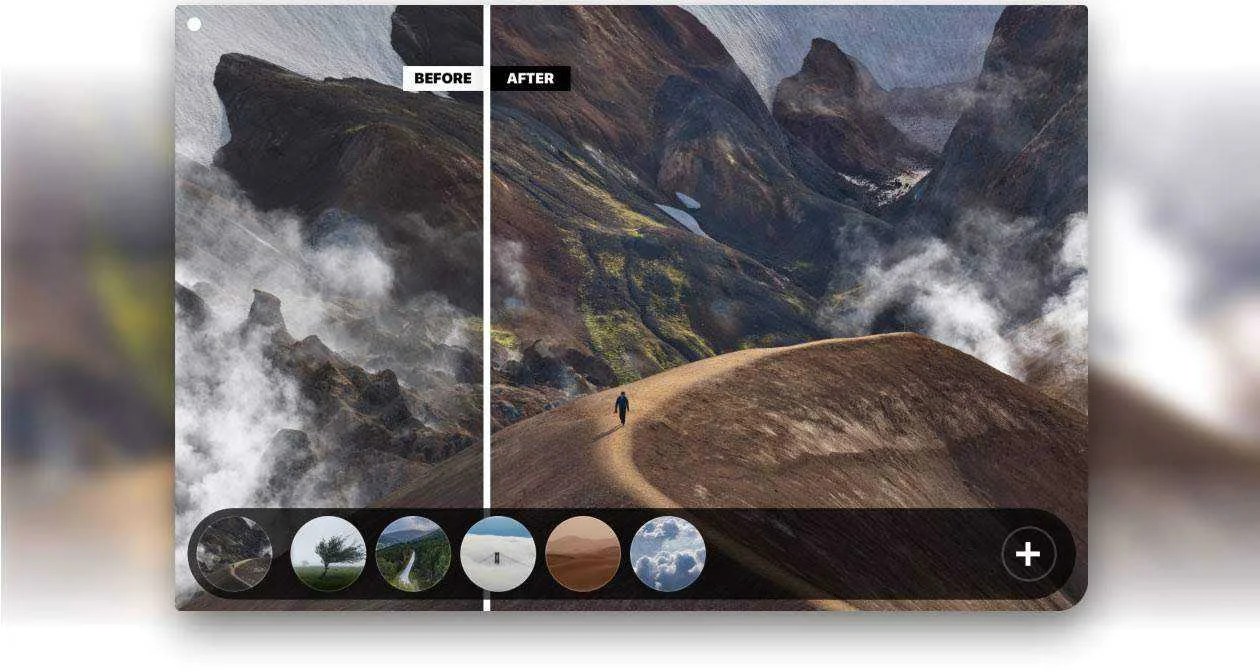
So if you need to process batches of aerial photographs, for example for real estate purposes, AirMagic is a practical choice. Note that image analysis is longer on slower computers.
Features
- Fully Automated – The app analyzes different aspects of the image and makes appropriate improvements, without any human involvement.
- Remove Haze – Haze can hide important details and is common in drone photos. AirMagic removes haze automatically.
- Enhance the Sky – AirMagic automatically detects sky in your photos and applies adjustments to make it look great.
- Reveal Details – AirMagic automatically reveals hidden details in your aerial photos without adding artifacts or pesky noise.
- Boost Colors – Automatically adjust levels across midtones, highlights, and shadows. Achieve deeper, richer colors for awe-inspiring results.
- Drag & drop all of your images, including raw files, and enhance them in one click.
- Batch processing
- Setting the intensity of AirMagic adjustments with the Boost slider
- AirMagic plugins for Photoshop and Lightroom
- Saving enhanced photos to your computer in a desired format and quality
- Styles are presets that improve the look and feel of your images.
Requirements
System Requirements for Windows OS:- Microsoft Windows 7, 8,10 (64-bit)
- Open GL.3 or later compatible Graphics Cards
- Intel® Core i3 or AMD Athlon® 64 processor; 2 GHz or faster processor
- 4 GB of RAM (8 GB recommended)
- 1024 x 768 display (1280×800 recommended)
- 4 GB of available hard-disk space, SSD for best performance
- DirectX 10-capable video adapter
- Internet connection and registration are necessary for required software activation, validation of subscriptions, and access to online services.
- To check your system information, open Settings and click About.
- macOS 10.11 (El Capitan), 10.12 (Sierra), 10.13 (High Sierra)
- Mac from early 2010 or later
- Intel 64-bit Core 2 Duo processor or better
- 4 GB of RAM (8 GB recommended)
- 1024×768 display (minimum)
- 4 GB of available hard disk space, SSD for best performance
- 1 GB of video RAM (VRAM)
- Internet connection and registration are necessary for required software activation, validation of subscriptions, and access to online services.
- To check your system information, click on the Apple logo and choose About This Mac.
You do not have permission to view the full content of this post.
Log in or register now.
- Instructions:
- On the registration page, fill in the form with your name & email address
- Give a check on 'I agree to receive emails...' and click on the SUBMIT button
- The confirmation email will be sent to your email address
- Open the confirmation email & click on the confirmation link
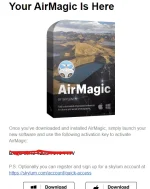
- Once confirmed, you will receive the email that contains the activation key & download link for Windows & Mac for FREE
- Download the installation file & install it after downloading
- Launch your new software and use the activation key you've got to activate AirMagic
- Done. Enjoy the full features!