PH
PHWebsite to Download PC Games
Offline Installation | StandAlone Installation
Heywazup, Meron na naman akong ishi-share na website for downloading PC Games at meron din konting Softwares na pwede ma download like Adobe and FL Studio.It's interface is better than the other site I shared last time [Thread]
Link here:
You do not have permission to view the full content of this post. Log in or register now.
Detailed Tutorial [For Beginners]:
Step 1 : Go to the website, link above.
Step 2 : Either scroll down to browse games or search in the search box to find your desired game
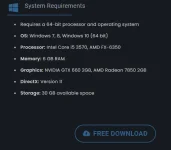
Step 3 : After Choosing a game, you can check at the bottom part the System Requirements and Click "FREE DOWNLOAD"
Step 4 : You will be redirected to a new tab where you can choose your desired cloud drive [source of the file]
Available cloud drives are Mega.nz, Firefile.cc, Uploader.net, some have Torrent
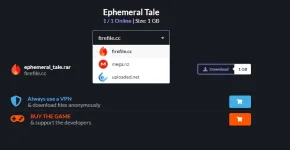
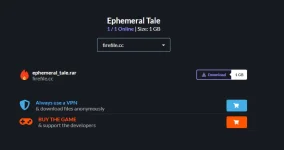
In this case, I chose Firefile.cc , click Download and wait for 10 seconds.
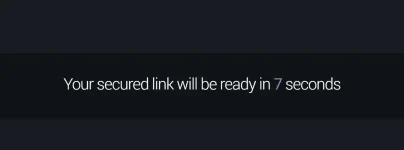
"Click Here to Download"
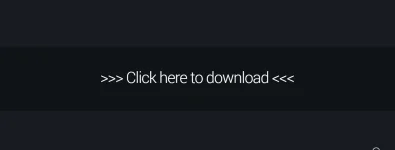
And you can now download the Game.
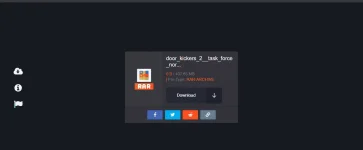
That's all.
Additional Infos:
*Some games are divided to parts, and each part's file size is 5GB.
*Download via Mega.nz , Firefile.cc , Uploaded.net and some have Torrent
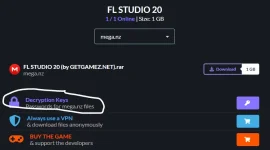
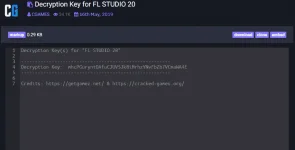
*Some Mega files have a Decryption Key.

Just click the Key to copy the Decryption Keys
How to Bypass Mega.nz even though its only a free account Tutorial
You do not have permission to view the full content of this post. Log in or register now.
How to install Video Tutorial
You do not have permission to view the full content of this post. Log in or register now.
Magpasalamat naman kayo, nag effort ako nito oh hahaha
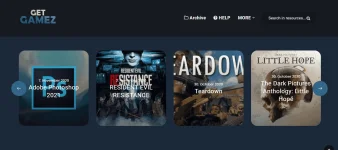
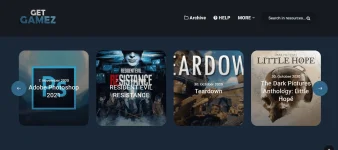
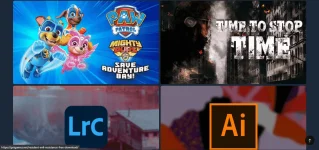
Website Look:


Used of being useless