PH
PHEagleEye04
Eternal Poster
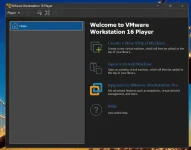
At first, VMware Workstation Player only existed as the “player” of the virtual machine files generated by VMware Workstation. That means, it could just open and run a ready-made virtual operating system file created by VMware Workstation, and was not capable of creating or installing its own virtual machine OS. As a result, it has not been of great use value. Fortunately, its new version already started to support “create a virtual machine” function, which makes its practical value get a sharp rise!
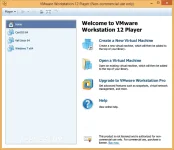
In fact, VMware Workstation Player is exactly the same as VMware Workstation Pro on performance, just relatively speaking, its comes with less advanced features (but that has been enough to use for most common users). For example, it does not support snapshot, does not support the deployment of some virtual applications, does not support grouping multiple virtual machines into one network. But in return, it gets clearer UI, smaller file size, less system resource consumption and authorization for free. And best of all, many preserved basic functions are enhanced, such as support of external storage devices, as well as support of user network and multiple virtual machine file formats (including the virtual machine files created by VMware Workstation, You do not have permission to view the full content of this post. Log in or register now., You do not have permission to view the full content of this post. Log in or register now. and You do not have permission to view the full content of this post. Log in or register now.). Anyway, until now, it still seems to be much better than the free and open-source You do not have permission to view the full content of this post. Log in or register now. on performance and usability.
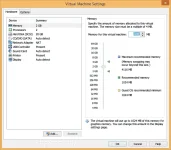
Instruction:
1. after download, complete run setup.
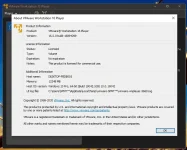
2. use the serial included on the downloaded file.
3. enjoy!
Download link: You do not have permission to view the full content of this post. Log in or register now.