PH
PH1. go to udemy.com and create your account..kung meron ka na..just login..download also the app sa playstore/appstore and login using your account.
2. visit this site: You do not have permission to view the full content of this post. Log in or register now.
3. search any courses you like..(note: hindi ko pa natry kung lahat free, explore it on your own) or you can try some suggested courses na makikita mo sa site.
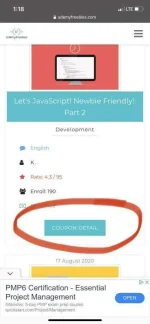
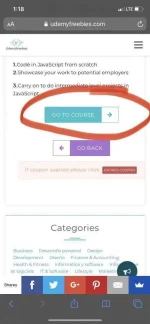
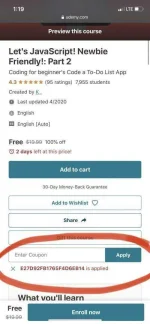
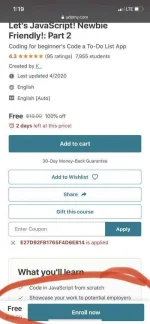
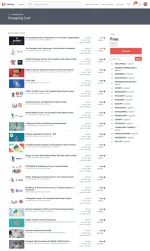
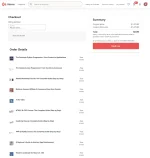
4. kapag may nkita ka na course na gusto mo..sa baba click/tap the coupon details then antayin mo mag reload ang site then click/tap goto course..mag oopen ng new tab at makikita mo sa baba na napply na yung coupon autimatically.. sa pinakababa.just click /tap enroll now.. then put your location zip code..and click ok.
5. refresh you udemy app and goto my courses..makikita mo na doon yung course na napili mo.(kung hindi mag appear..just close udemy app and open again).
please hit like ,post screenshot if working..