PH
PHTo delete cookies for one site:
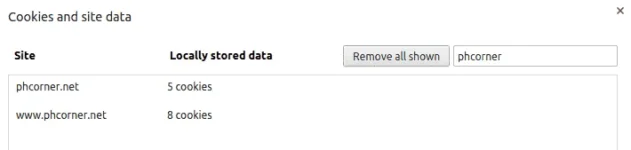
Copy paste chrome://settings/cookies in the Omnibox/URL bar
Or Click on:
Chrome menu
→ Settings → Advanced → Content Settings → All cookies and site data).
Search for the site & then delete.
Another method is:
Copy paste chrome://settings/cookies in the Omnibox/URL bar
Or Click on:
Chrome menu
→ Settings → Advanced → Content Settings → All cookies and site data).
Search for the site & then delete.
Another method is:
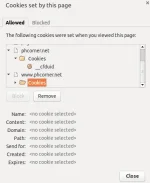
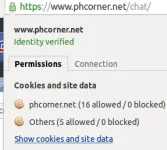
- Click the document icon next to the URL.

- On the Permissions Tab, Click on "Show cookies and site data".
- Highlight the cookie and choose "Remove".