PH
PHFor Android:
Install
You do not have permission to view the full content of this post. Log in or register now. or You do not have permission to view the full content of this post. Log in or register now..
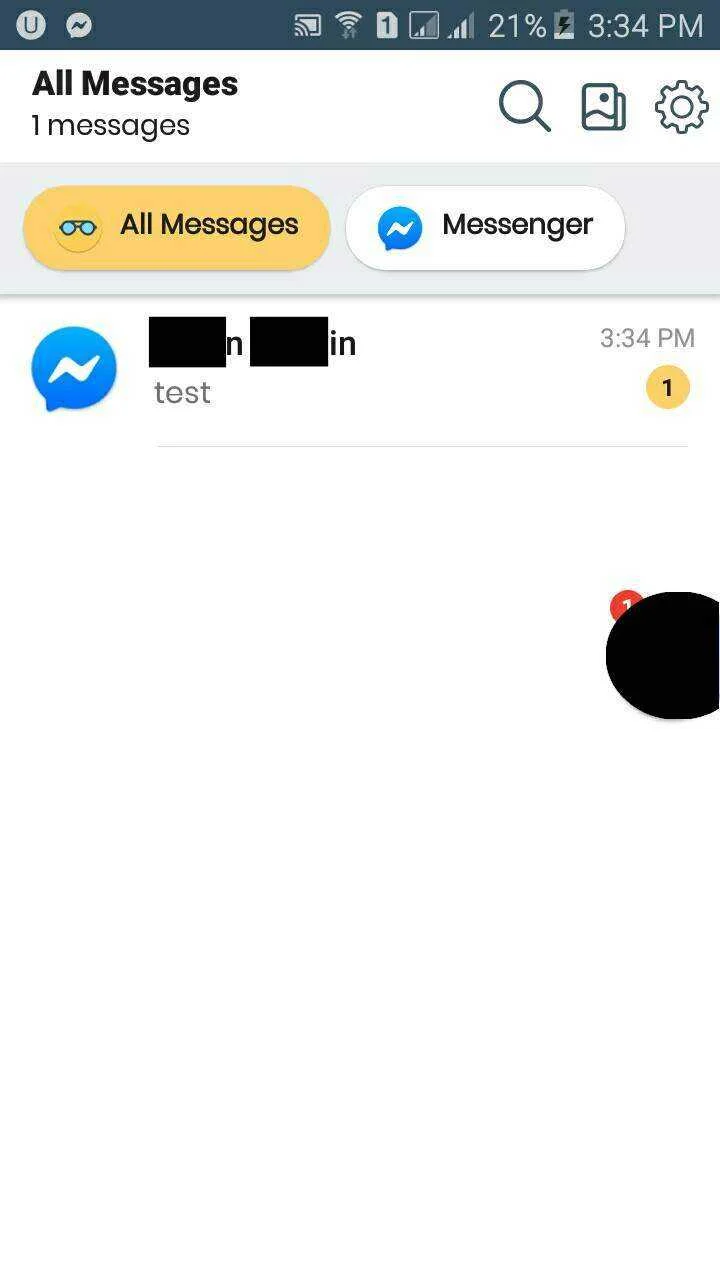
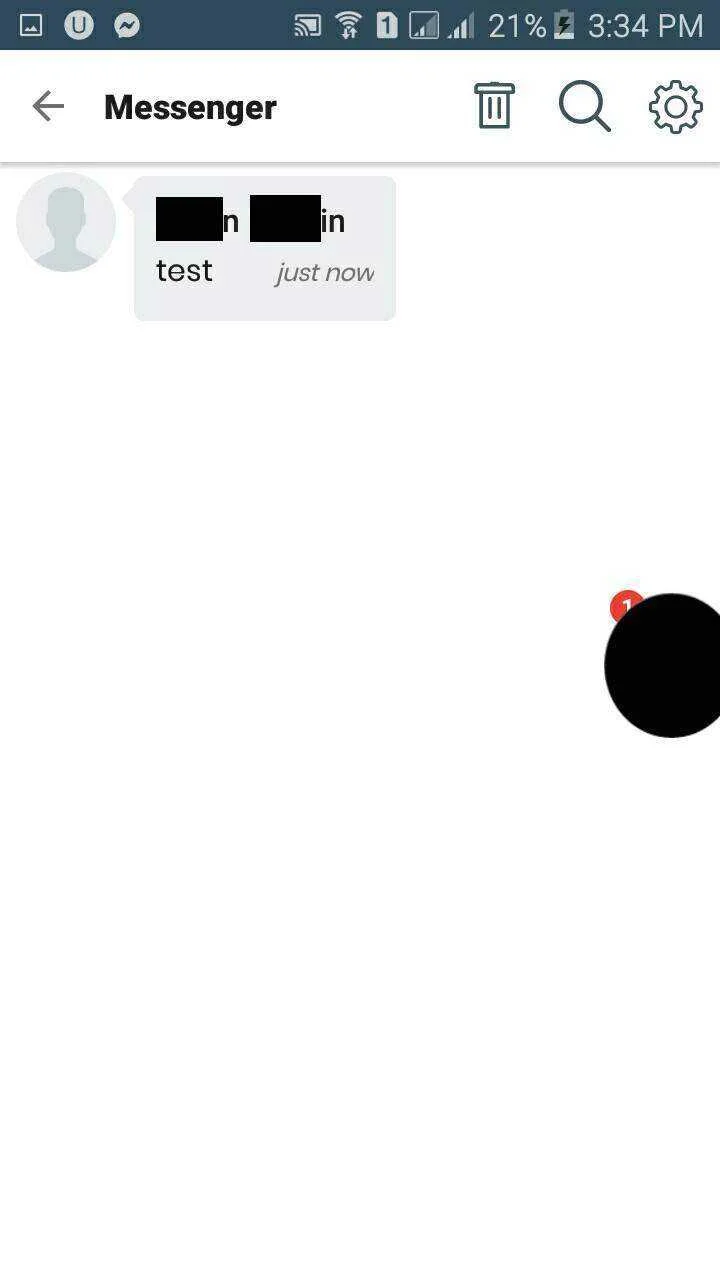
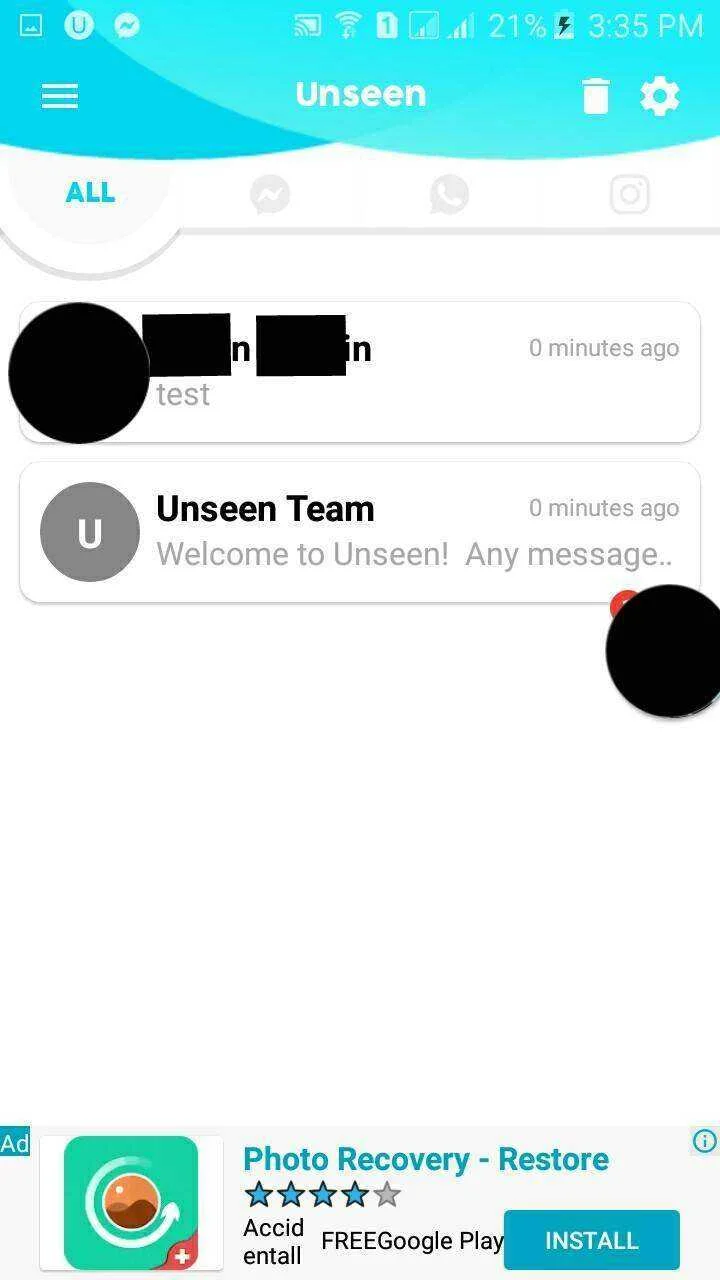
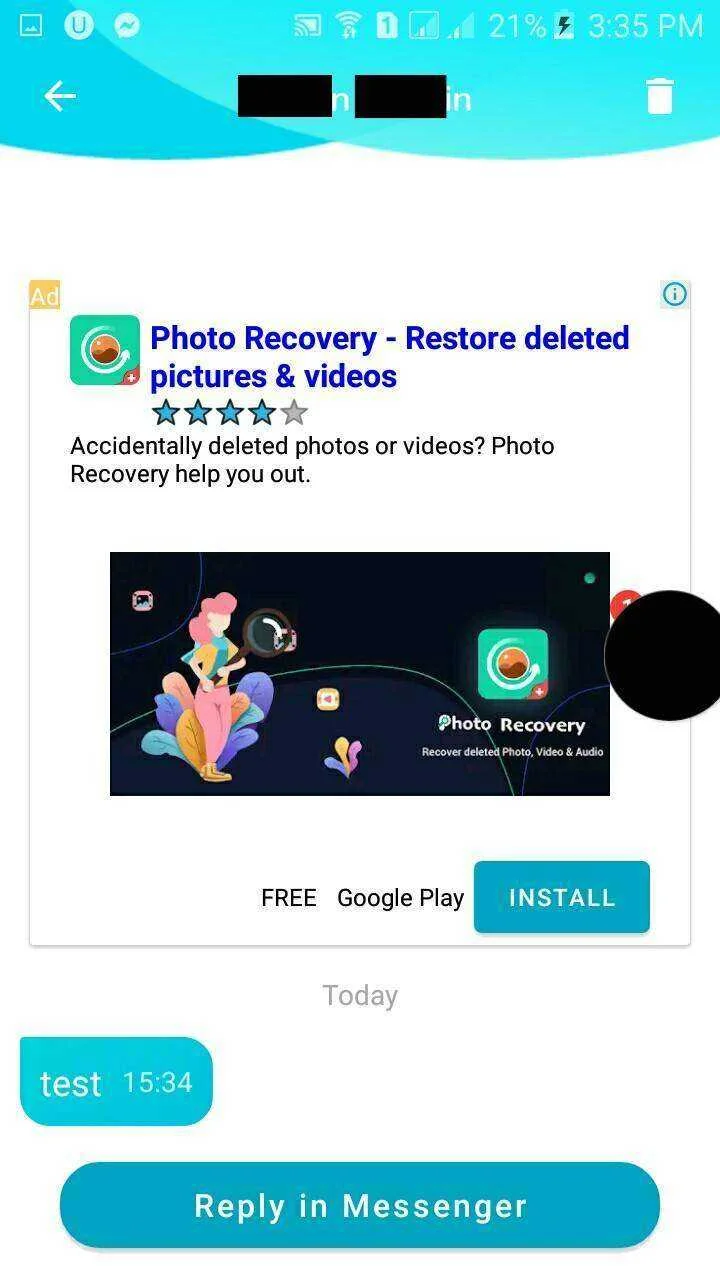
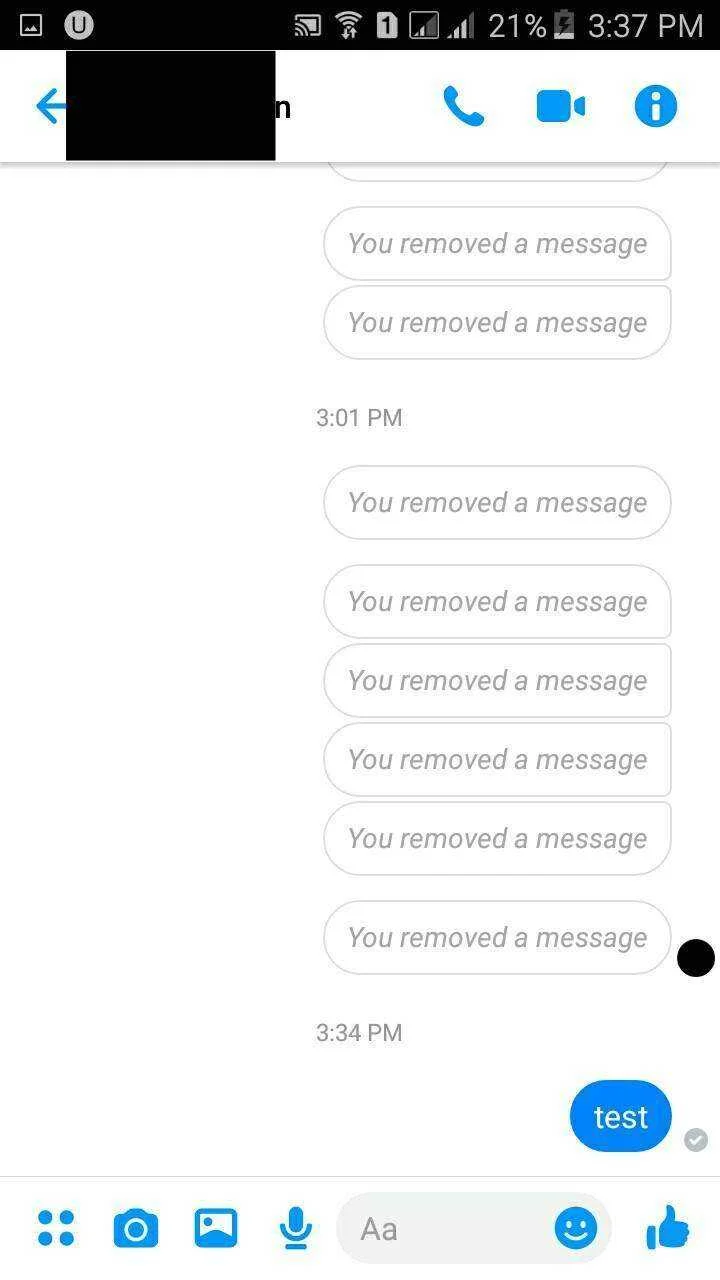
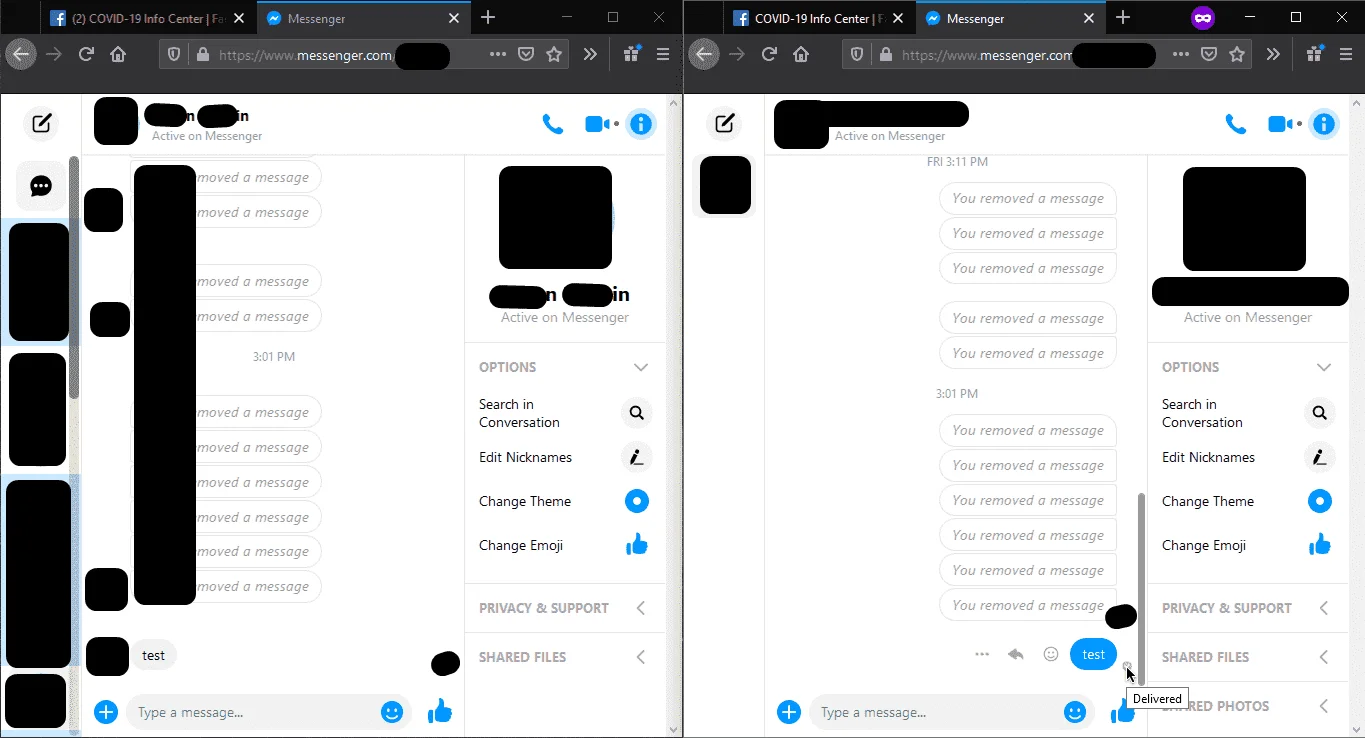
Same lang installation process, after ng installation mag r-request yung app ng Notification Acess, Turn ON mo lang then pili ka ng apps na gusto i-block yung "seen" feature and you're done. Sinisave ng app yung messages kaya kahit i-remove nung nag send yung message, may copy ka. Btw message lang na r-recieve, hindi mo makikita pag image, video or voice message.
For Chrome Browser:
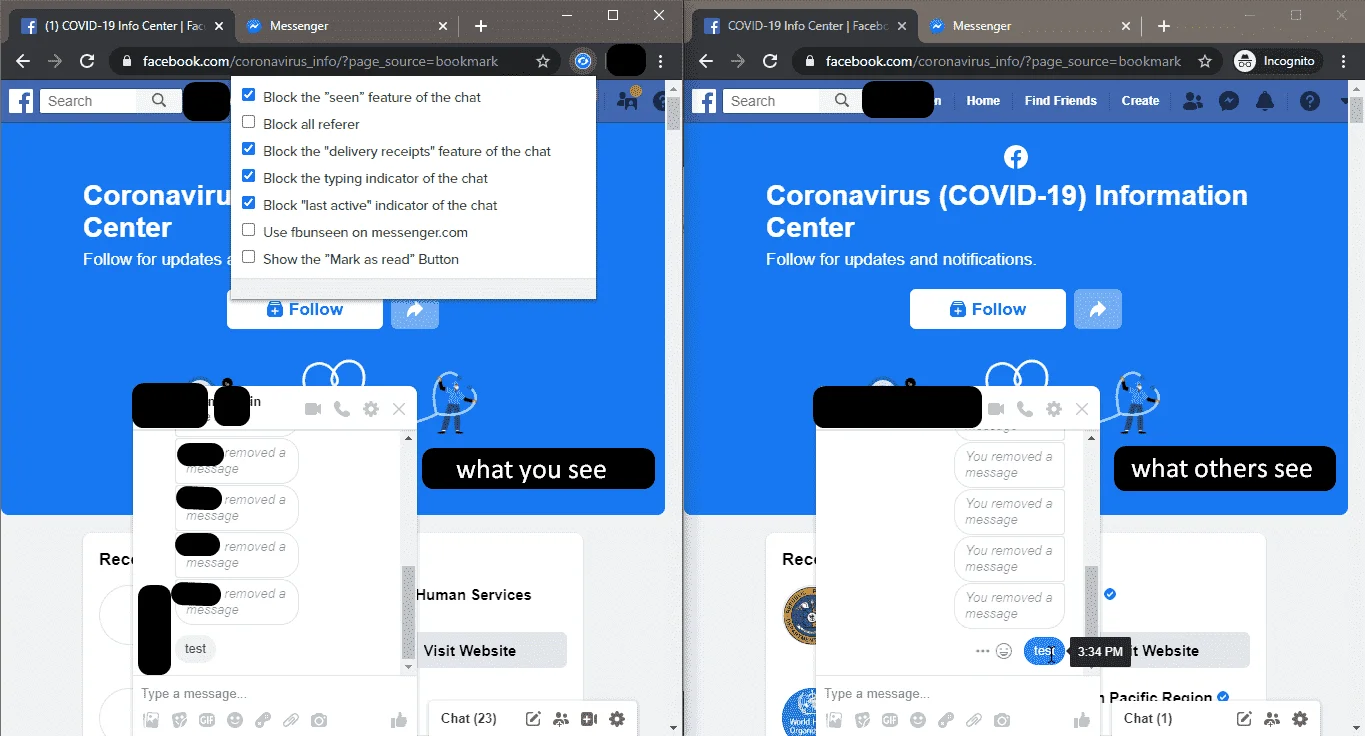
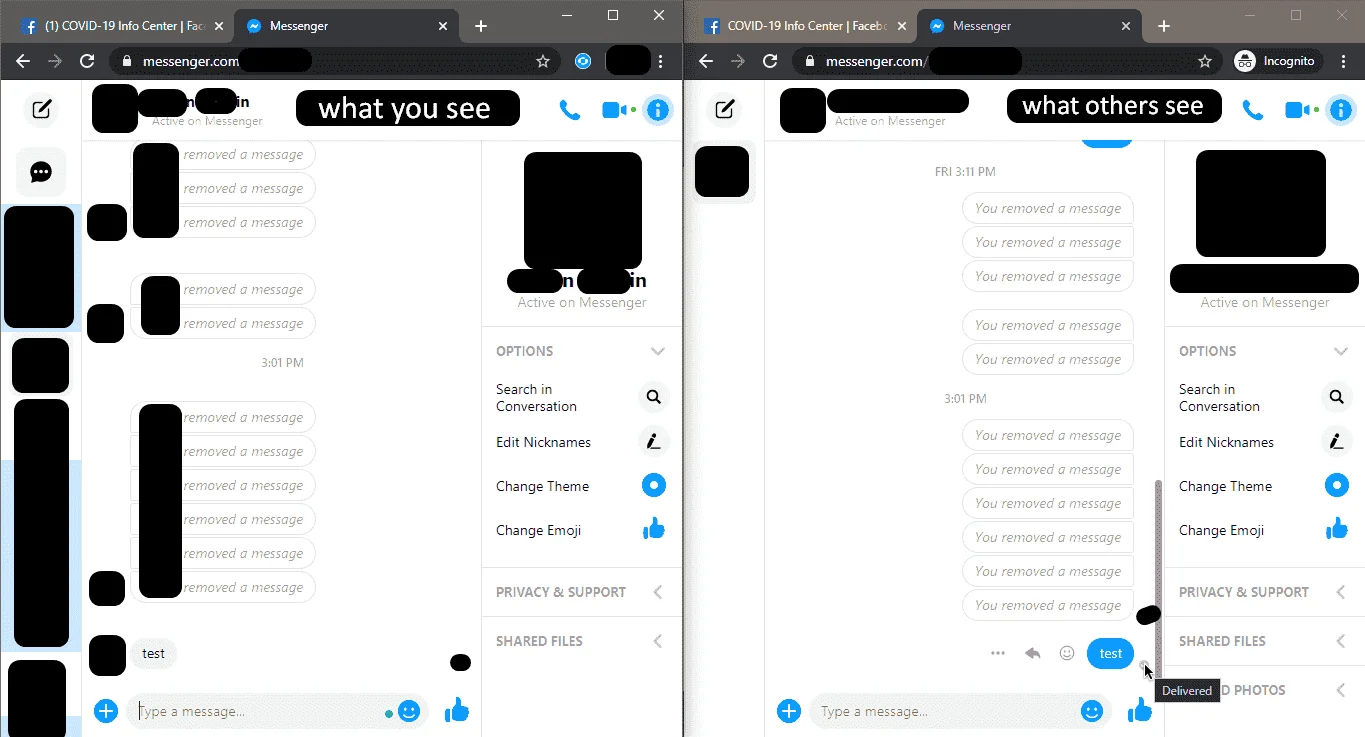
Go to You do not have permission to view the full content of this post. Log in or register now. and search for unseen extension, madami kang pagpipilian, pero in this tutorial we'll use You do not have permission to view the full content of this post. Log in or register now..
For Mozilla Browser
You do not have permission to view the full content of this post. Log in or register now.
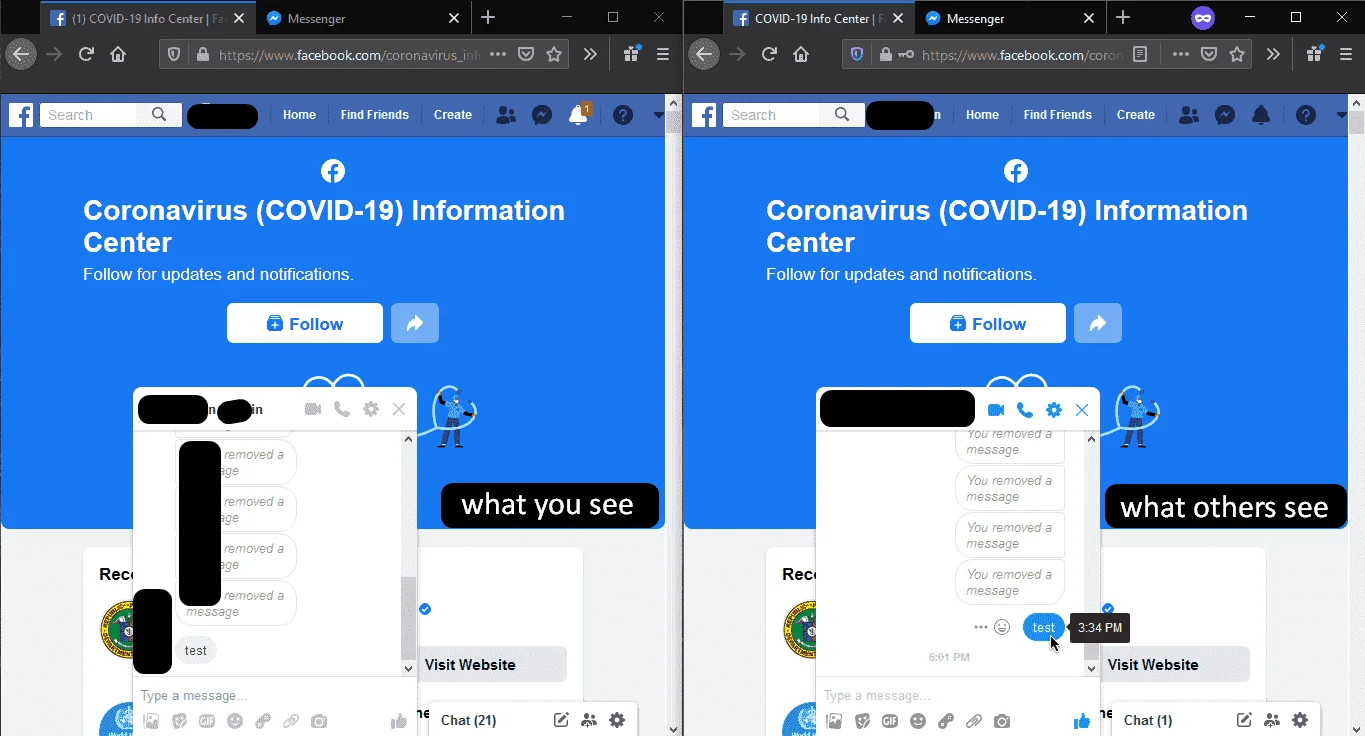
Install the extension and you're done. Click mo lang yung icon para ma modify mo yung settings for your own preference.
Bonus for Chrome Browser
You do not have permission to view the full content of this post. Log in or register now.
1. Profile Picture Guard: to prevent others from s†éáling Profile Picture.
2. Privacy Changer: change the privacy of your posts in bulk on personal Facebook.
3. Interaction Scanner: scan interaction of friends on personal Facebook wall.
4. Messages Downloader: count messages between you and your friends, and also download messages!
5. Group Scanner: find which groups you or your friends joined.
6. Page Scanner: find which pages you or your friend liked.
7. Friends Remover: find and remove friends with ease. It can also find deactivated and locked accounts.
8. Check to see who's online/idle.
Install
You do not have permission to view the full content of this post. Log in or register now. or You do not have permission to view the full content of this post. Log in or register now..
Same lang installation process, after ng installation mag r-request yung app ng Notification Acess, Turn ON mo lang then pili ka ng apps na gusto i-block yung "seen" feature and you're done. Sinisave ng app yung messages kaya kahit i-remove nung nag send yung message, may copy ka. Btw message lang na r-recieve, hindi mo makikita pag image, video or voice message.
For Chrome Browser:
Go to You do not have permission to view the full content of this post. Log in or register now. and search for unseen extension, madami kang pagpipilian, pero in this tutorial we'll use You do not have permission to view the full content of this post. Log in or register now..
For Mozilla Browser
You do not have permission to view the full content of this post. Log in or register now.
Install the extension and you're done. Click mo lang yung icon para ma modify mo yung settings for your own preference.
Bonus for Chrome Browser
You do not have permission to view the full content of this post. Log in or register now.
1. Profile Picture Guard: to prevent others from s†éáling Profile Picture.
2. Privacy Changer: change the privacy of your posts in bulk on personal Facebook.
3. Interaction Scanner: scan interaction of friends on personal Facebook wall.
4. Messages Downloader: count messages between you and your friends, and also download messages!
5. Group Scanner: find which groups you or your friends joined.
6. Page Scanner: find which pages you or your friend liked.
7. Friends Remover: find and remove friends with ease. It can also find deactivated and locked accounts.
8. Check to see who's online/idle.