 PH
PHThis is Adobe product's universal patcher.
It can ρá†ch every products of Adobe by replacing it's suitable crack in the product's default installation directory.
How to Install and use ρá†ch ? (taking Photoshop CC 2014 as example)
Read Instructions.txt
It can ρá†ch every products of Adobe by replacing it's suitable crack in the product's default installation directory.
How to Install and use ρá†ch ? (taking Photoshop CC 2014 as example)
- Download the setup of CC 2014 Application
- TURN OFF YOUR INTERNET CONNECTION (Important)
- Run the installer. Choose Try in the first screen
- Click Sign In in next window (Or Not Your Adobe ID, if you have already logged in your computer)
- It will show an error, Then click Sign In later
- Accept License Terms and Install
- When setup finishes click Launch Now.In next window click Sign In Later
- Now you will get a trial notification. Just click Start Trial there
- Photoshop (or installed app) will launch now. Wait till it loads completely then close it.
- Now download and Run Adobe Universal Patcher CC 2014
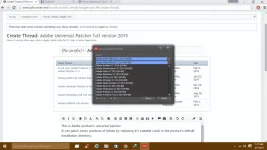
- Click ρá†ch drop-down list and scroll to the very bottom. Select Adobe CC Application (32 bit or 64 bit)
- Now Click ρá†ch button and browse to the installation path of Photoshop CC 2014 (or installed app) – ex : C
 rogram FilesAdobeAdobe Photoshop CC 2014
 - Select amtlib.dll file and Click Open
- Wait till patching finishes (it will print errors,just ignore them)
- Now run the given BLOCKHosts.bat file as administrator / Or block the installed app using a firewall
- Now you have Full version of CC 2014 App
 You can turn on Internet !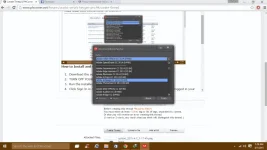
- If you have the latest Adobe Muse CC 2014, there will be ‘amtlib.dll’ file located in your installation path. So just select it and apply the crack.
- But If you use an old version of Adobe CC, Then scroll down and select Adobe Muse CC (32bit) and apply the crack.Then it will search for a file called ‘MuseOnAIR.swf’. Browse for it in and apply the ρá†ch

Read Instructions.txt
Spoiler contents are visible only to Established Members.
