PH
PHash18butuan
Enthusiast
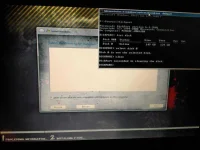
try ko ngayun broluma na pala ung unit mo, hindi uefi capable yan. try mo mag shift f10 dun sa pilian ng hard disk, dapat mag open ng cmd. Pag open ng cmd gawin mo to
1. diskpart
2. ung x:\>windows dapat maging DISKPART>
3. type mo list disk
4. hanapin mo ung 160gb kung ano ung number example Disk 0
5. type mo select disk 0
6. type clean
7. i close mo na ung cmd tas i refresh mo ung sa pilian ng hdd, dapat lumabas na ung hdd