 PH
PH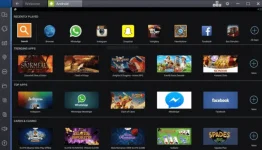
How to Download and Install BlueStacks on Windows 10/8/7
These are the steps to download Bluestacks App Player for PC.
Step 1. Click You do not have permission to view the full content of this post. Log in or register now. to download Bluestacks latest version for Windows 10/8.7.
Step 2. When your download is complete, double click on the BlueStacks installer to begin the installation process.
Step 3. Now you just follow the on-screen guide and install BlueStacks on your PC.
You can now launch BlueStacks and you can find any Android apps, games, music, TV, movies, books and install it on your PC for free.